2025-10-07 / Bairui SU
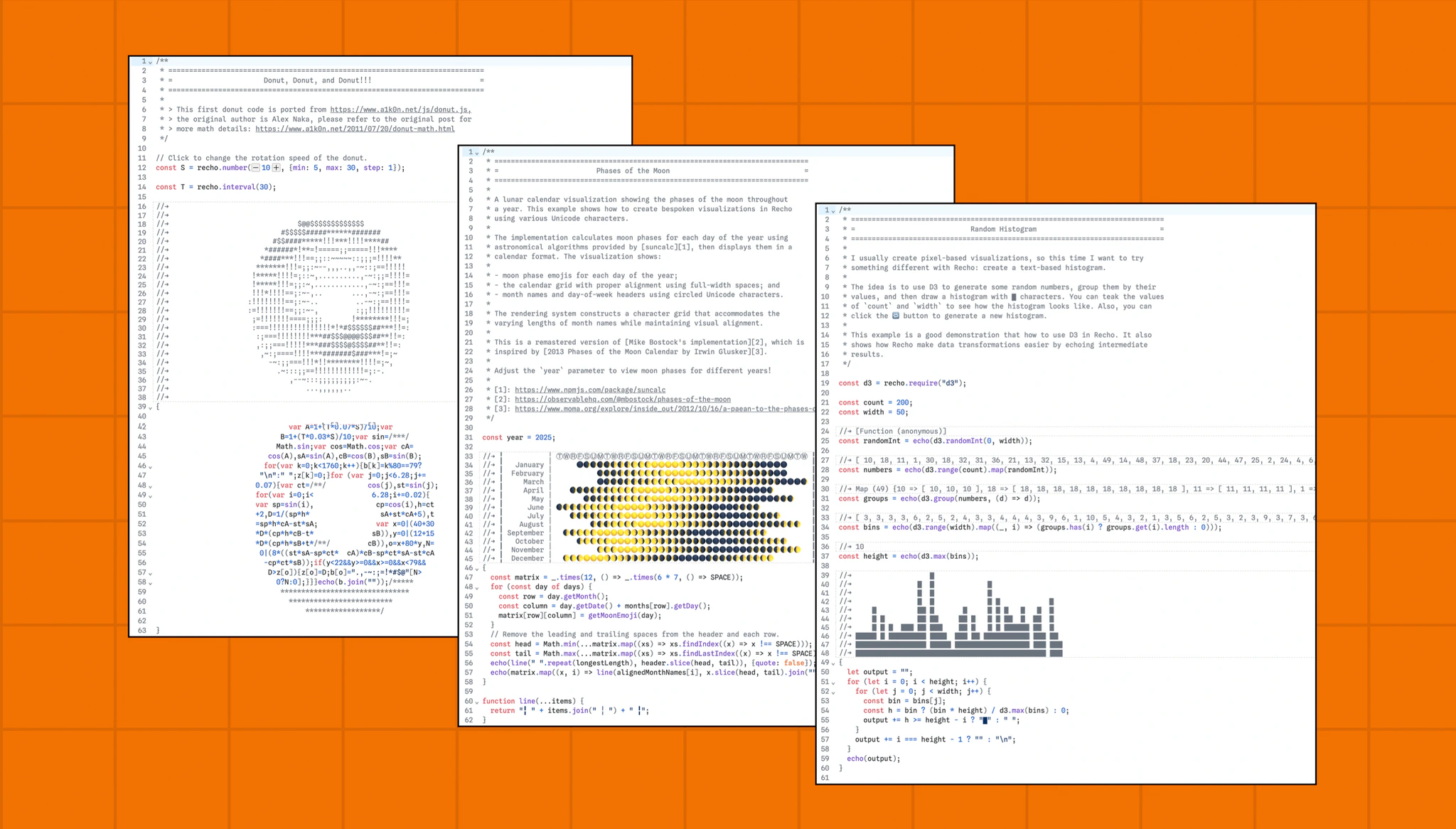
Recho Notebook has been accepted by CHI 2026! Check out the poster for more details.
Recho Notebook is an open-source, light notebook learning and exploration environment. It introduces a plain code format for notebooks — echoing output inline as comments for live, in-situ coding with instant feedback. Built on vanilla JavaScript and the reactive model of Observable Notebook Kit, Recho Notebook lets developers, artists, and learners explore algorithms and ASCII art interactively. The goal of Recho Notebook is to introduce a lighter way to code with creativity .
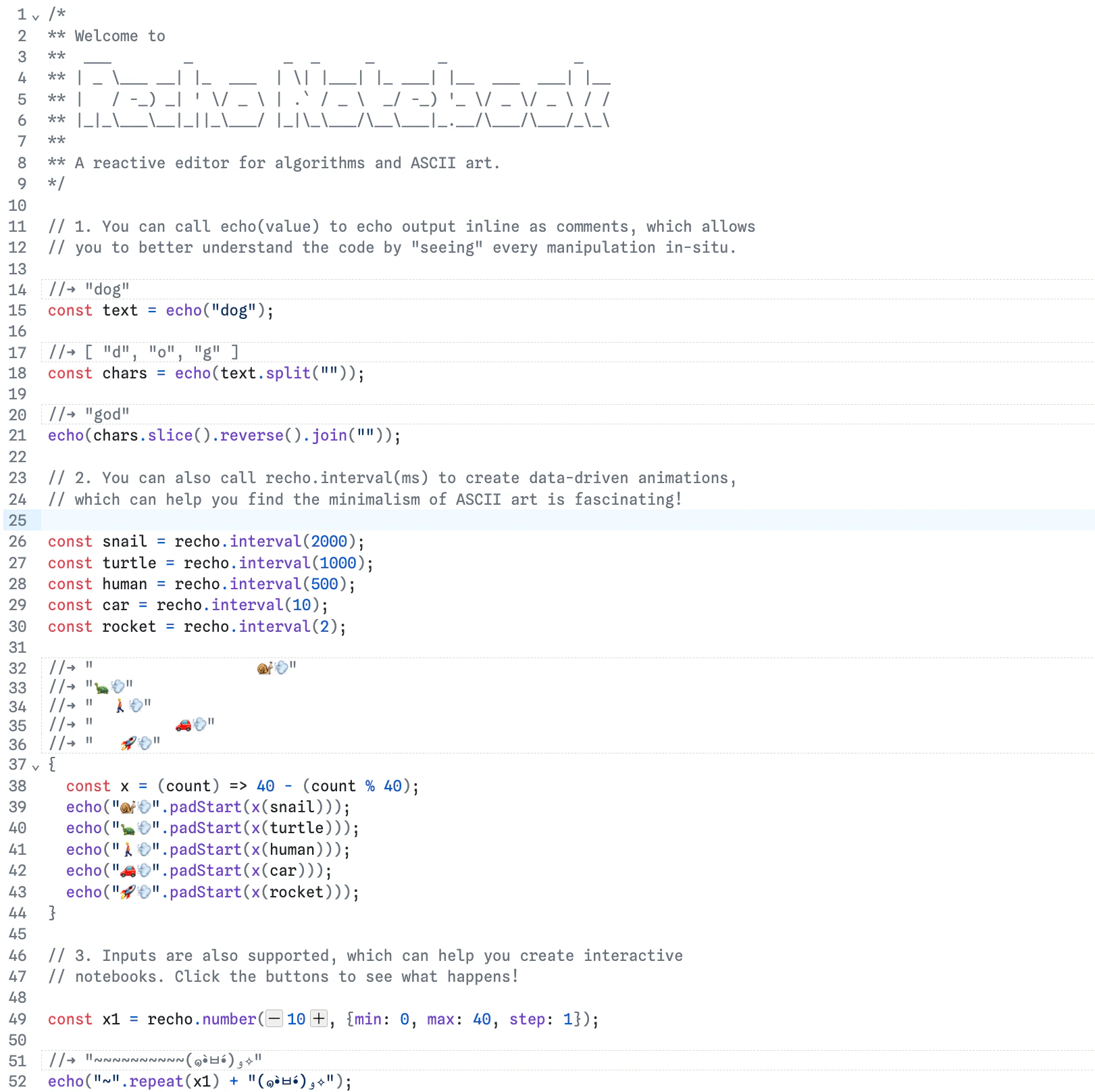 Starter Notebook
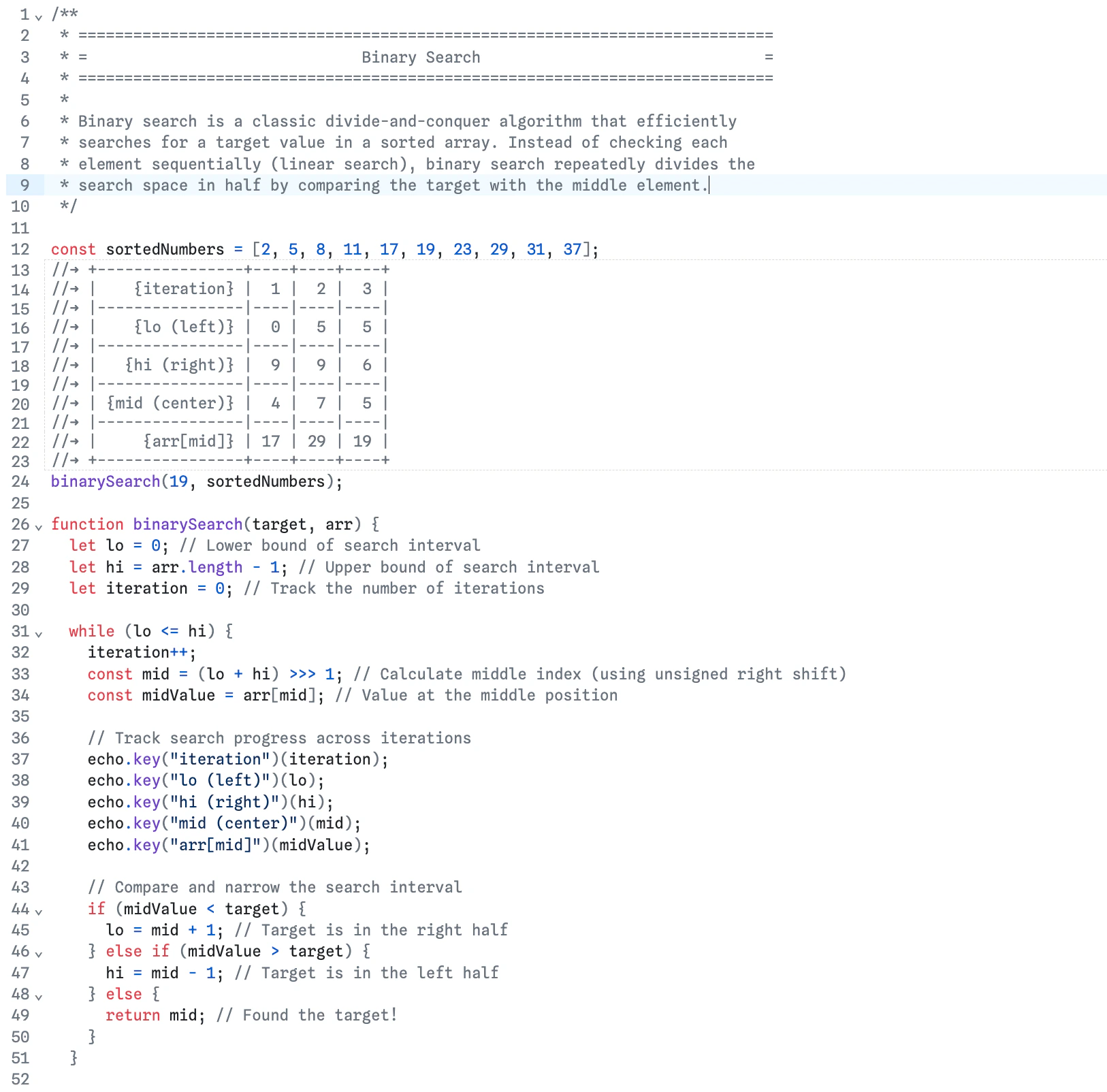 Binary Search
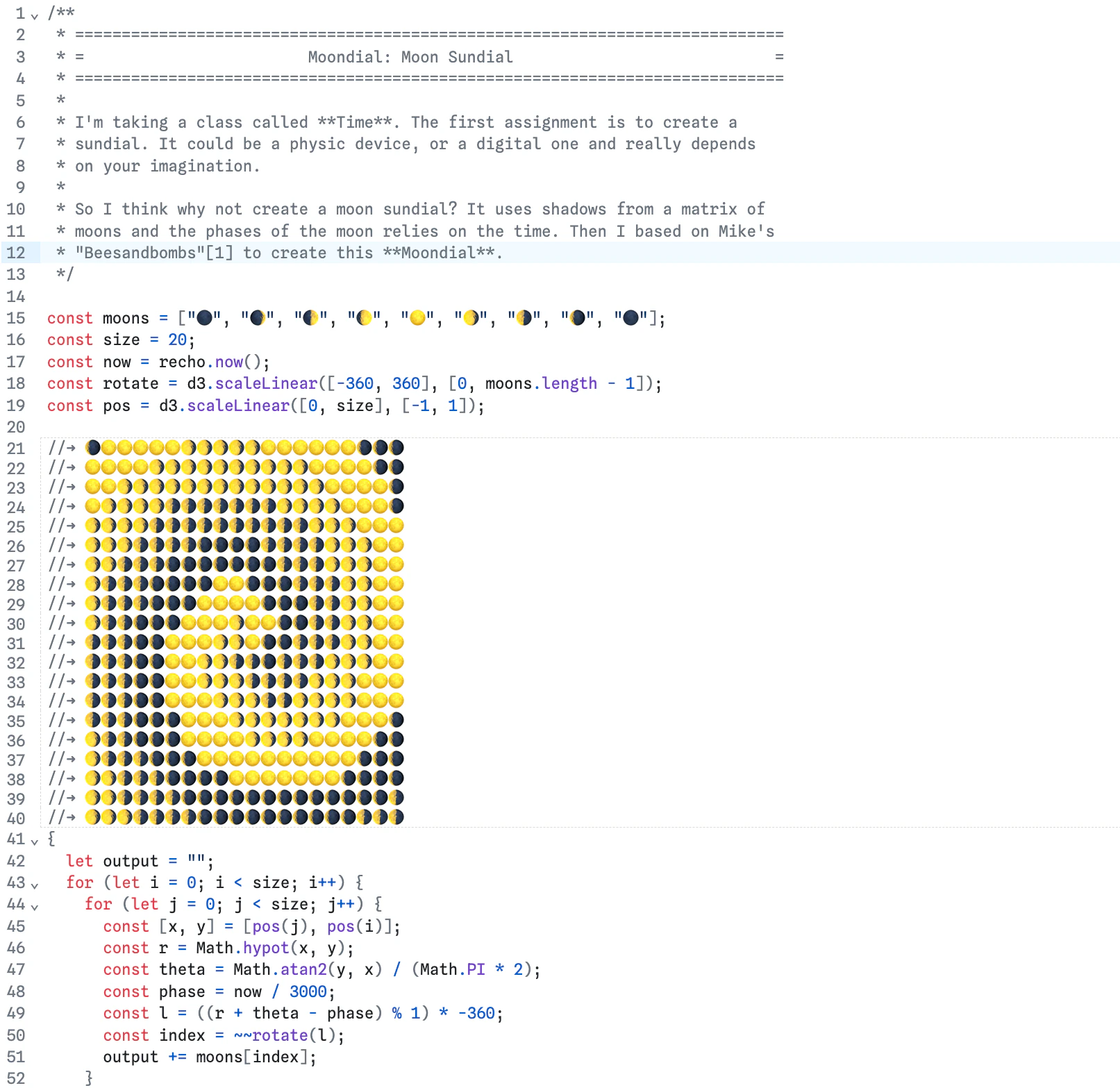 Moondial: Moon Dial
Inspiration
Many people have felt that coding is too heavy to start, too complicated to learn, or too serious to enjoy. To explore this challenge, I have been interested in how the design of programming tools shapes how we think and learn.
Language Shapes the Mind
I started with building libraries, because I firmly believe that a library itself is a language and
Language shapes the mind.
If language can change how we perceive the world, then the languages embedded in our tools also shape how we think, learn, and create. A good example comes from one of my favorite movies, Arrival. A linguist named Louise Banks is tasked with learning the language of newly arrived aliens. She surprisingly discovers that she can foresee the future after that. It turns out that learning the alien language alters human perception of time from linear to non-linear.
It’s a bit dramatic, but this idea has deeply influenced how I think about programming tools: the way we encode ideas shapes how we think, explore, and imagine possibilities. So when I was developing AntV G2, I spent a lot of time researching the latest research in data visualization and how to design a more expressive and flexible grammar. By doing so, I wanted to introduce a concise yet effective way of thinking about data visualization.
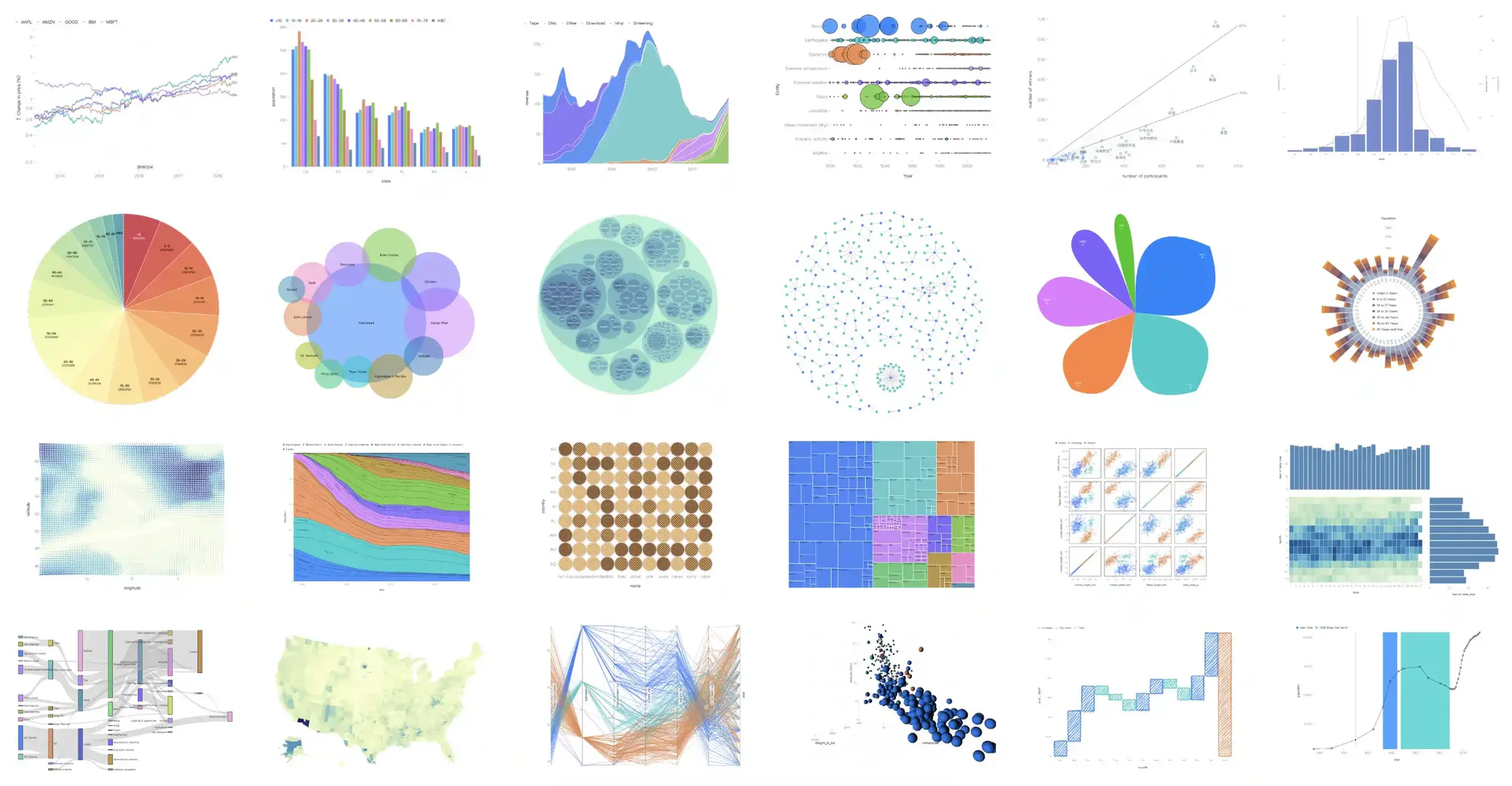 AntV G2 Examples
Environment also Matters
However, after releasing G2 5.0, some users appreciated the new grammar. Most users, however, were more concerned about a feature we had removed from the online editor — the ability to display API documentation directly in the editor for examples. Without this, they couldn’t effectively understand and explore examples with clear explanations, which made them feel G2 had become harder to use.
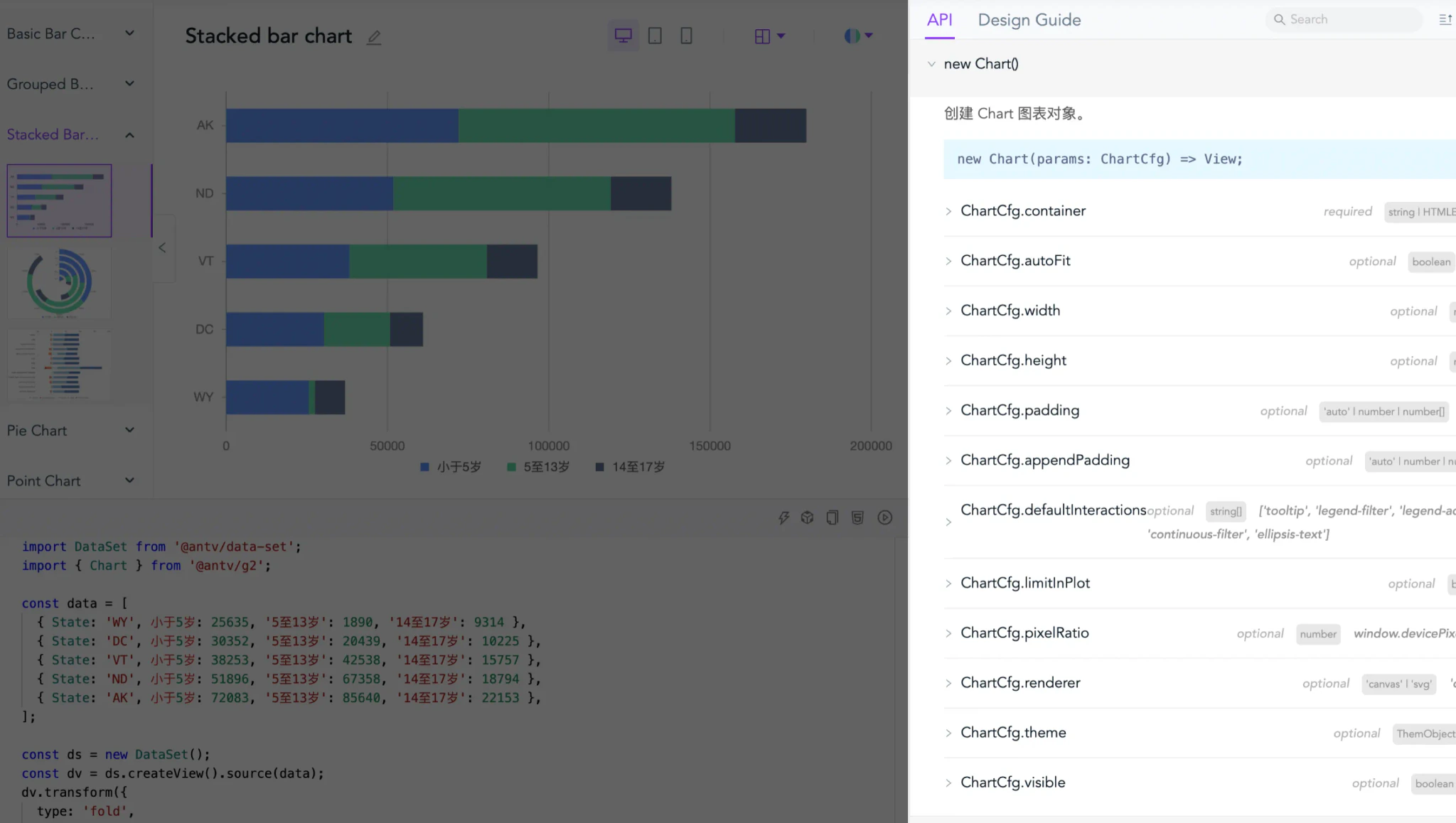 AntV G2 Editor with API Documentation
This revelation quickly led me to an important insight:
A good language alone isn't enough to make coding more accessible, the environment also matters.
The similar thing happens with p5.js. While p5.js is renowned for its beginner-friendly APIs for creative coding, it’s the p5.js web editor that truly makes p5.js more accessible. Zero setup, easy previewing, debugging, duplicating, and sharing make life easier for beginners, educators, and artists. At ITP, nearly all instructors use it for teaching, and students rely on it for assignments.
However, p5.js heavily relies on graphics, but programming is not only about graphics. As Edsger Dijkstra put it:
Computer science is no more about computers than astronomy is about telescopes.
By saying this, he means computer science is more about computation than computers. So I'm wondering what if we can create a programming environment that focuses more on computational processes rather than purely graphical outputs — or perhaps realizing my collaborator Luyu Cheng’s vision?
We want to live in editor forever.
Design Principles: A Lighter Way to Code with Creativity
We are not trying to make coding easier nor find a better way to code. The mission of Recho is to explore:
A lighter way to code with creativity.
By "lighter", we mean users can start with a lighter purpose, inputting lighter code, and getting lighter output with a lighter flow. By "creativity", we mean users can end up doing something fun, and find a new way to express themselves or understand the world.
Lighter Output: Text First
The first citizen of Recho Notebook is text. Rather than producing graphics for visualizing outputs, each piece
of result in Recho can be inspected as strings. For those familiar with shell programs, text-based outputs are
already a familiar concept. Here is a simple sketch in Recho to illustrate the text first approach. It looks
like a bit notebook, except here outputs are embedded as comments in the code editor. By calling "echo", the
value of a and the result of a + b are displayed above the code as comments.
 Addition with Echo
This text-first approach is very different from typical notebooks (like Jupyter or Observable Notebook), which allows users to write code and its output as a single, continuous document. It's also close to Karl Ward's idea about shell programs:
Write programs that handle text streams, because that is a universal interface.
Lighter Flow: In-situ Experience
The design keeps everything in one place while coding — inputs and outputs both show up there. There is no need to switch context while coding. Instant feedback allows users to better understand their code and shape ideas. This design decision is inspired by Bret Victor's rough definition of programming:
Programming is blindly manipulating symbols.
By "blindly", he means we can't easily see the results of our manipulations. With Recho Notebook, the design enables users to experience coding in-situ by seeing results directly in the editor. The following example demonstrates a word counting program with visible feedback:
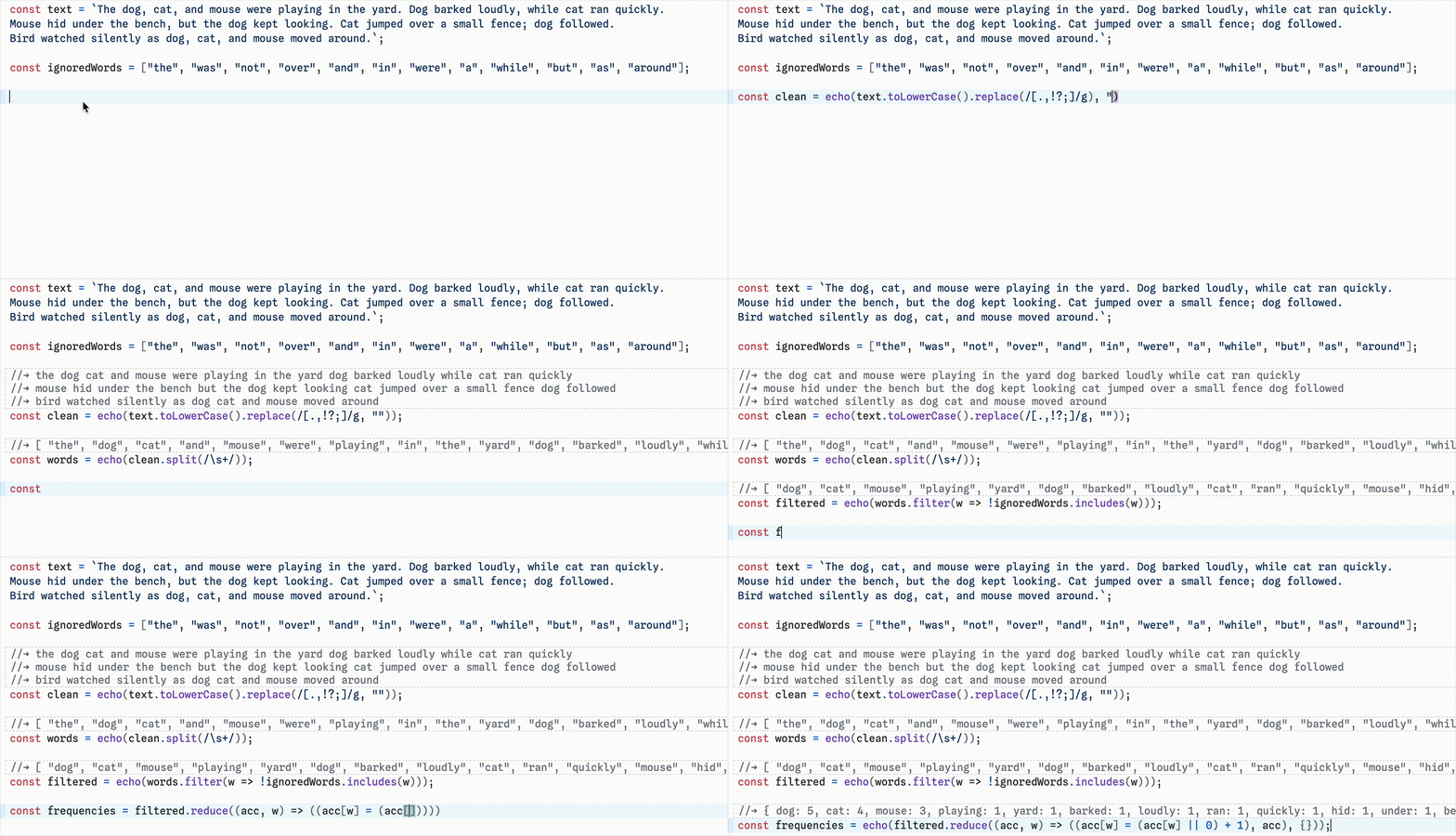 Word Counting with In-Situ Feedback
Lighter Input: Vanilla JavaScript with Reactivity
To make this coding approach more accessible for beginners, we use vanilla JavaScript with minimal custom APIs in Recho. It also eliminates the need to learn third-party APIs like those used in the p5.js web editor. By doing this, we aim to minimize the gap between coding in Recho and in the real world, making it easier for the experienced to get in and for beginners to get out.
An important yet subtle aspect of Recho is that it's a reactive programming environment. For
example, when scaling the maximum number to another range, changing the value of t and clicking the
run button updates the result. One might argue that it reruns the whole program. But observing closely reveals
that the random numbers and the maximum value don't change. If the whole program were rerunning, these values
would be different. The truth is that only part of the program reruns — specifically the definition of the
t value (let t = 1) and other places that reference it (const scale = max * t).
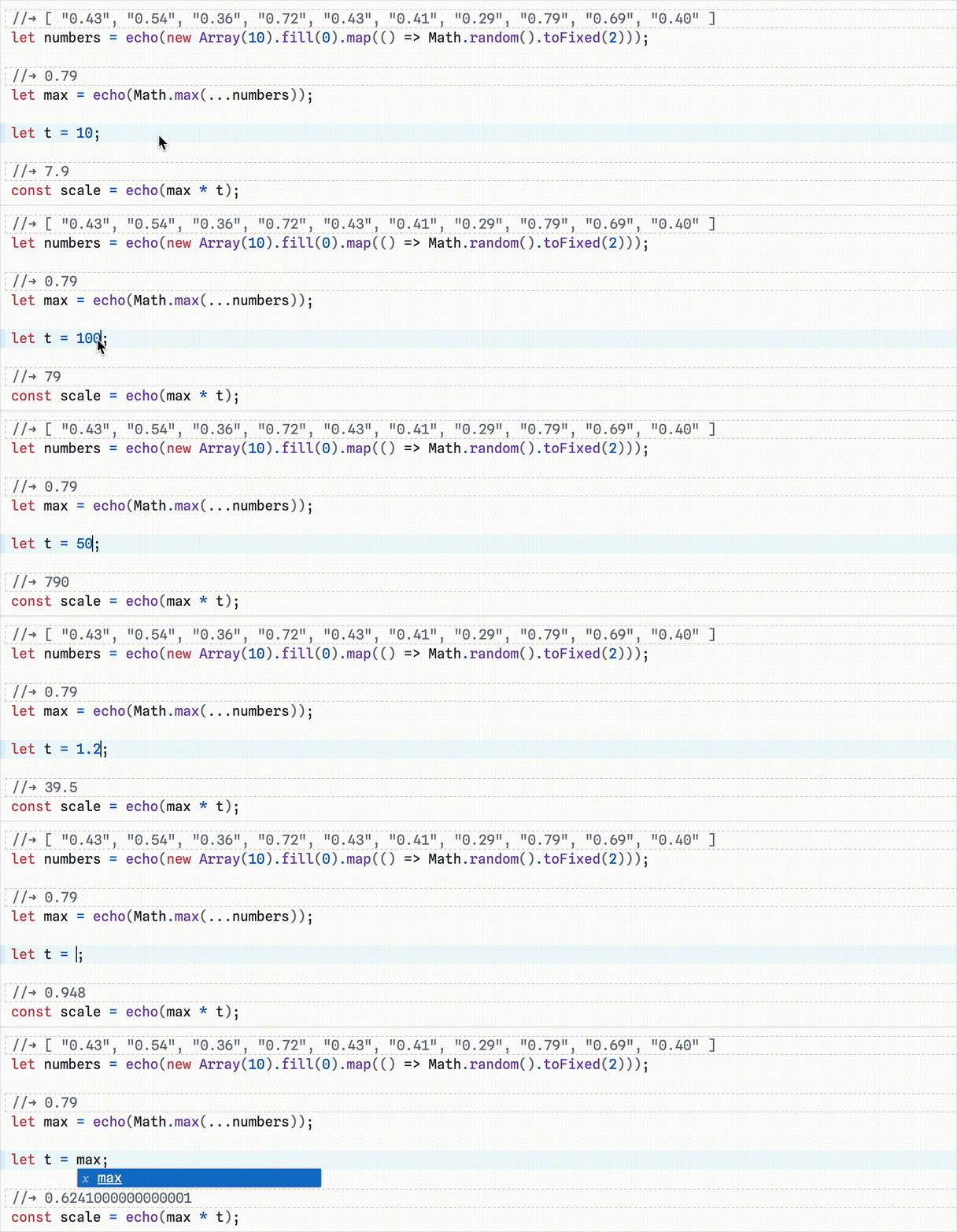 Reactive Vanilla JavaScript
Lighter Purpose: Playful Exploration
Another design choice is that users don't need to dream big here. They don't have to create fancy generative art or expressive data visualizations. By focusing less on visual overhead and more on computation, users can experiment with math functions, play with string manipulation, or implement basic algorithms to experience the charm of computing. Since we're discussing JavaScript, users can explore the quirky What the f*ck JavaScript?
Life can be without work and dreams, right?
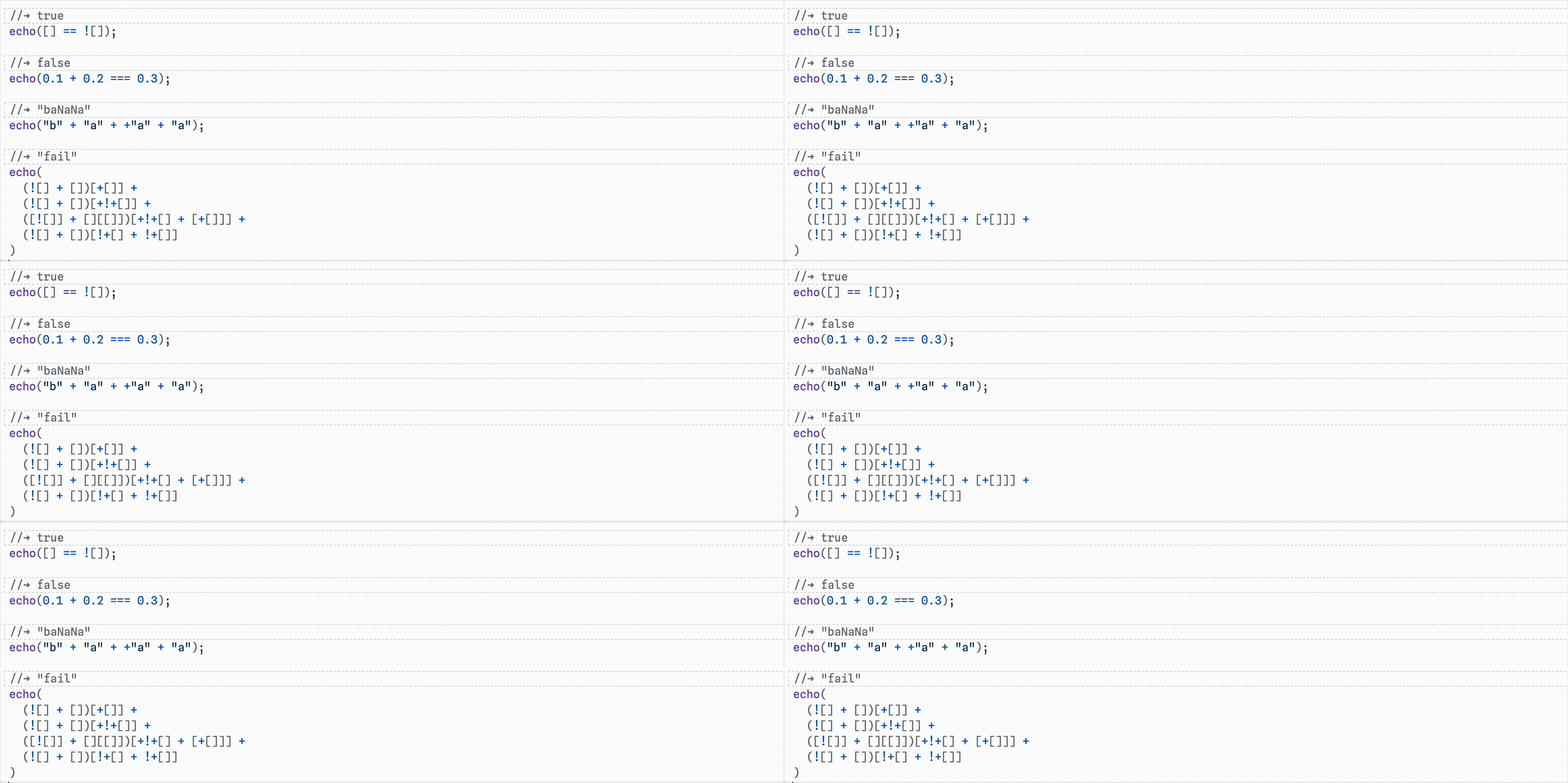 What the f*ck JavaScript?
Recho Notebook offers users a light start to their coding journey, but the design doesn't limit them here. Users can still be creative when exploring further.
Creativity with Animation
Professor Ken Perlin explained why he likes computer science in the first lecture of our computer graphics class:
Computer science shows two towers, the science and art, and puts them together.
By “art,” I guess he means we can express creativity through the graphical outputs of our computational work. However, textual outputs can also be creative. For example, we can animate a 🐢 emoji to simulate a moving turtle.
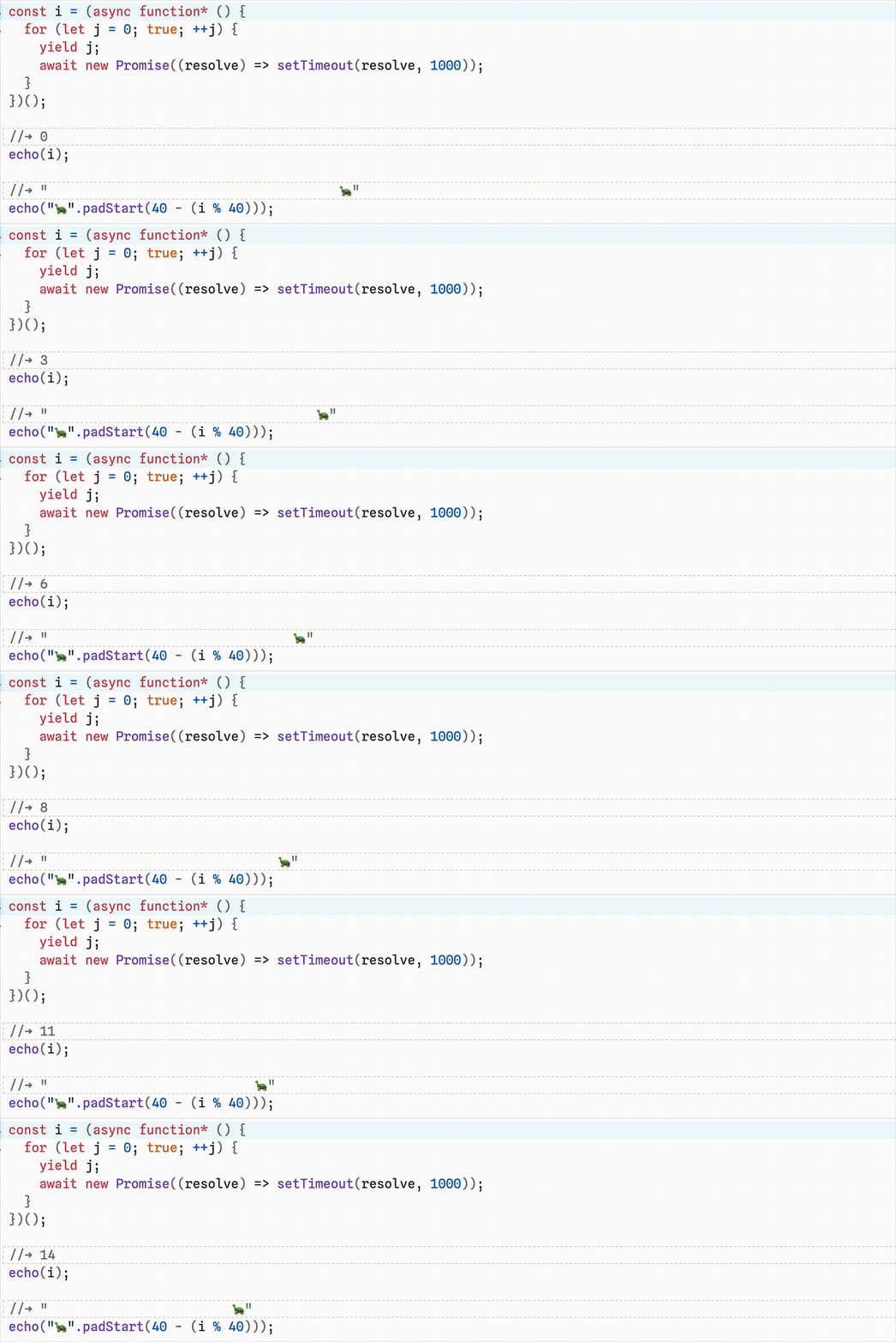 Animation with Generator
This tiny demo shows how to author animations in Recho Notebook using JavaScript generators. If a code block refers a generator defined in another code block, the referencing code block will re-evaluate when the generator yields a value.
Generators are not beginner-friendly, so we provide recho.interval to easily create generators that
yield values at specified intervals. The following example demonstrates a racing game:
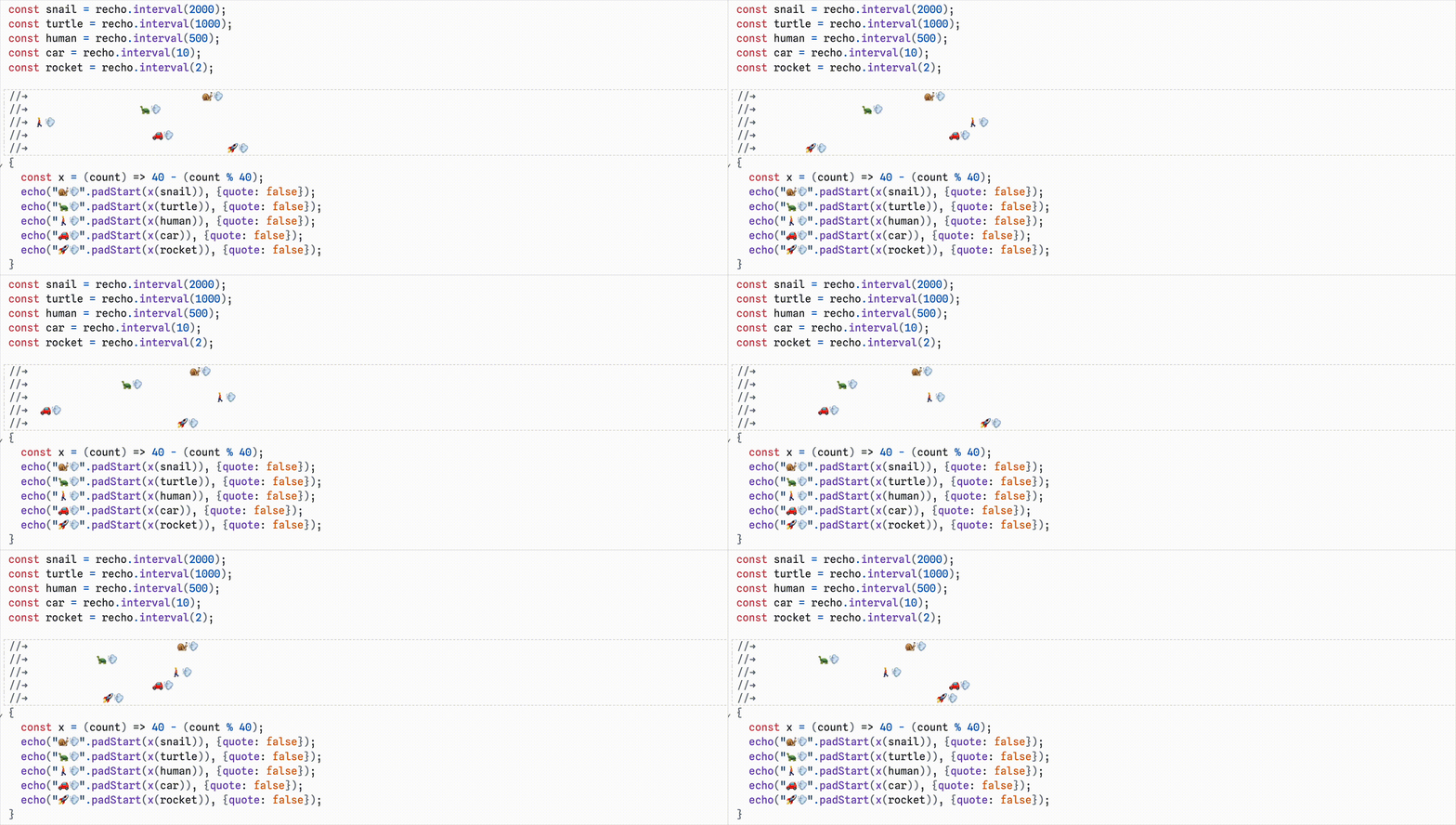 Racing Game with recho.interval
With the ability to create animation, users can truly unleash their creativity in Recho: ASCII art, algorithm visualization, text-based shaders, machine learning, and more.
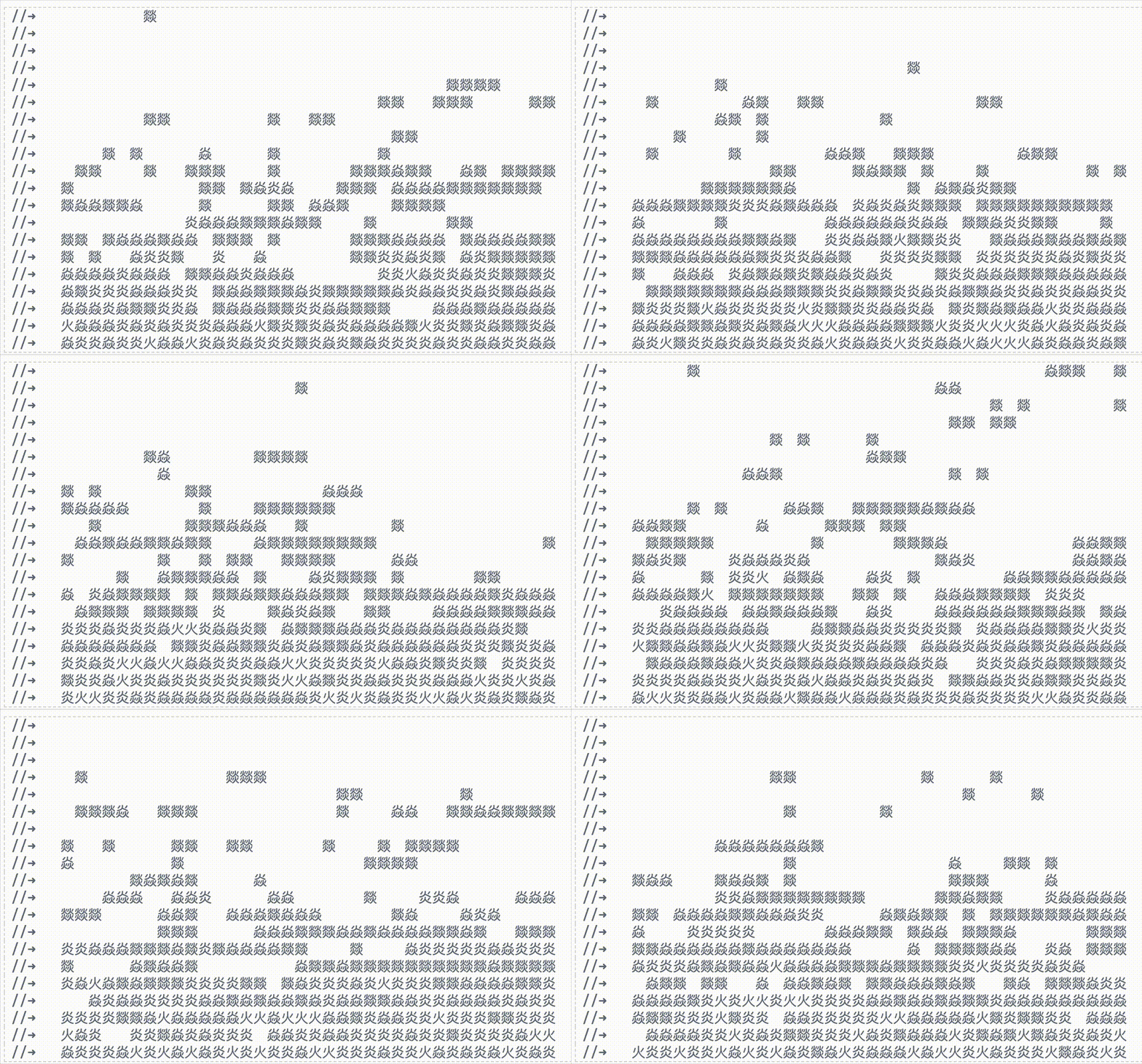 Example: 火炎焱燚 (Fire!)
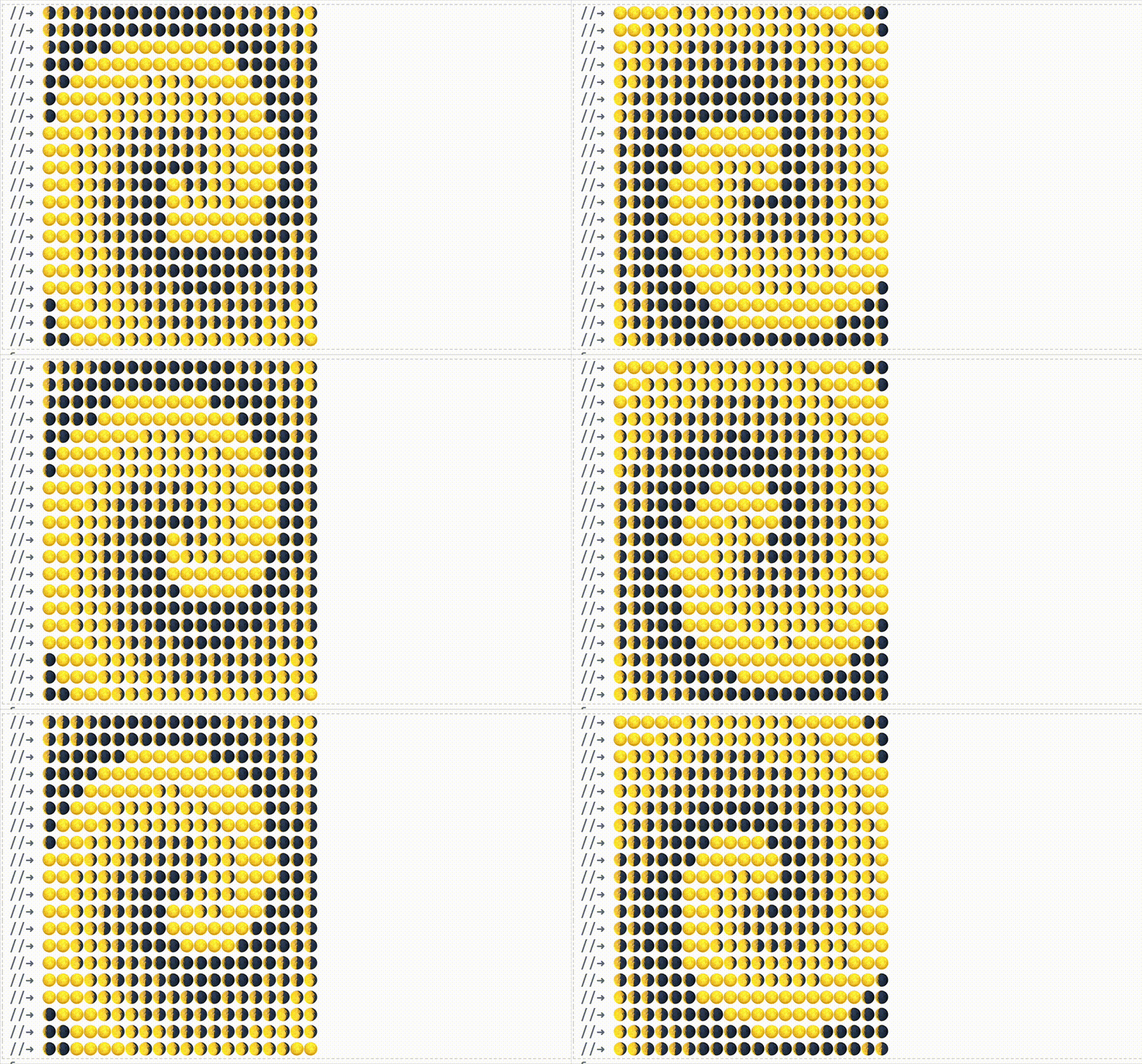 Example: Moondial
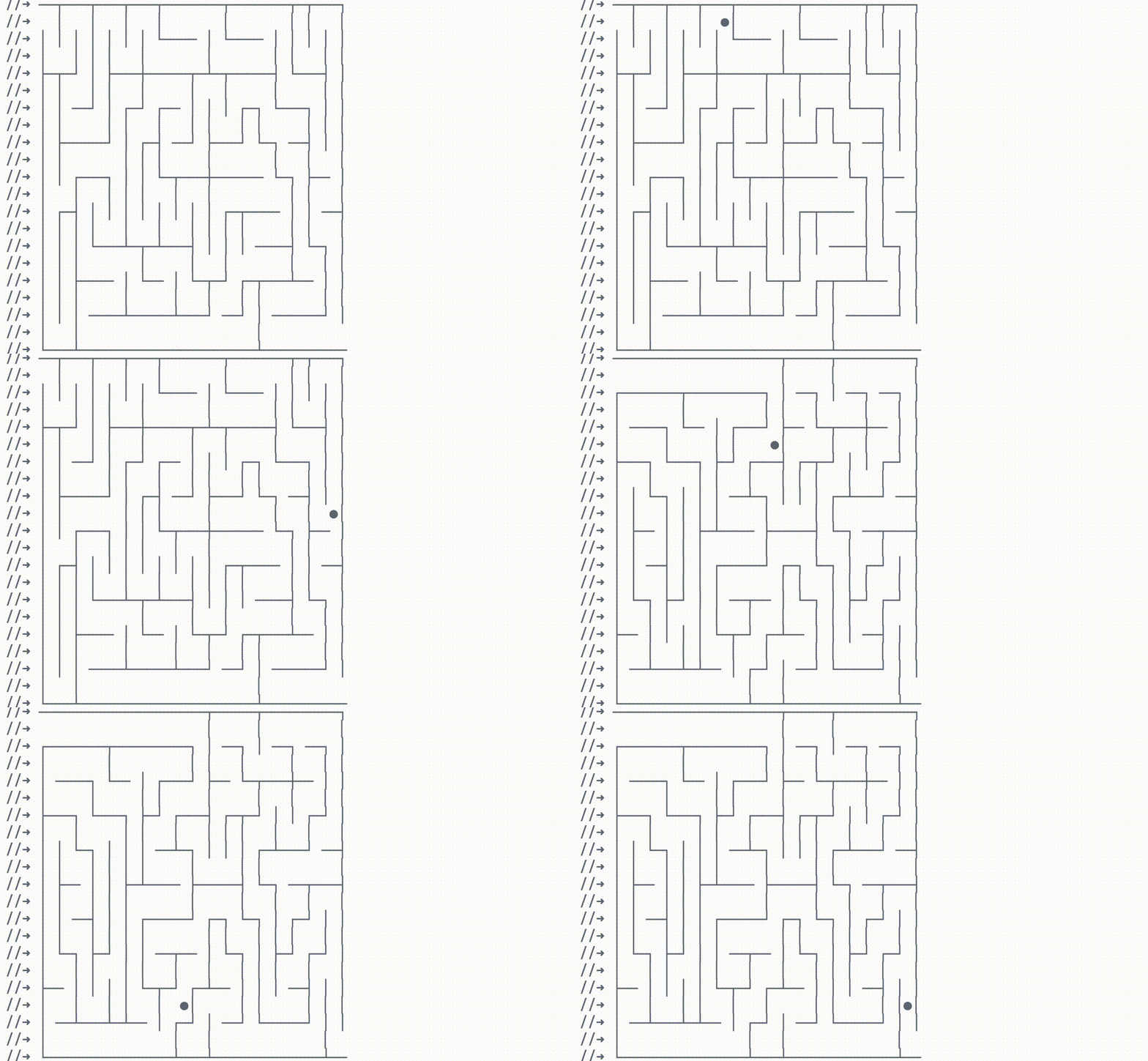 Example: Maze
Creativity with Interaction
Creativity doesn't stop at animation — what about interaction? Interactive inputs are available. In Recho Notebook, inputs are functions that generate a value paired with a
widget that responds to user inputs. With the help of inputs, we try to achieve what Martin Buber described:
Every interaction is a dialogue, not a command.
To create a sphere rotation interaction, a number is defined using recho.number. Two buttons appear
right in place around the number.
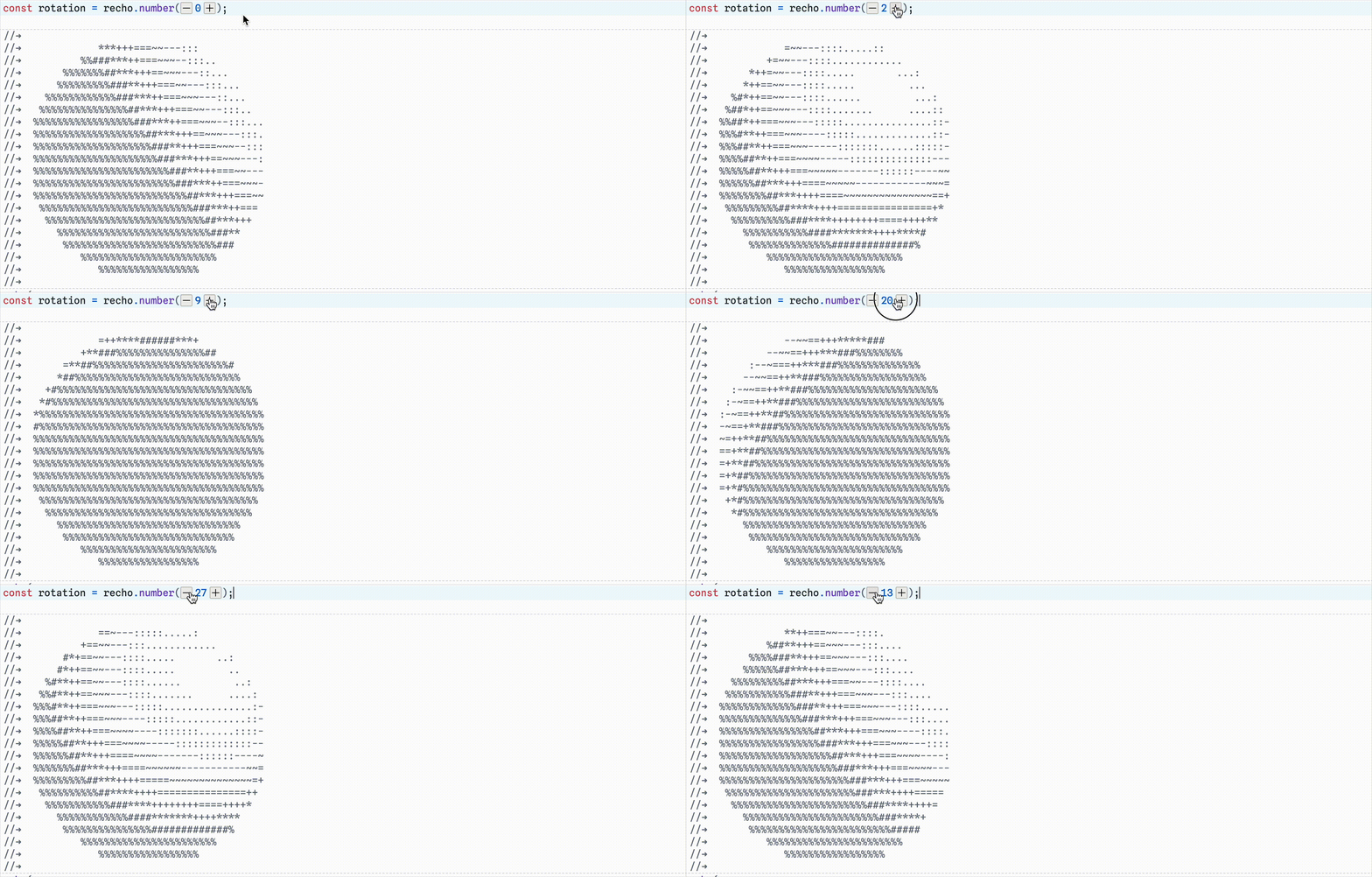 Sphere Rotation with recho.number
The following examples demonstrate interactions in Recho Notebook with different inputs:
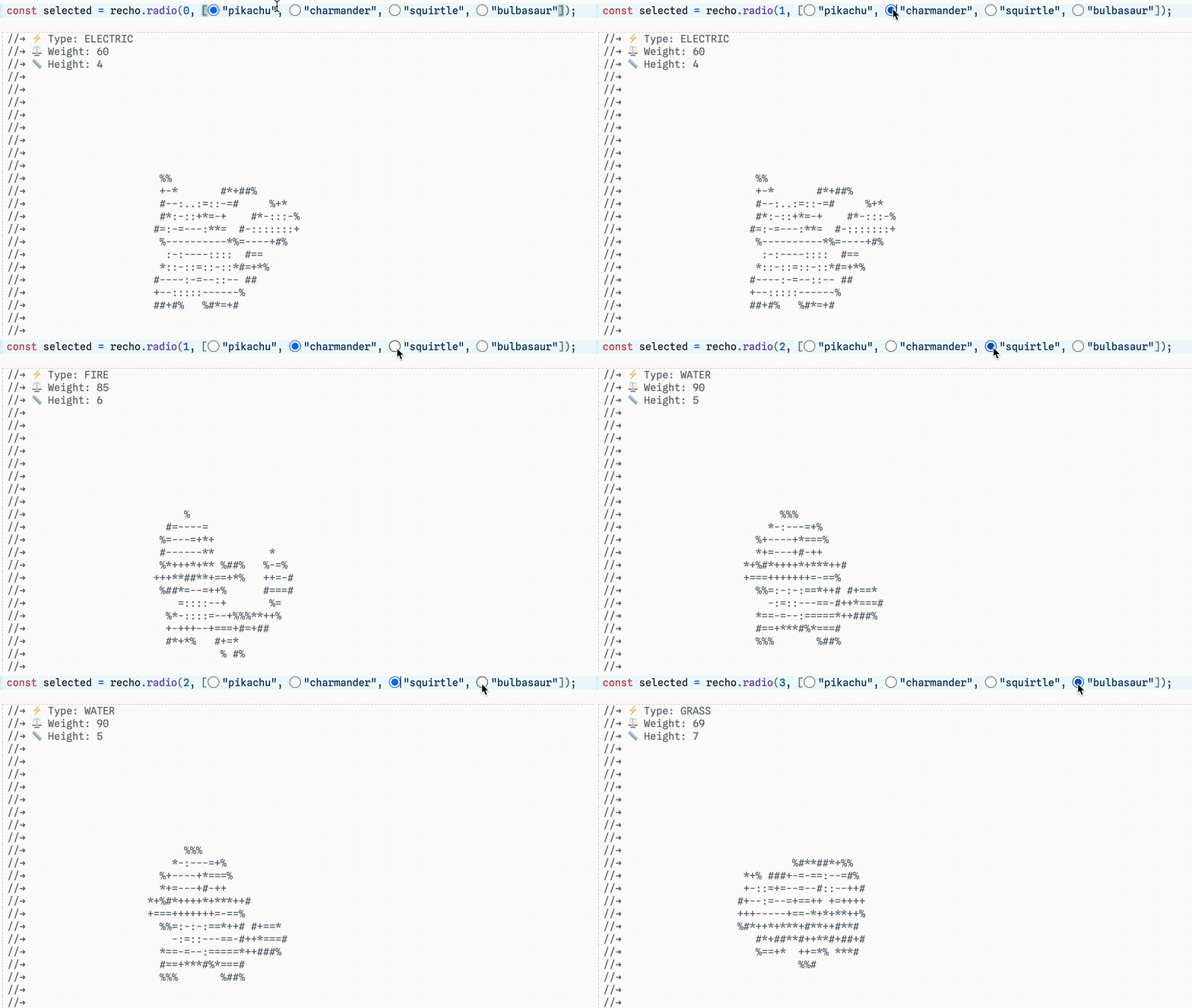 Select Pokemon with recho.radio
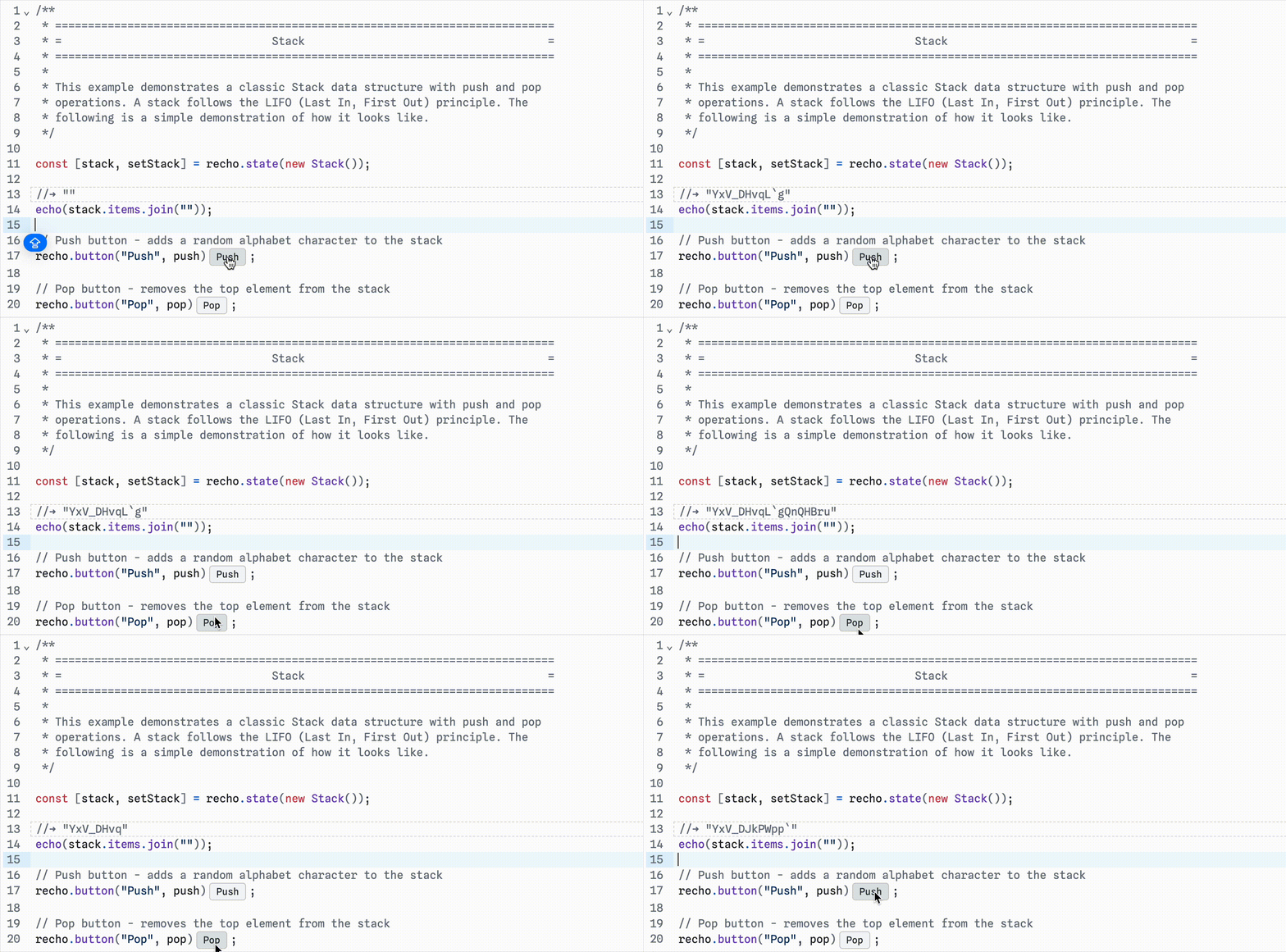 Visualize Stack with recho.button
Process
The idea of Recho Notebook came up after an inspiring conversation with my collaborator Luyu Cheng. At that time, he showed a debug system he was developing for his lab's language Mlscript. The outputs also show up as comments in the code editor.
Another thing was that Observable Team just released Observable Notebook Kit, which introduced a HTML format for notebooks. I was excited to see how notebook formats have evolved — from JSON to Markdown, and now to HTML — each step making them more accessible and closer to regular code files. This makes me wonder: can we design an even more portable format that preserves notebook features?
These two things inspired me to design Recho Notebook. I spent one week developing a prototype and shared with Luyu. He liked this idea very much, so he joined me to develop the inputs for Recho Notebook.
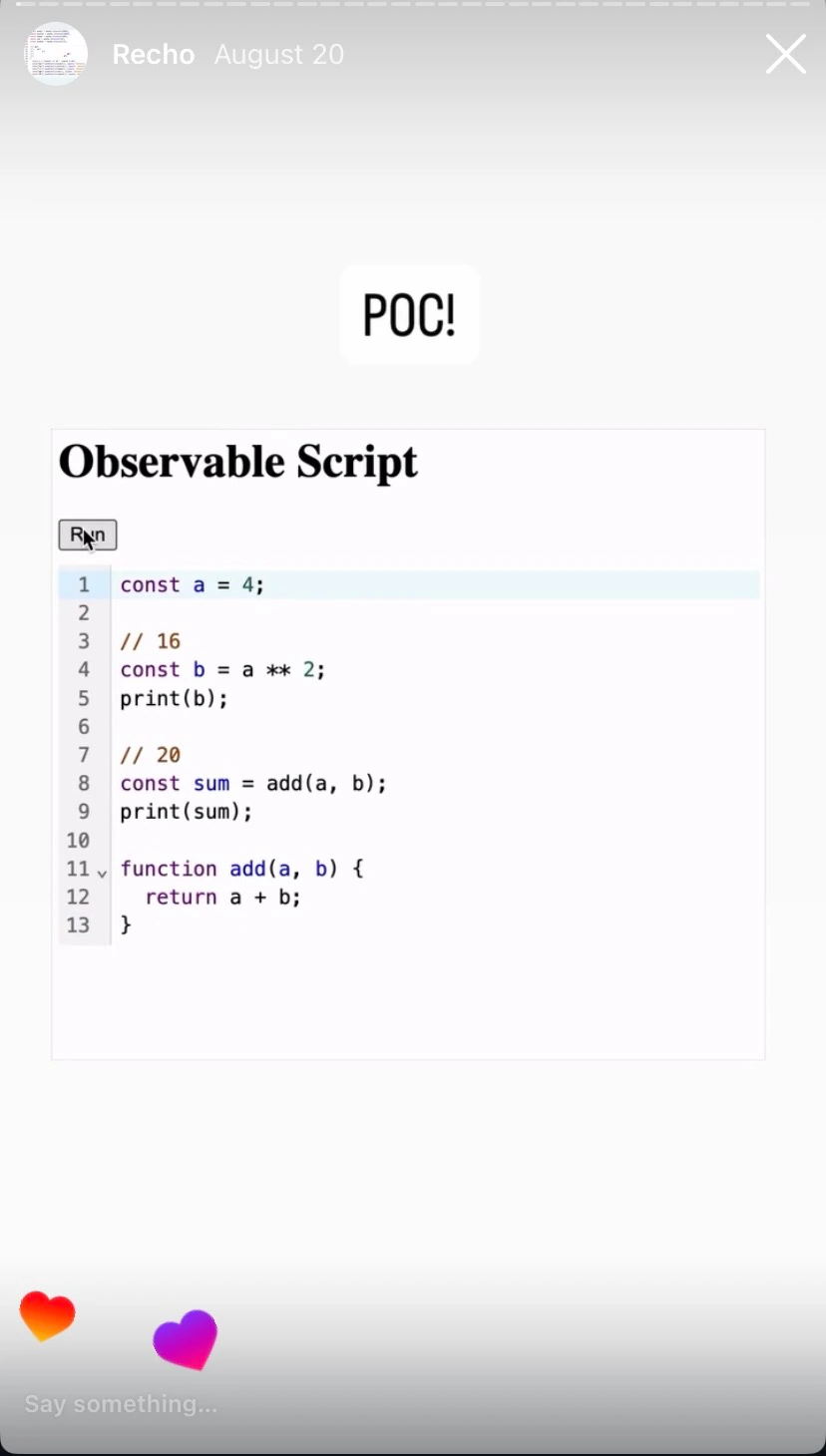
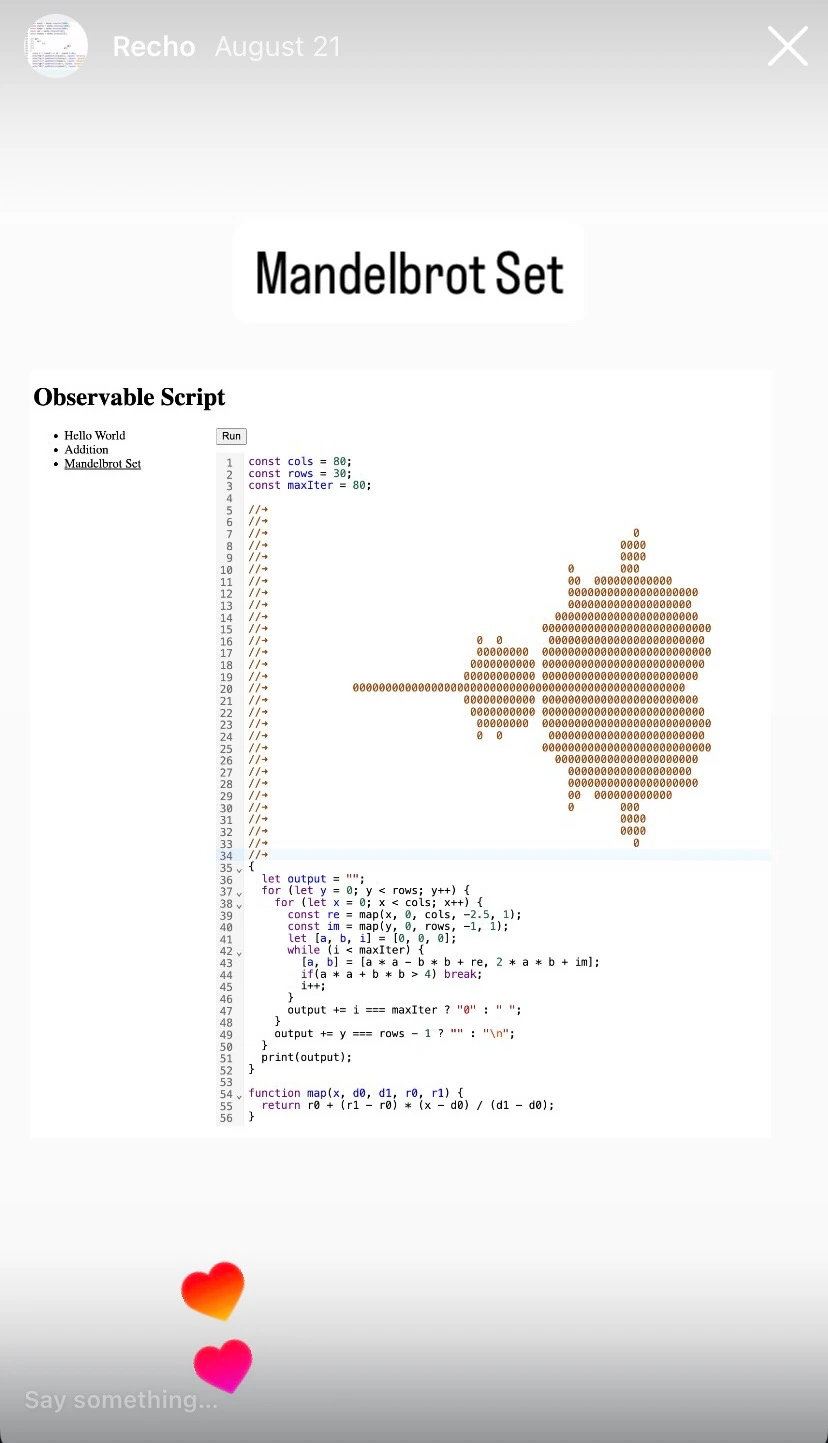
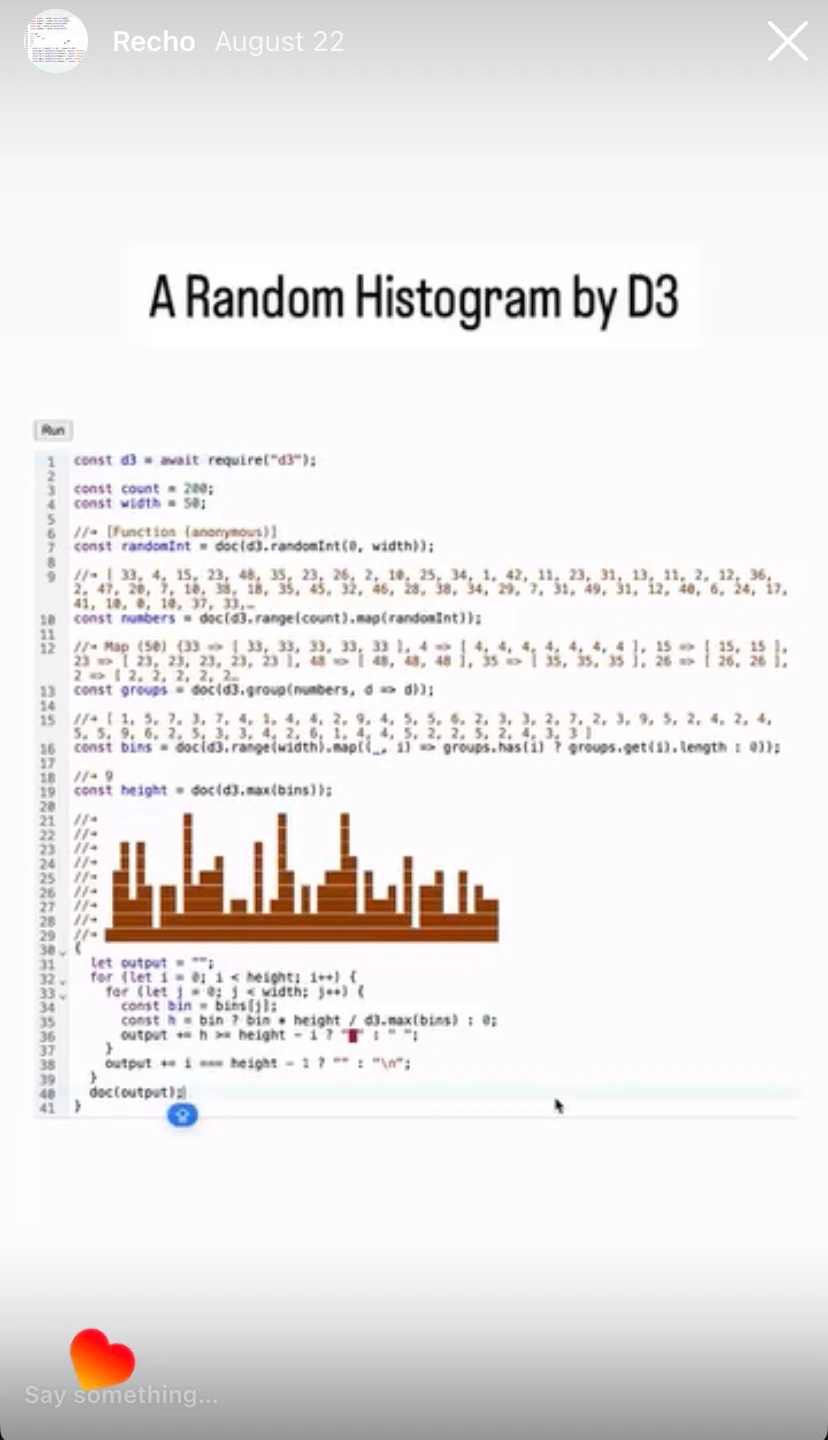
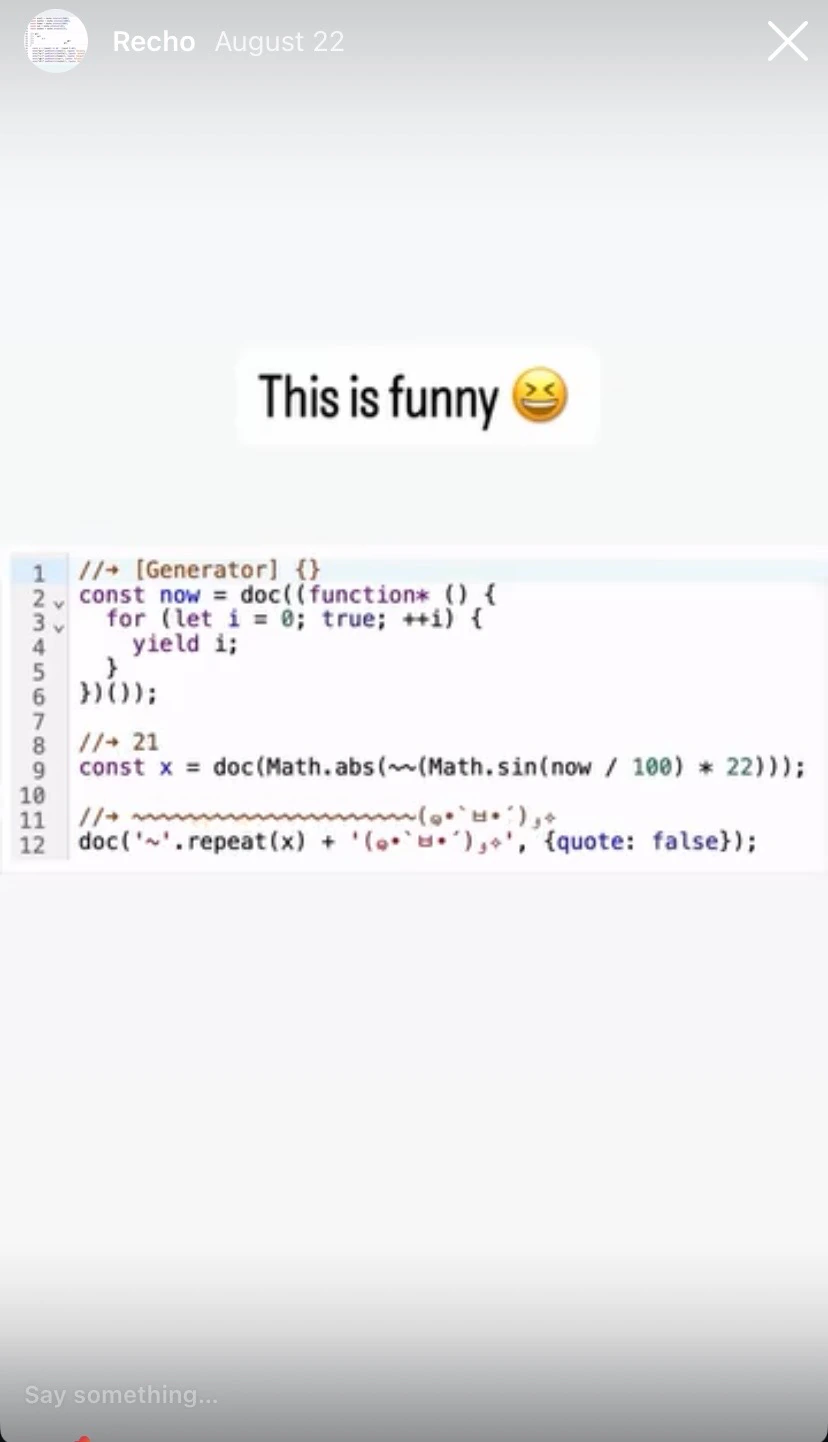
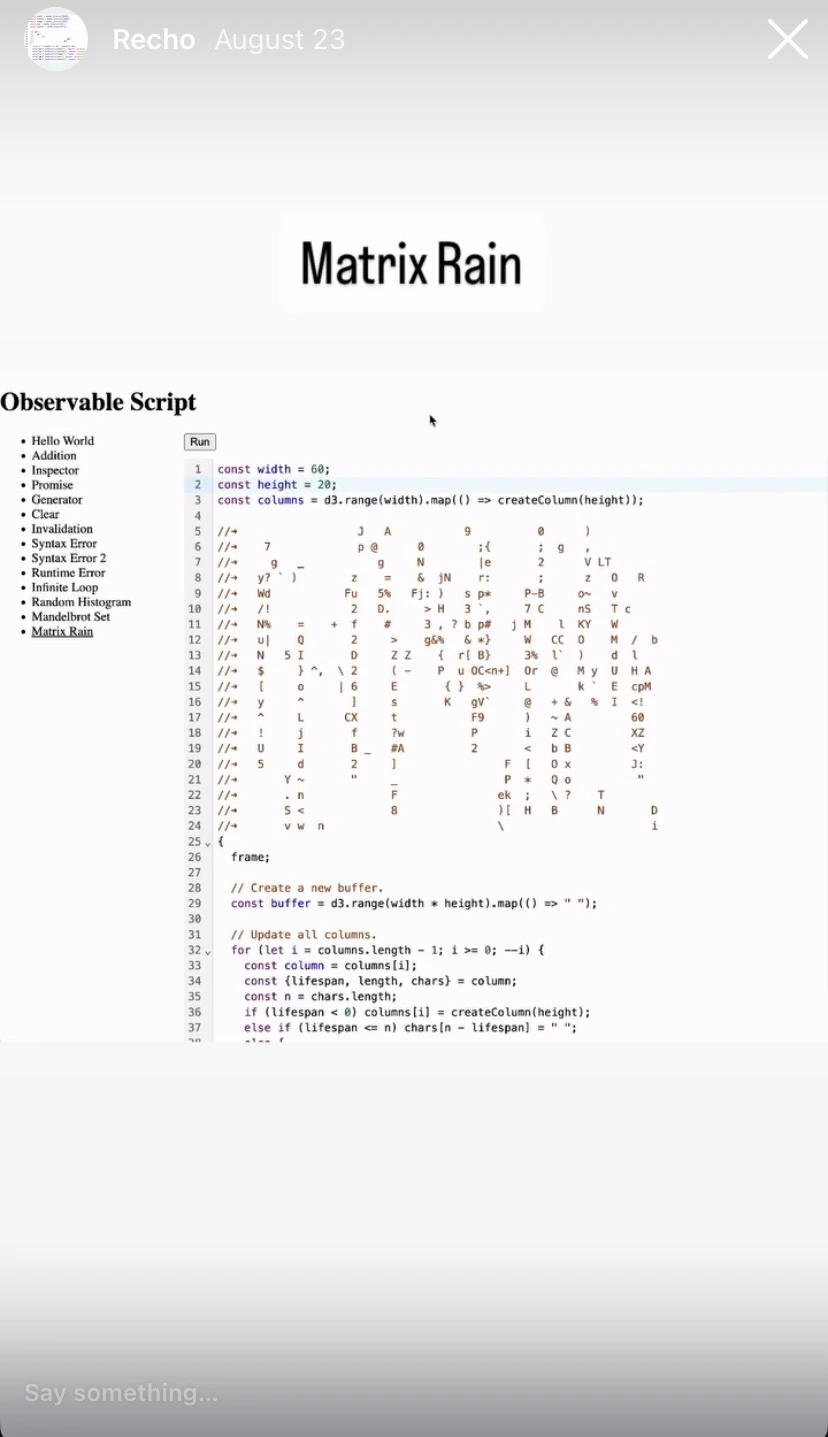
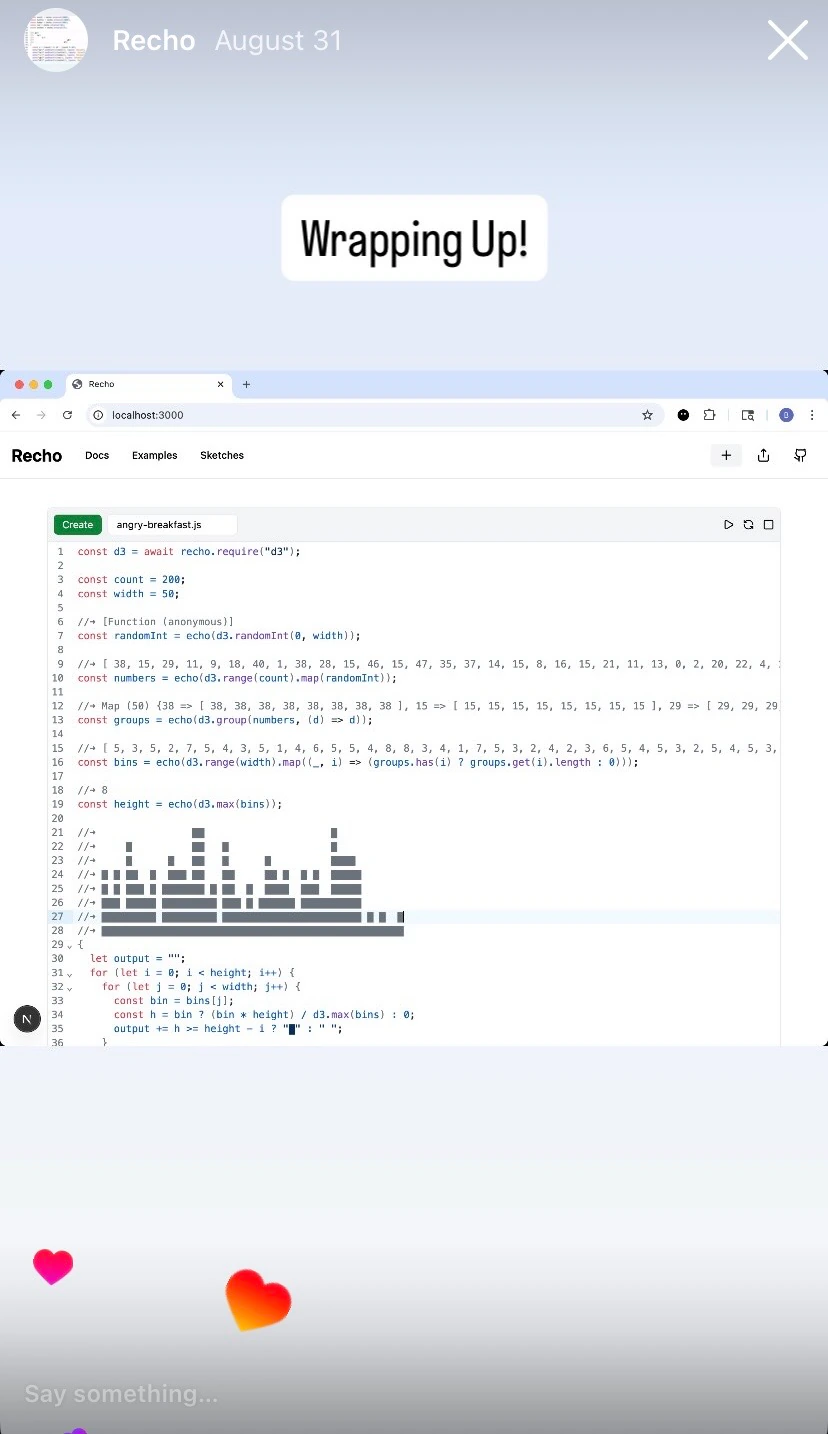
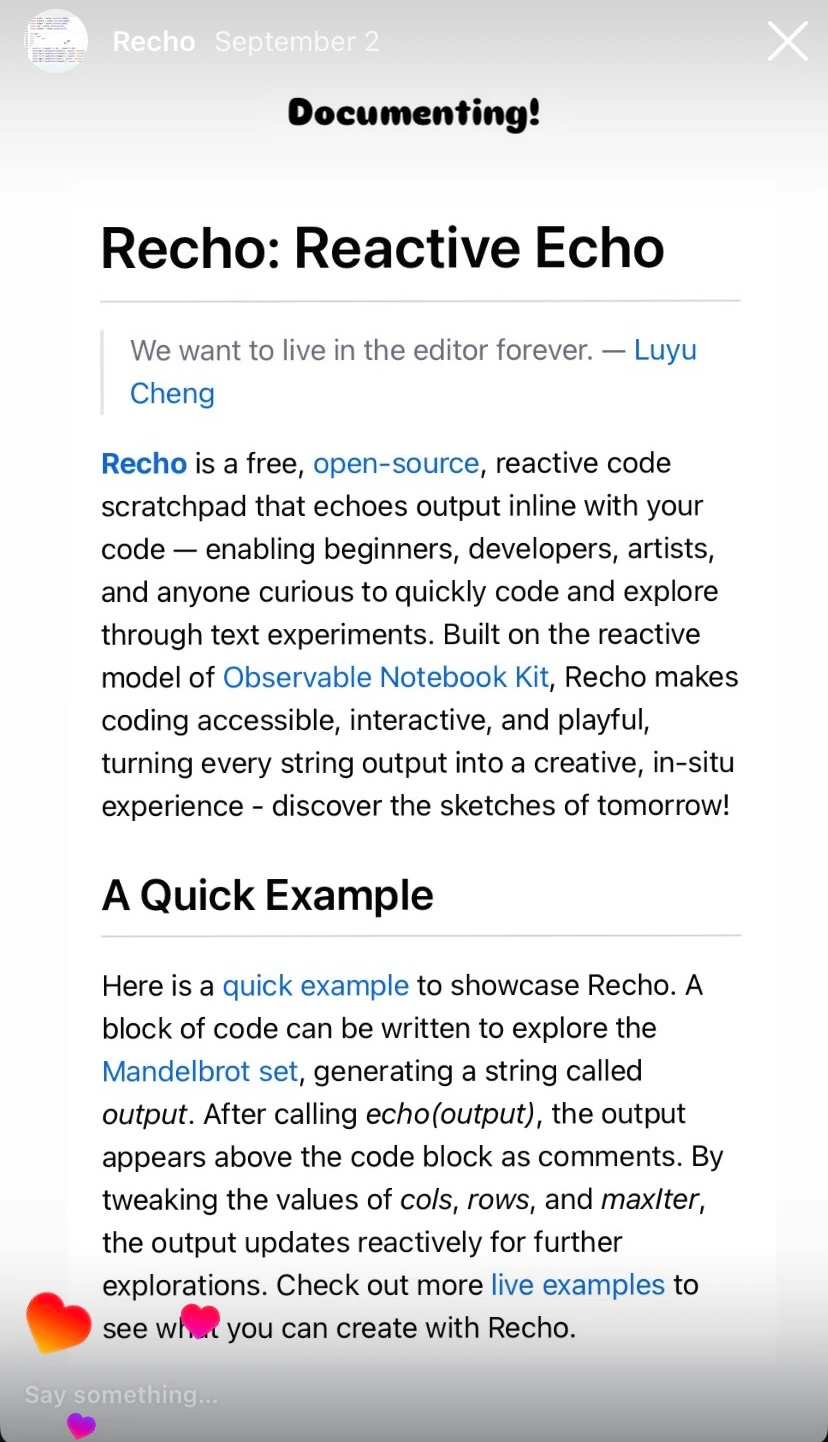
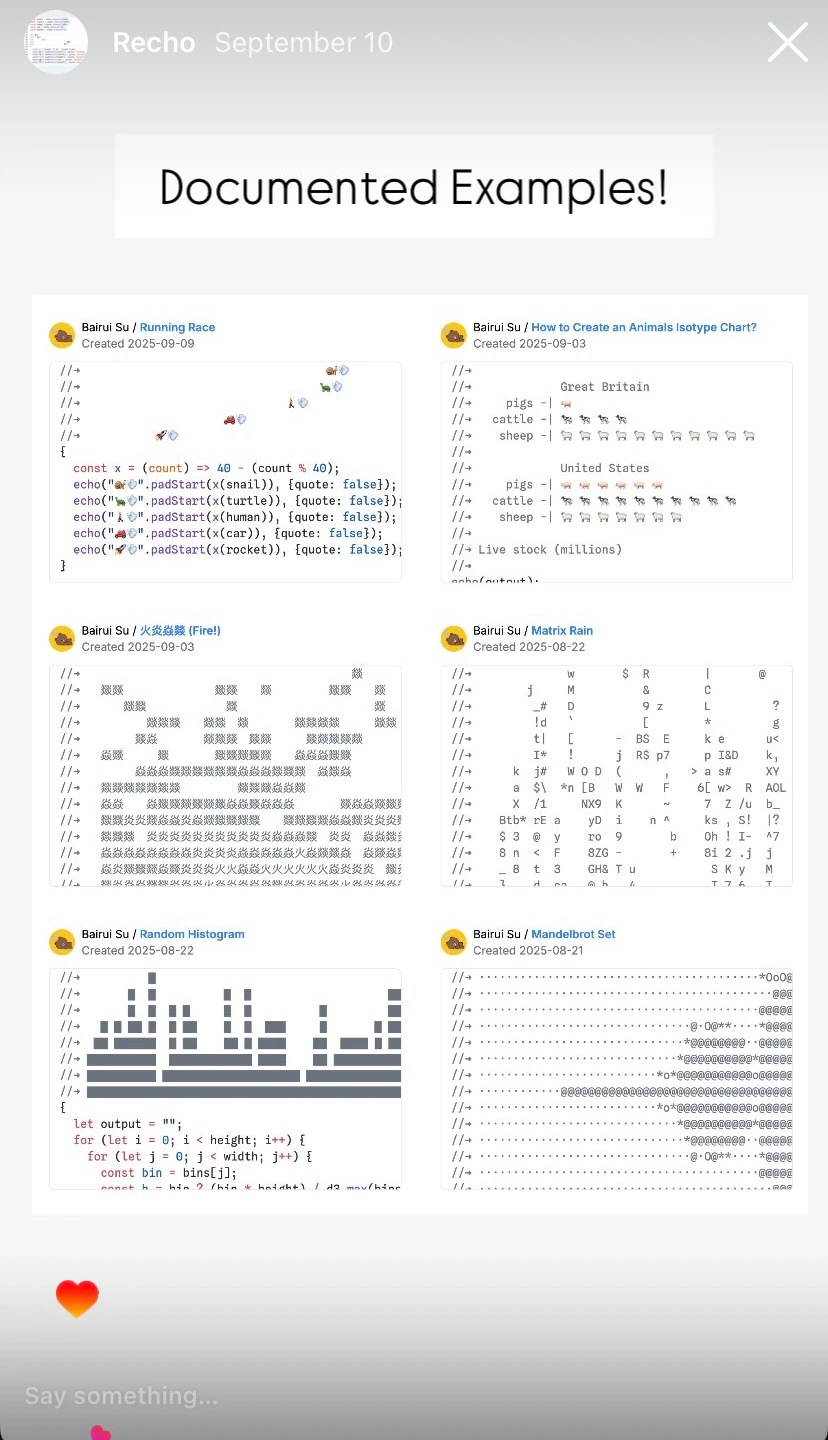
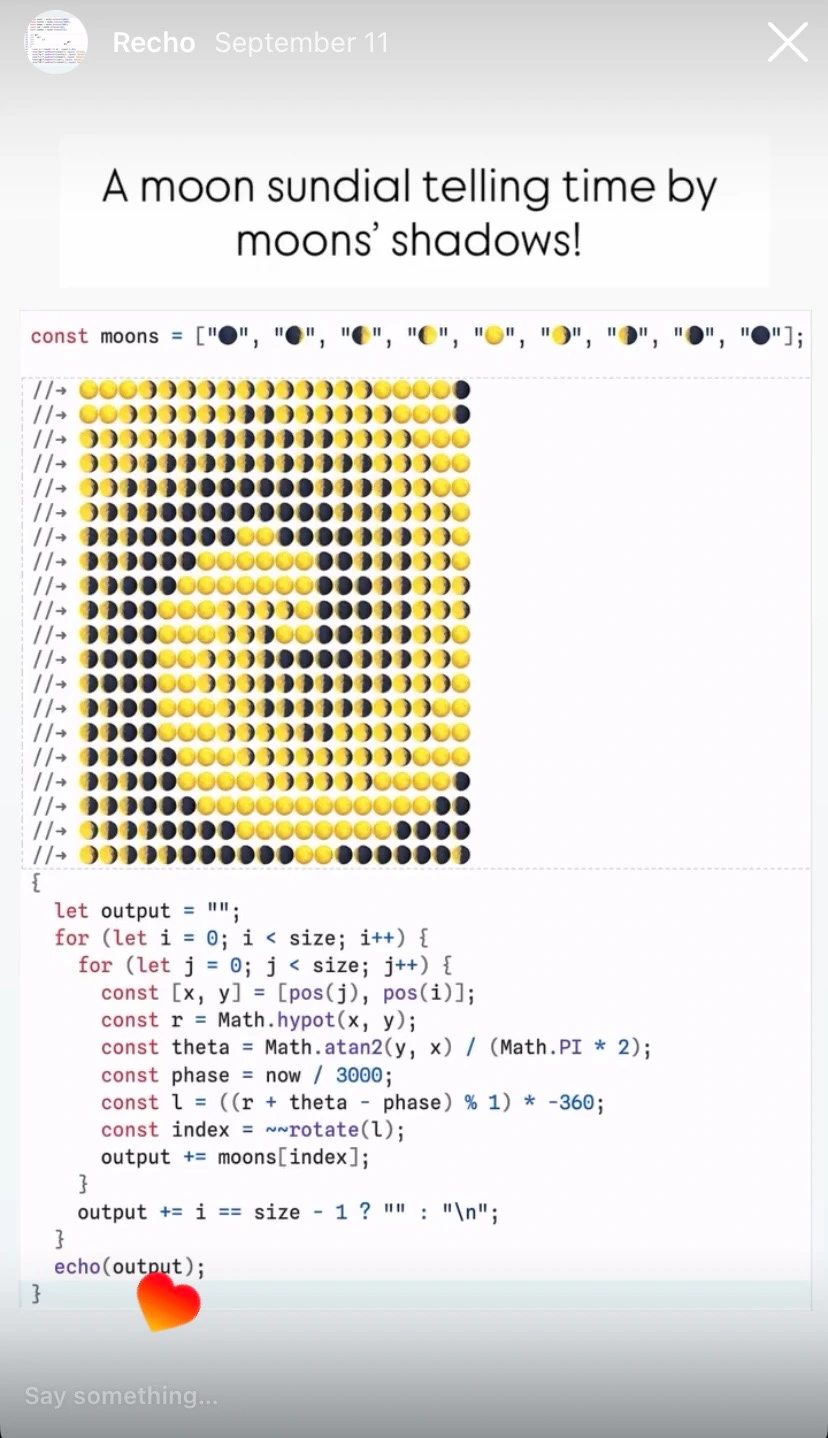
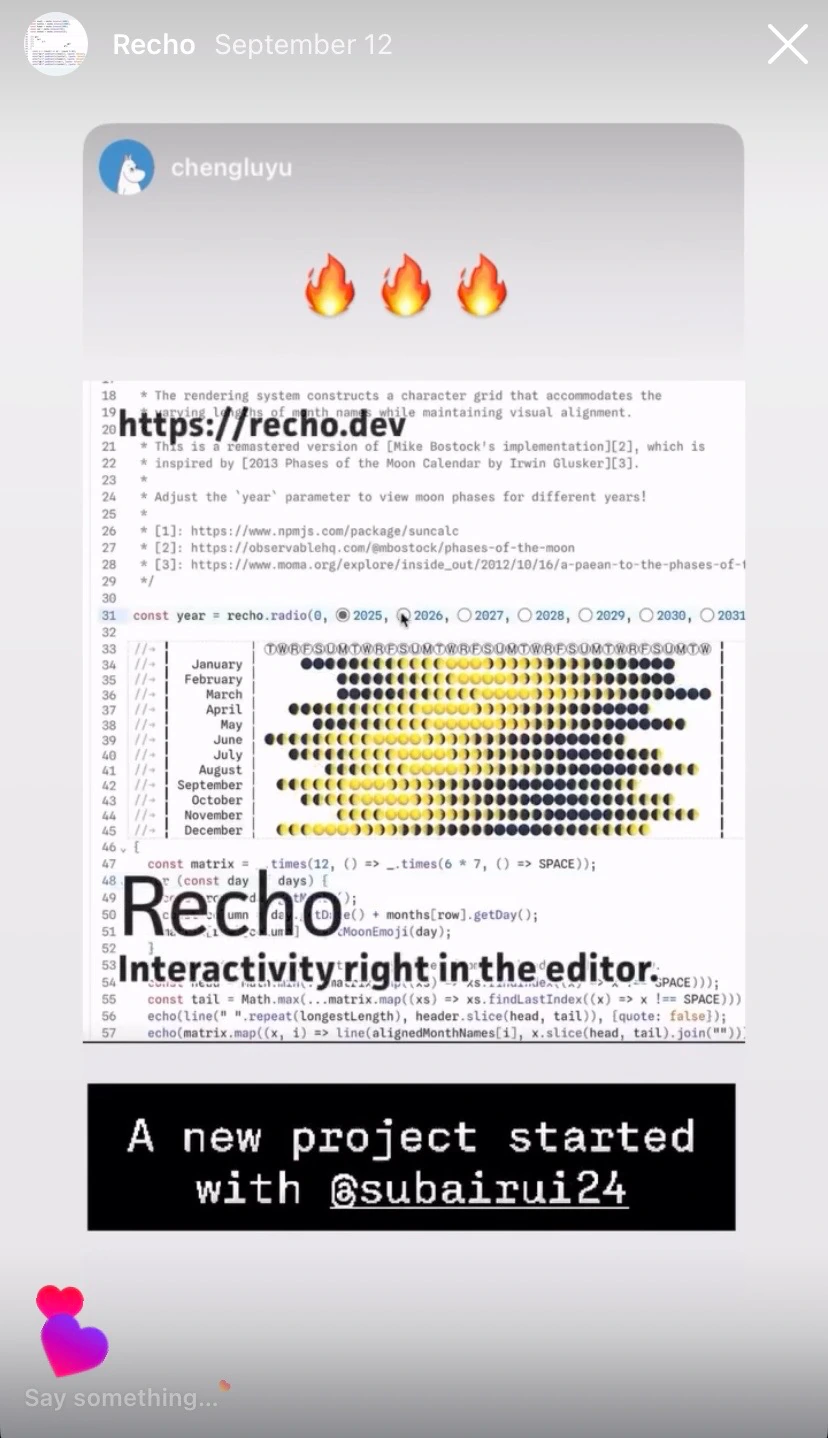
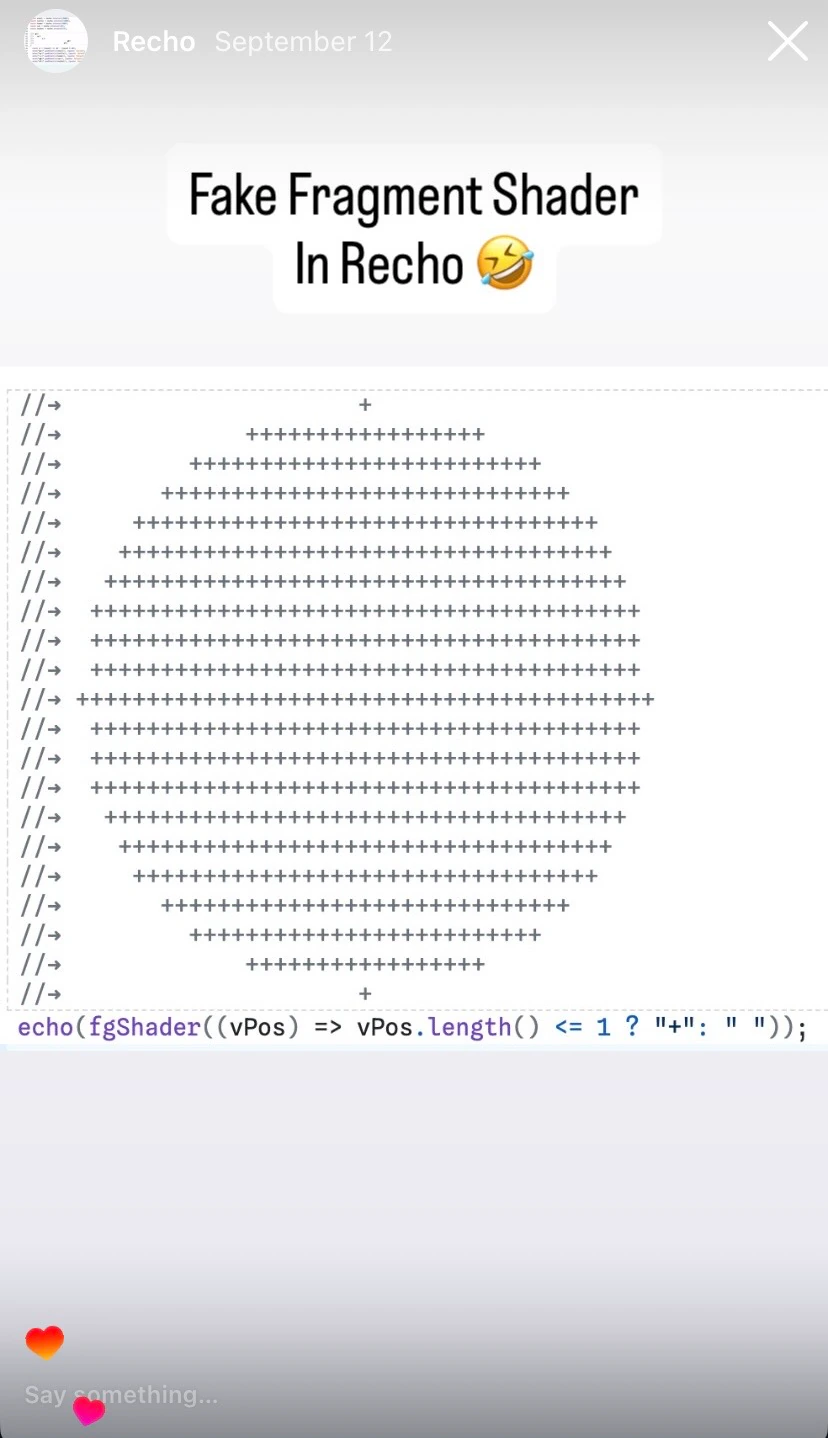
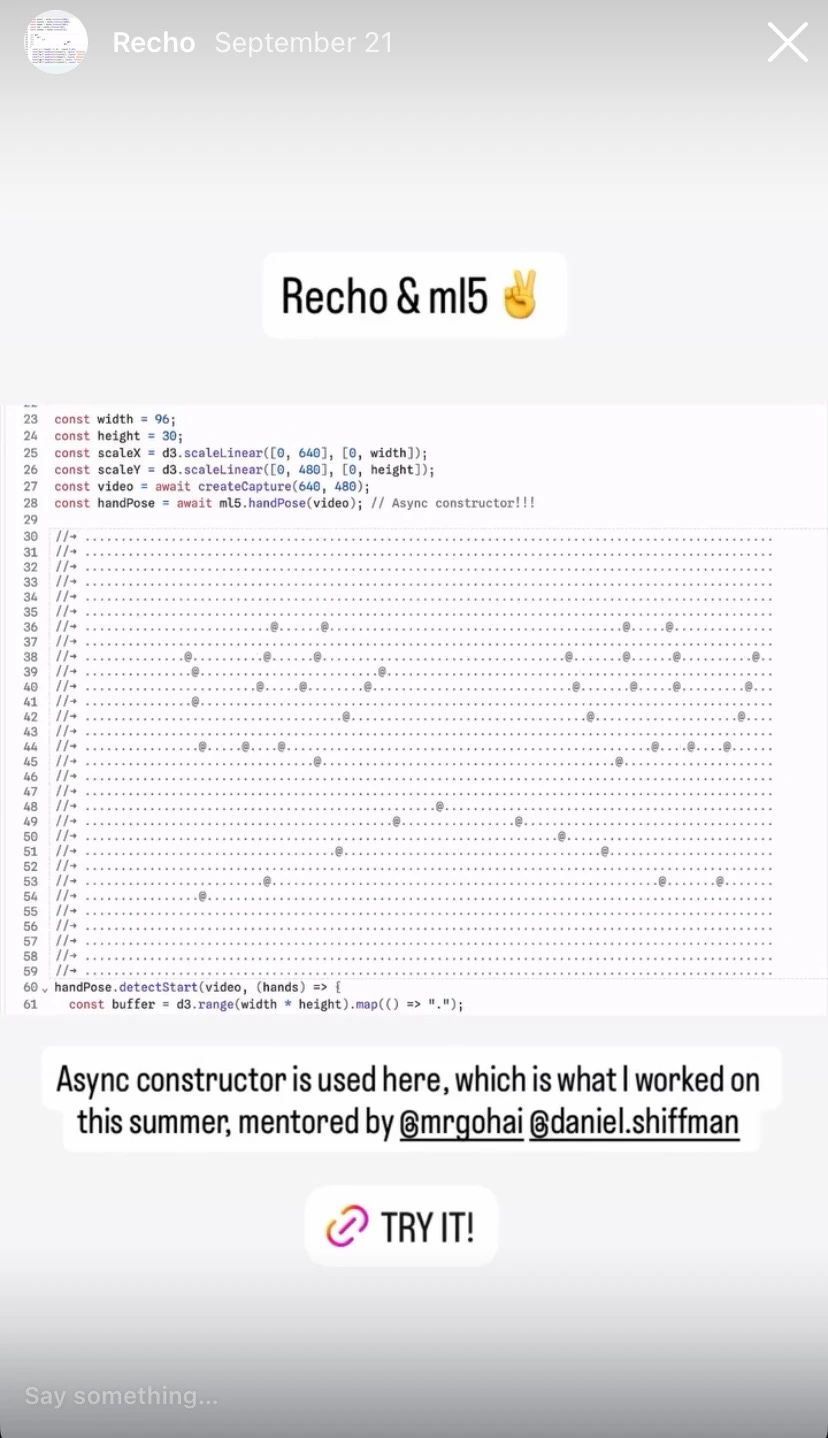
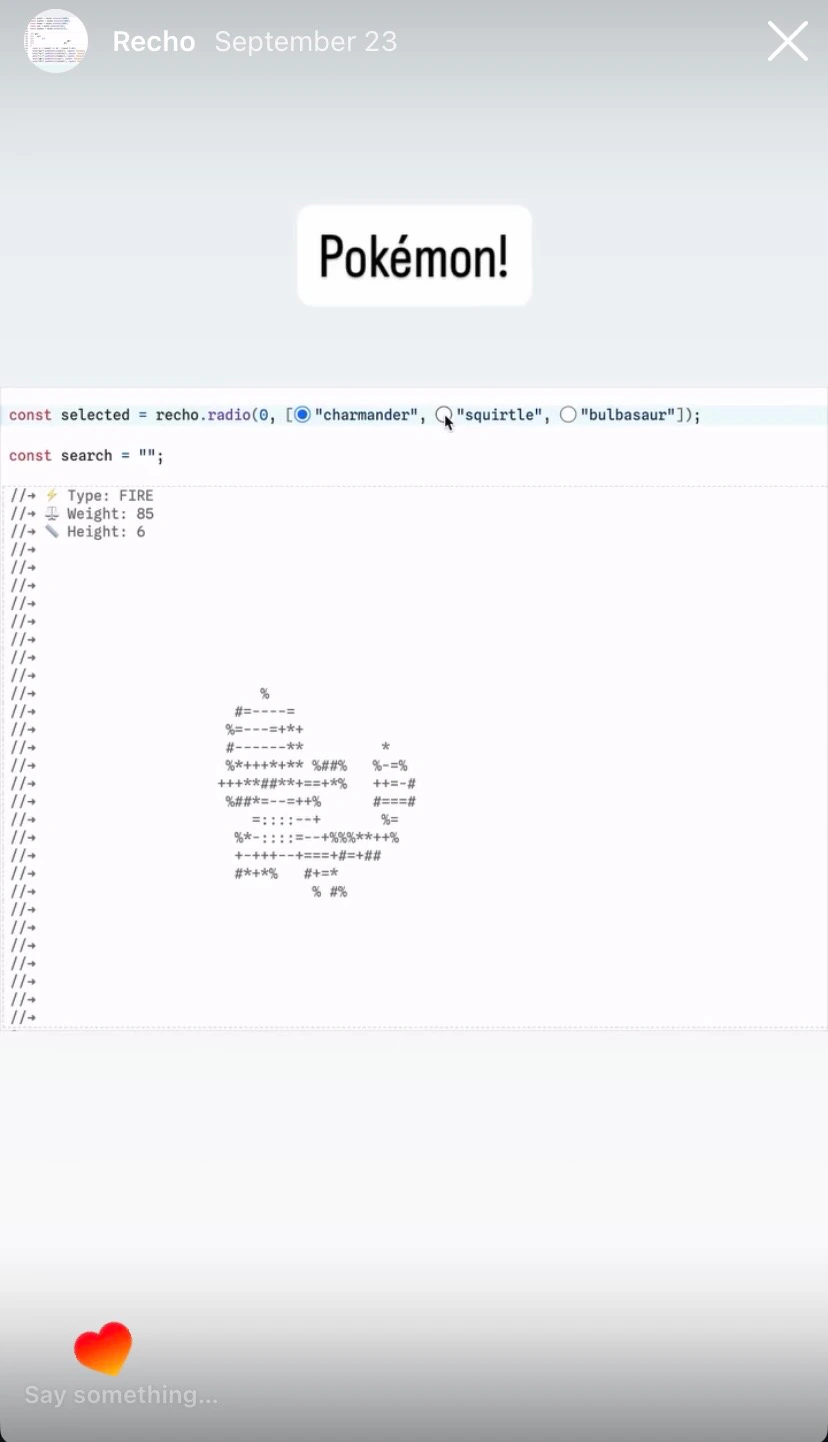
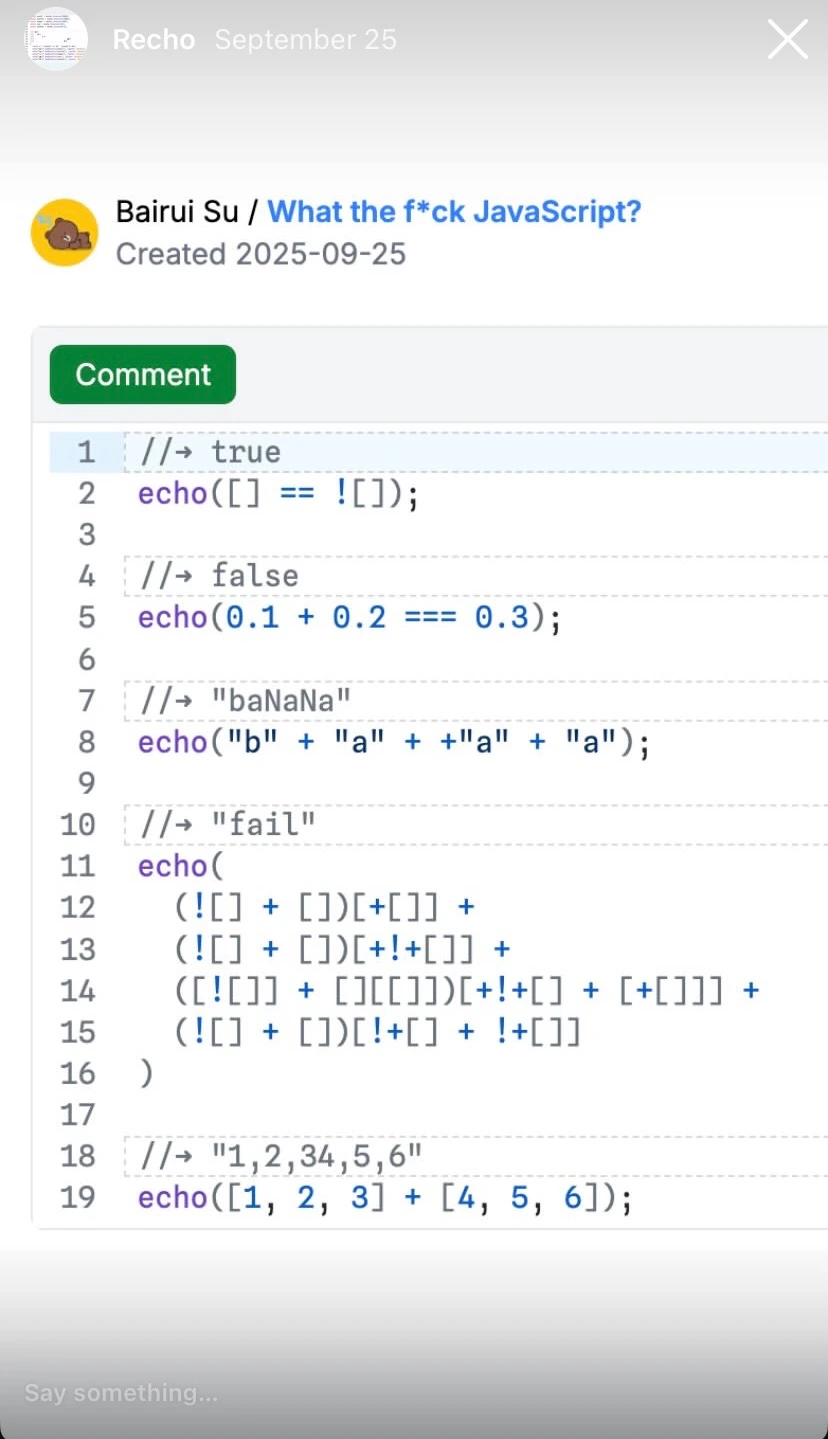
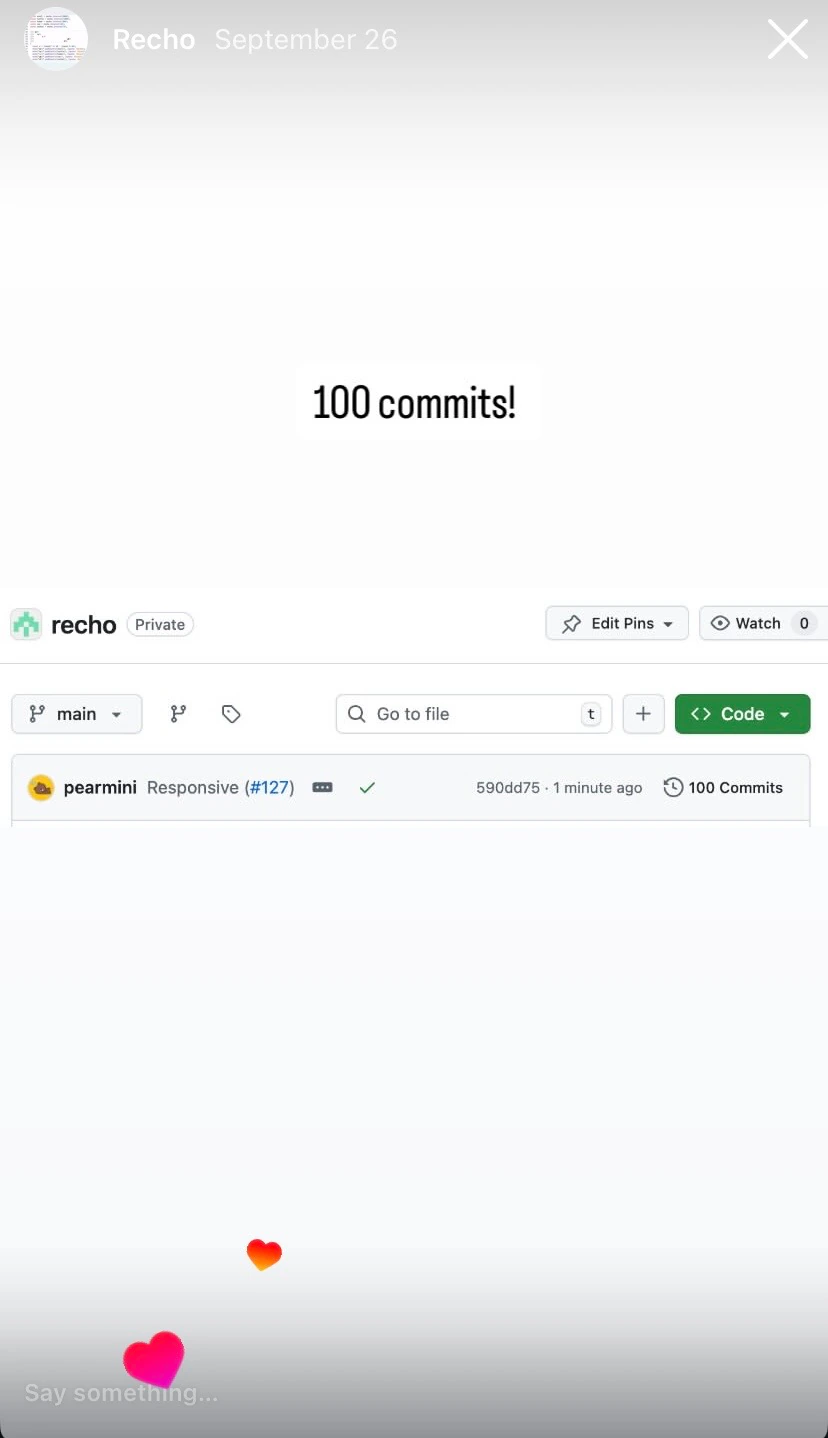
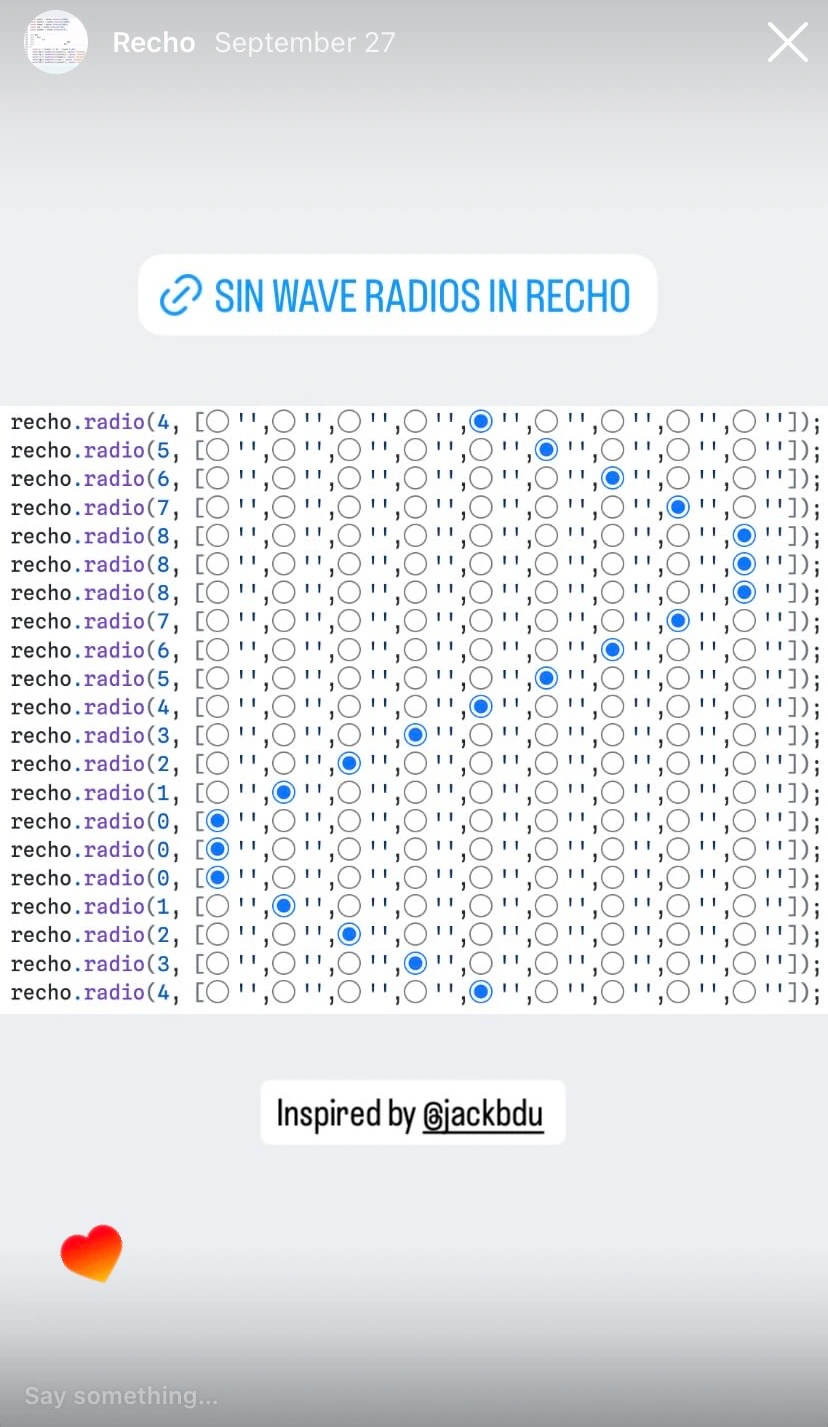
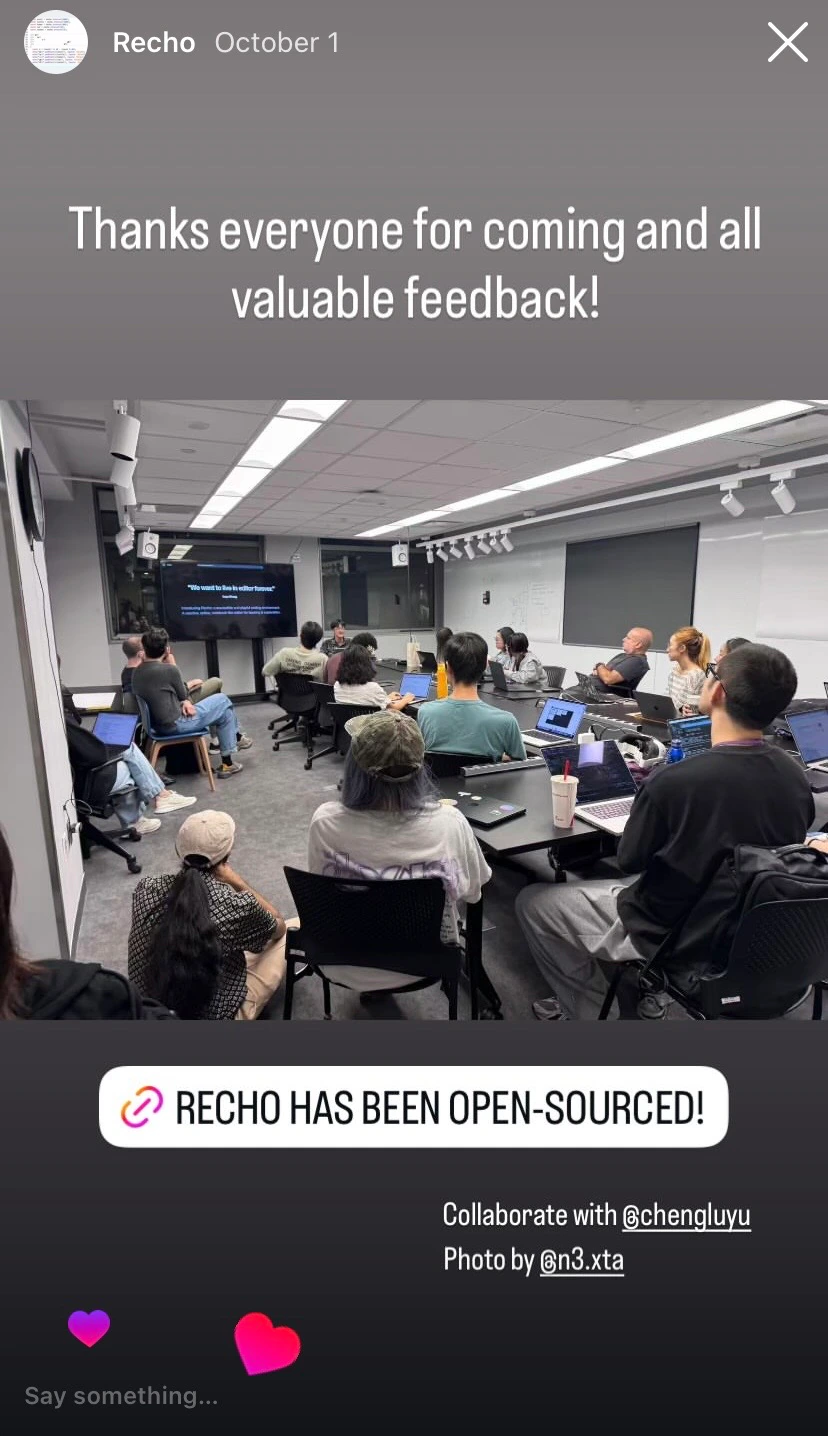
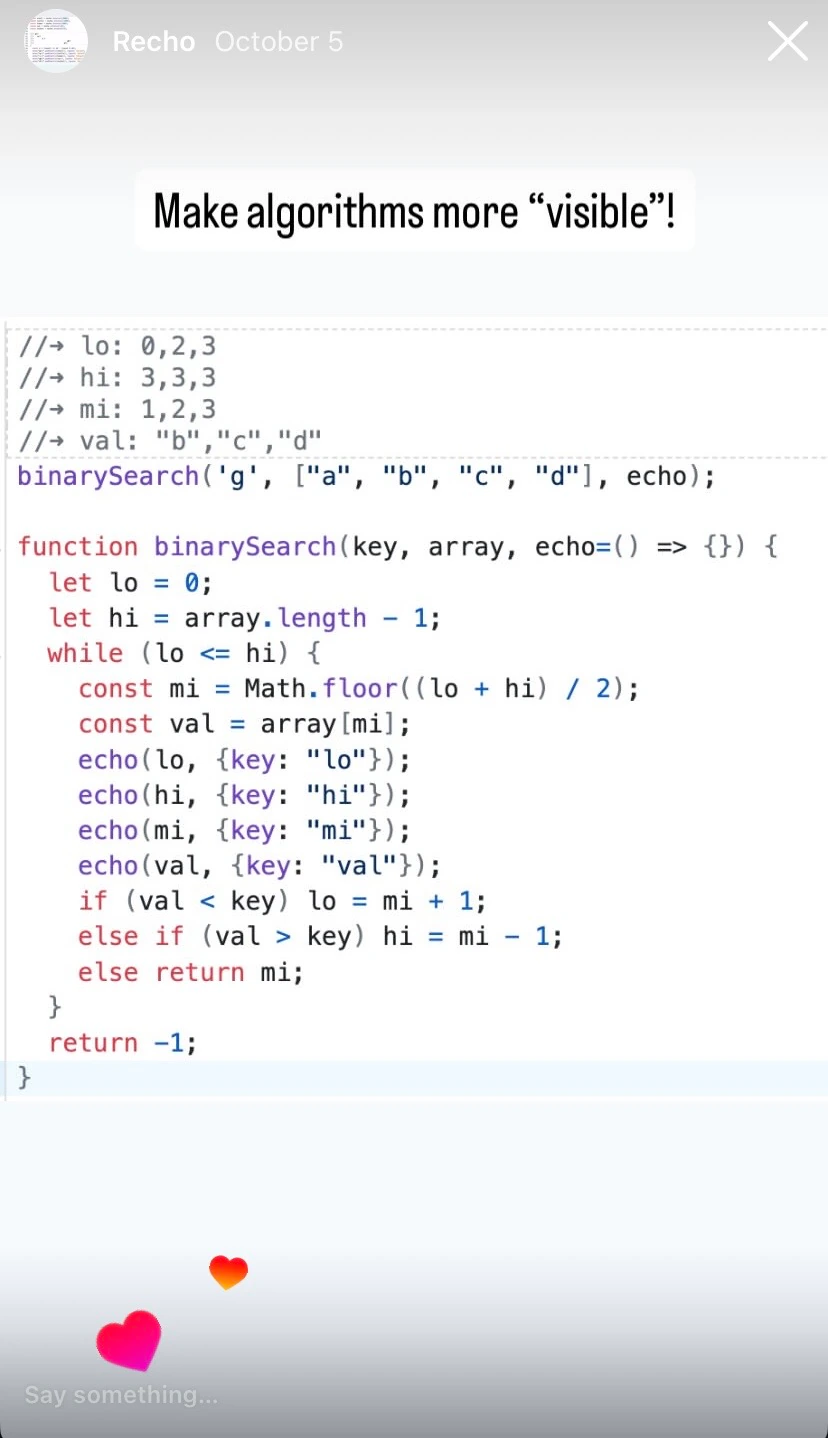
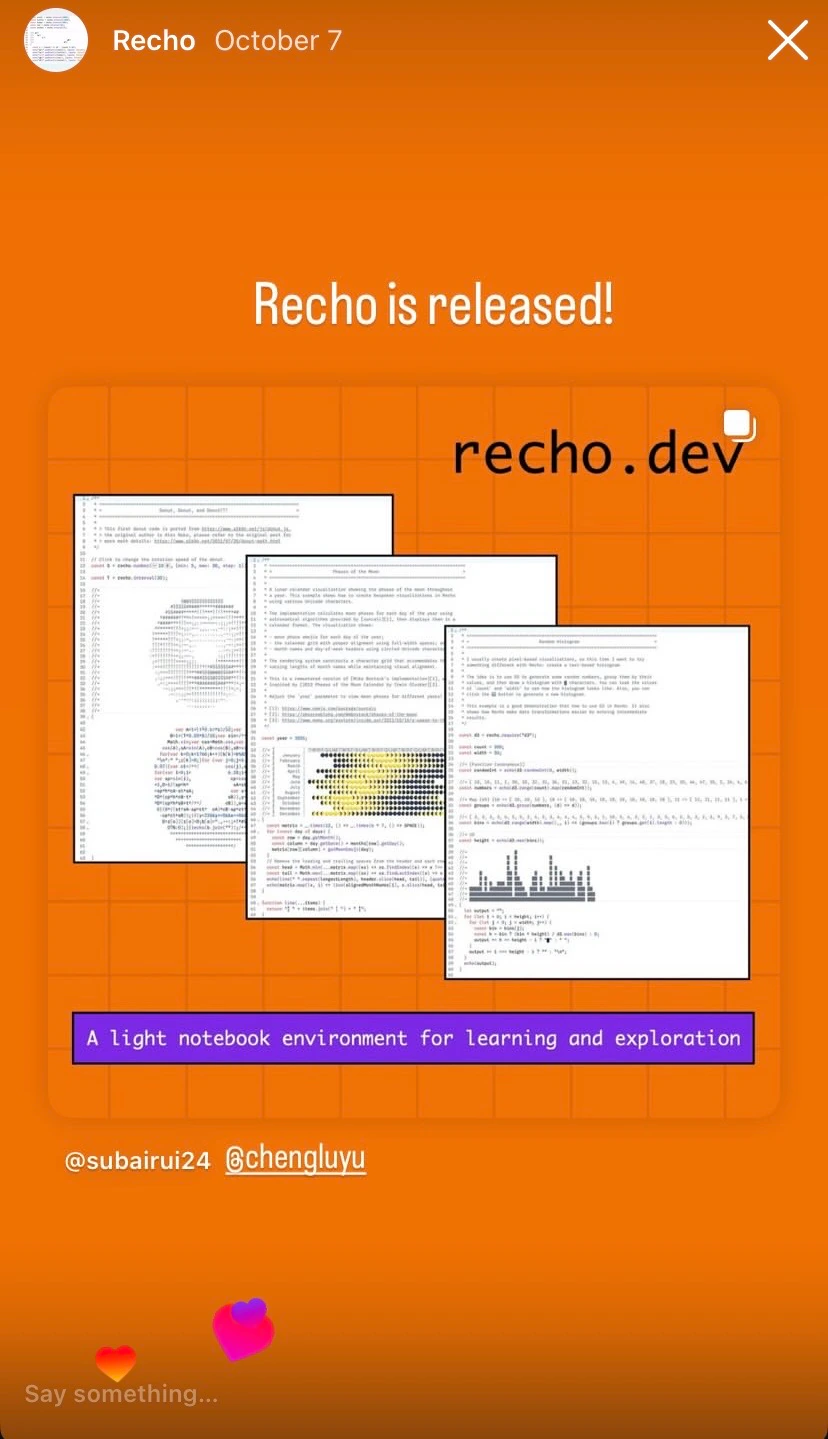
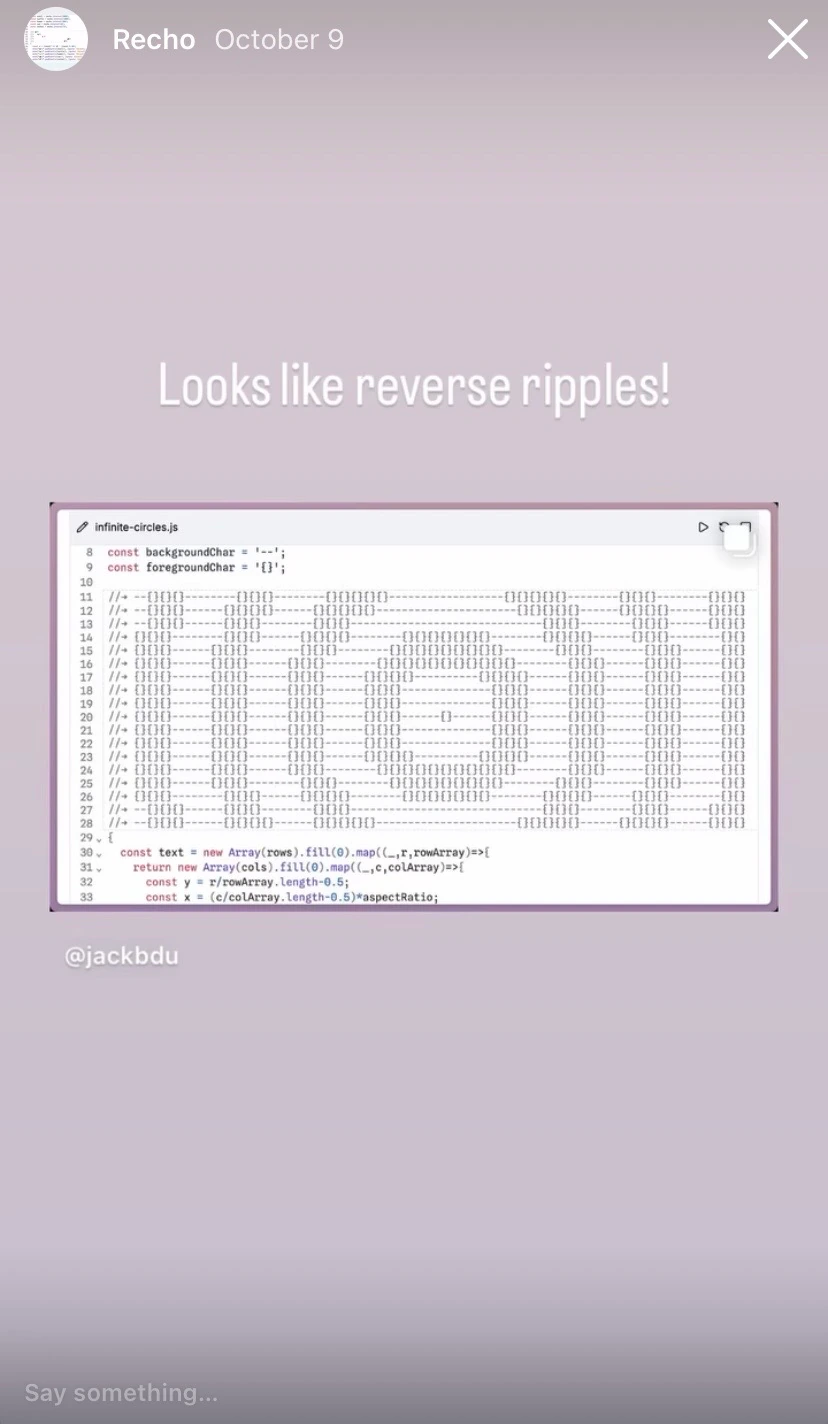
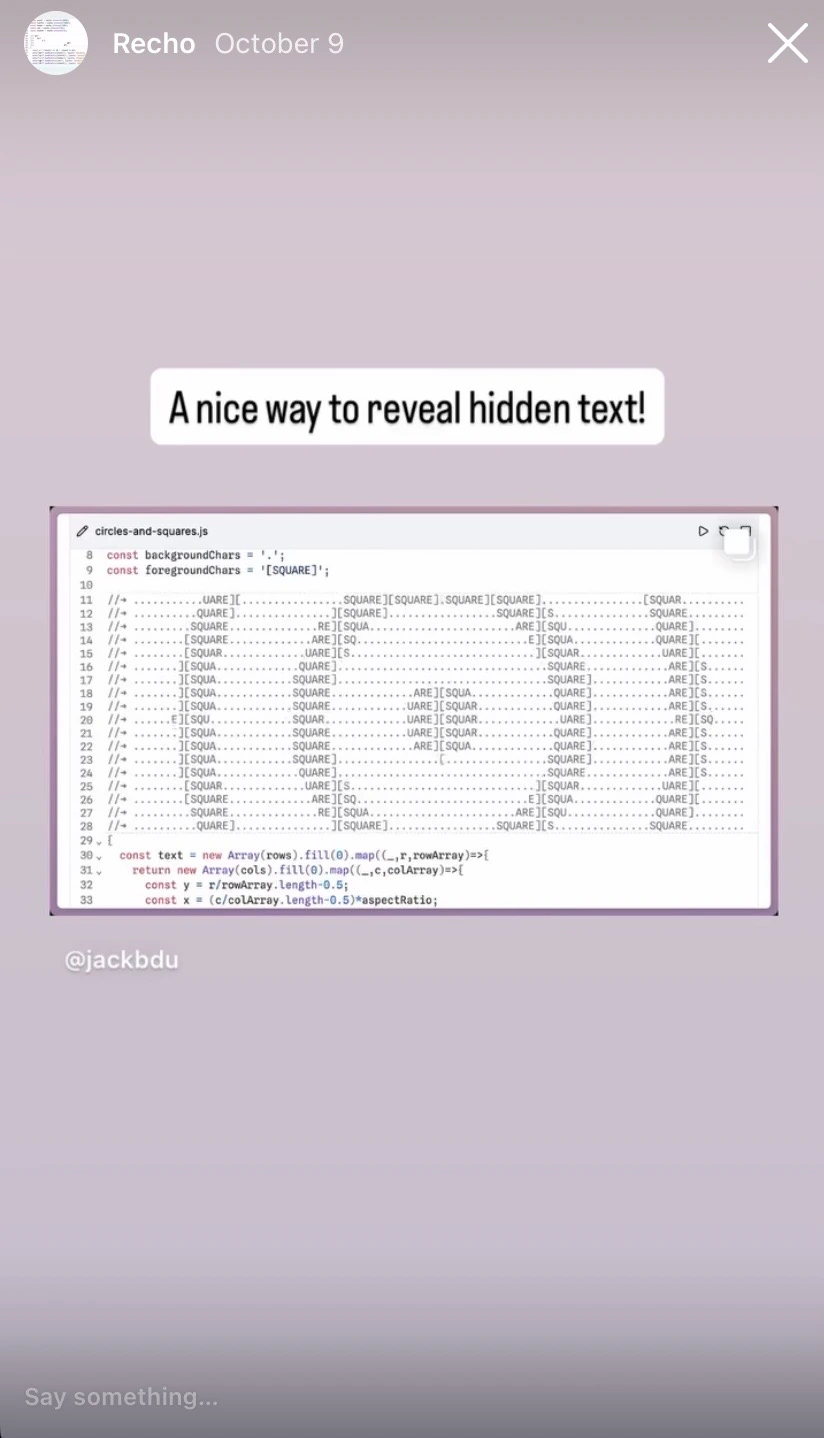
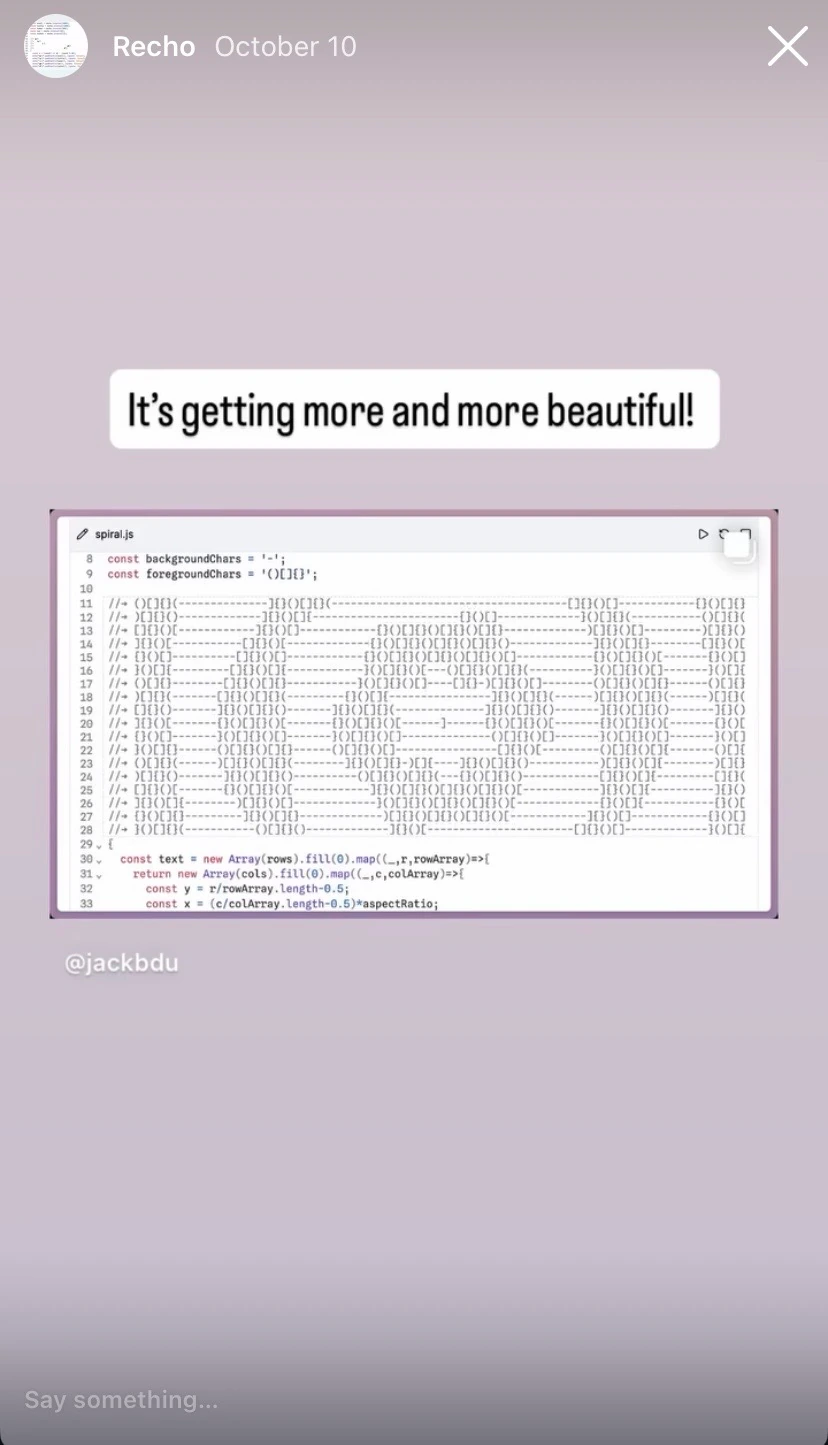
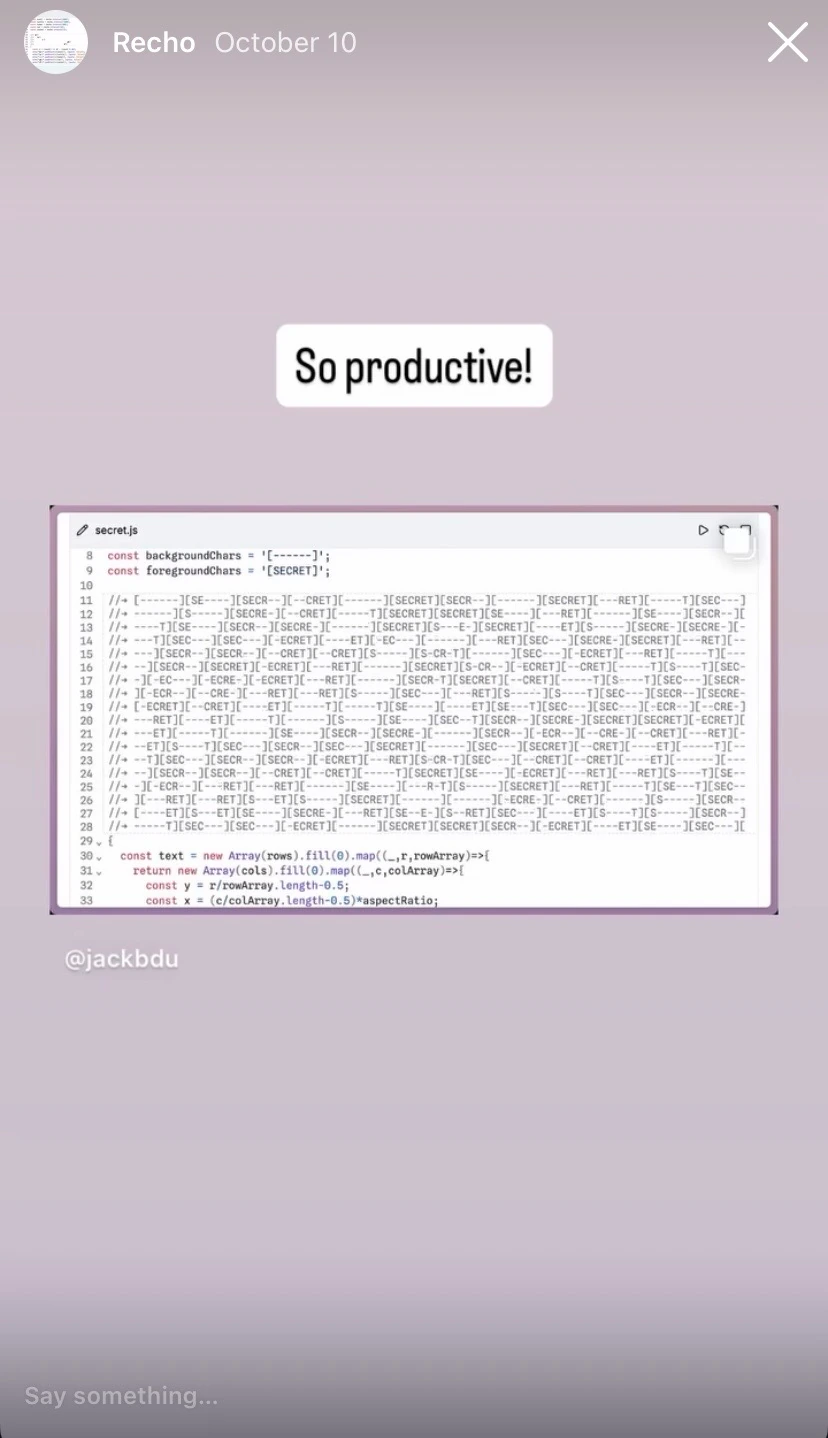
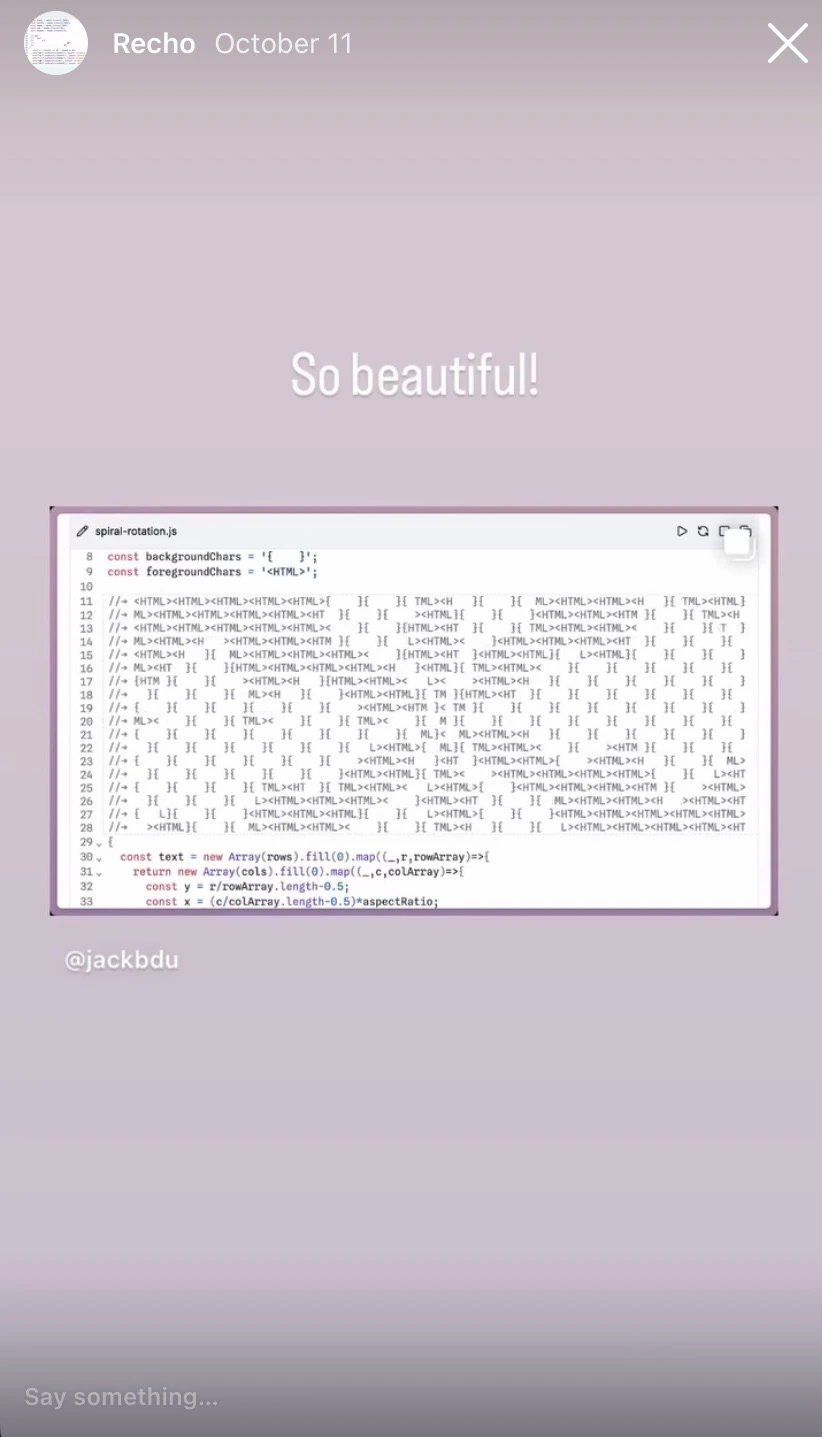
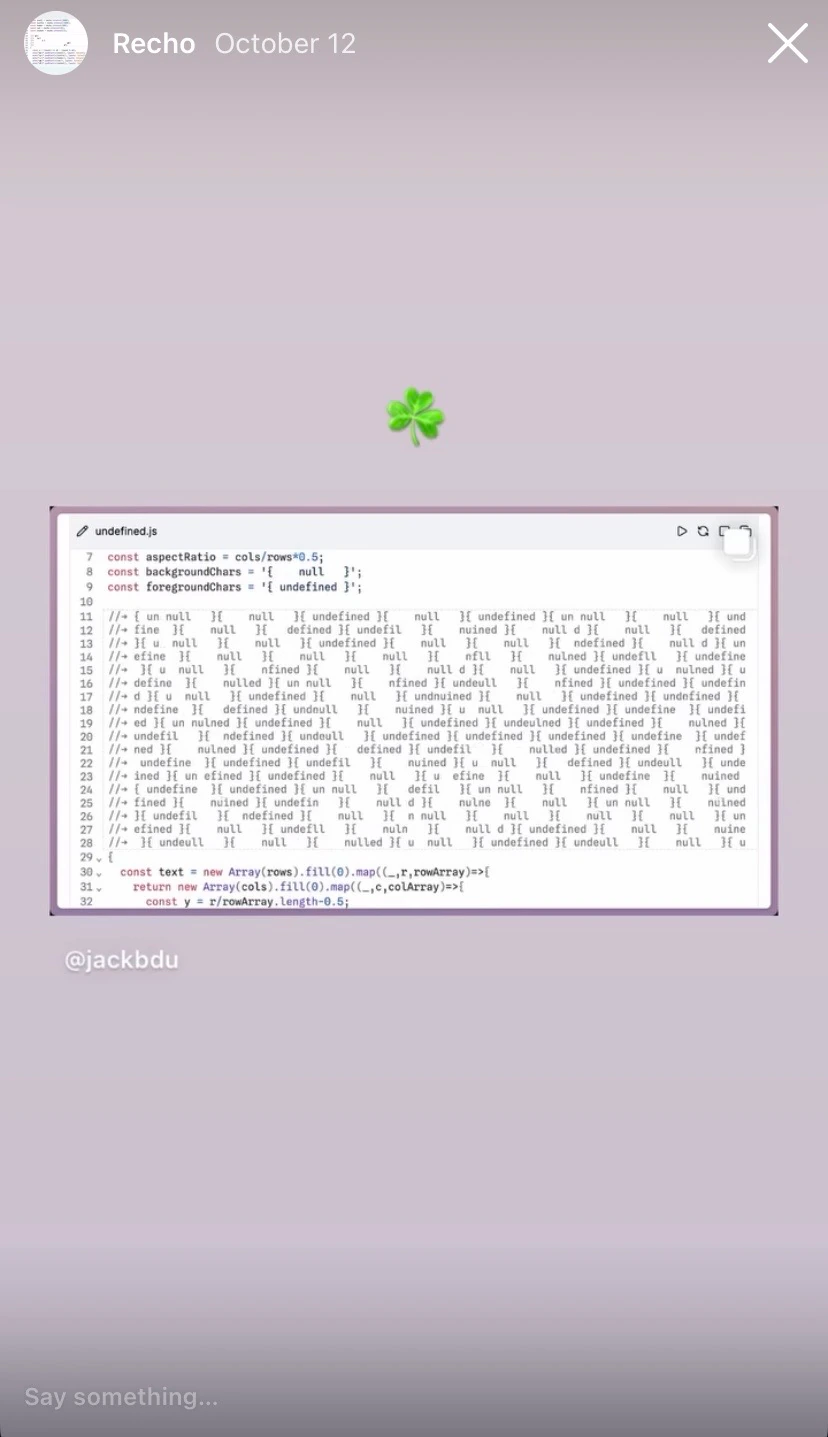
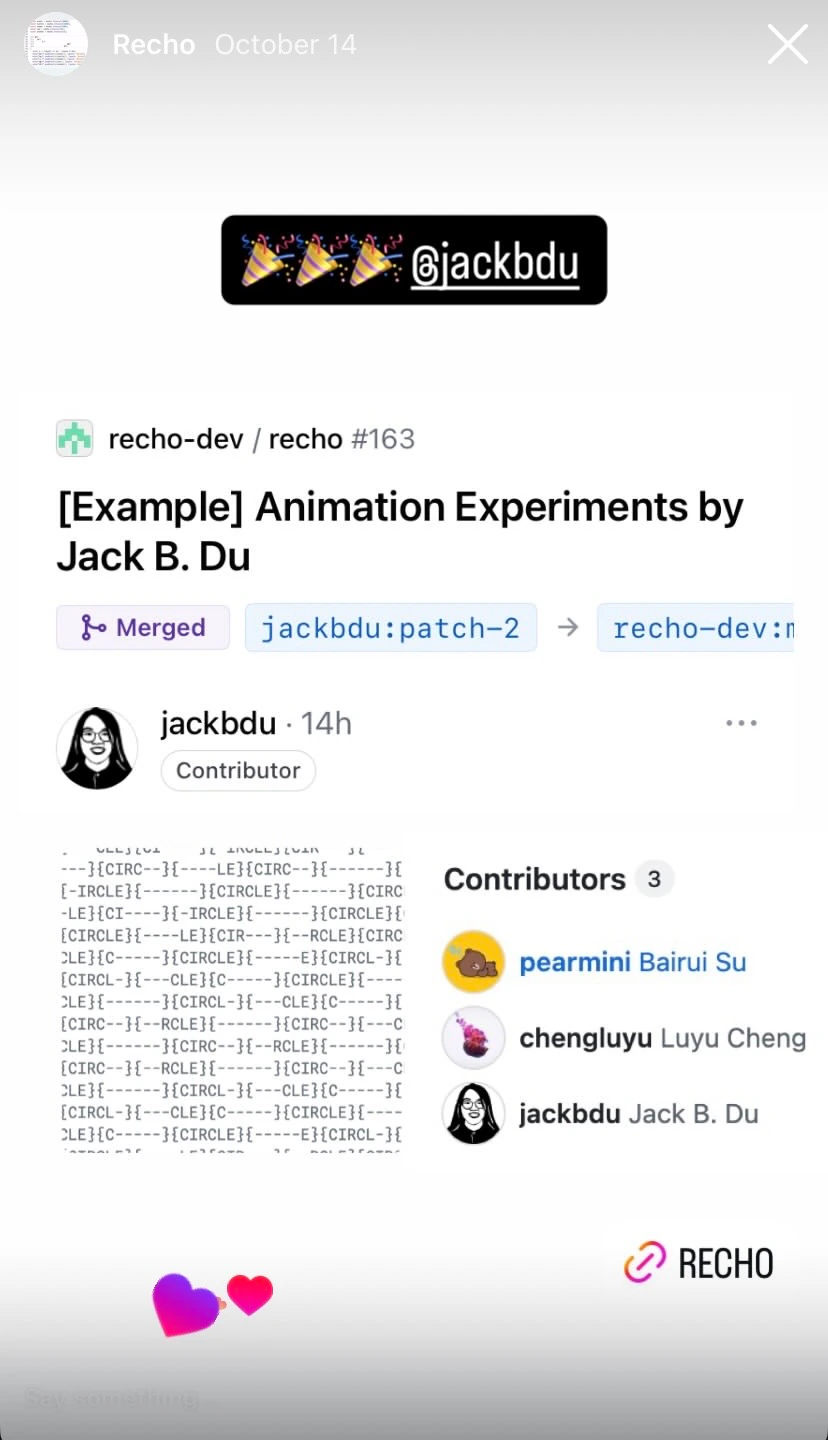
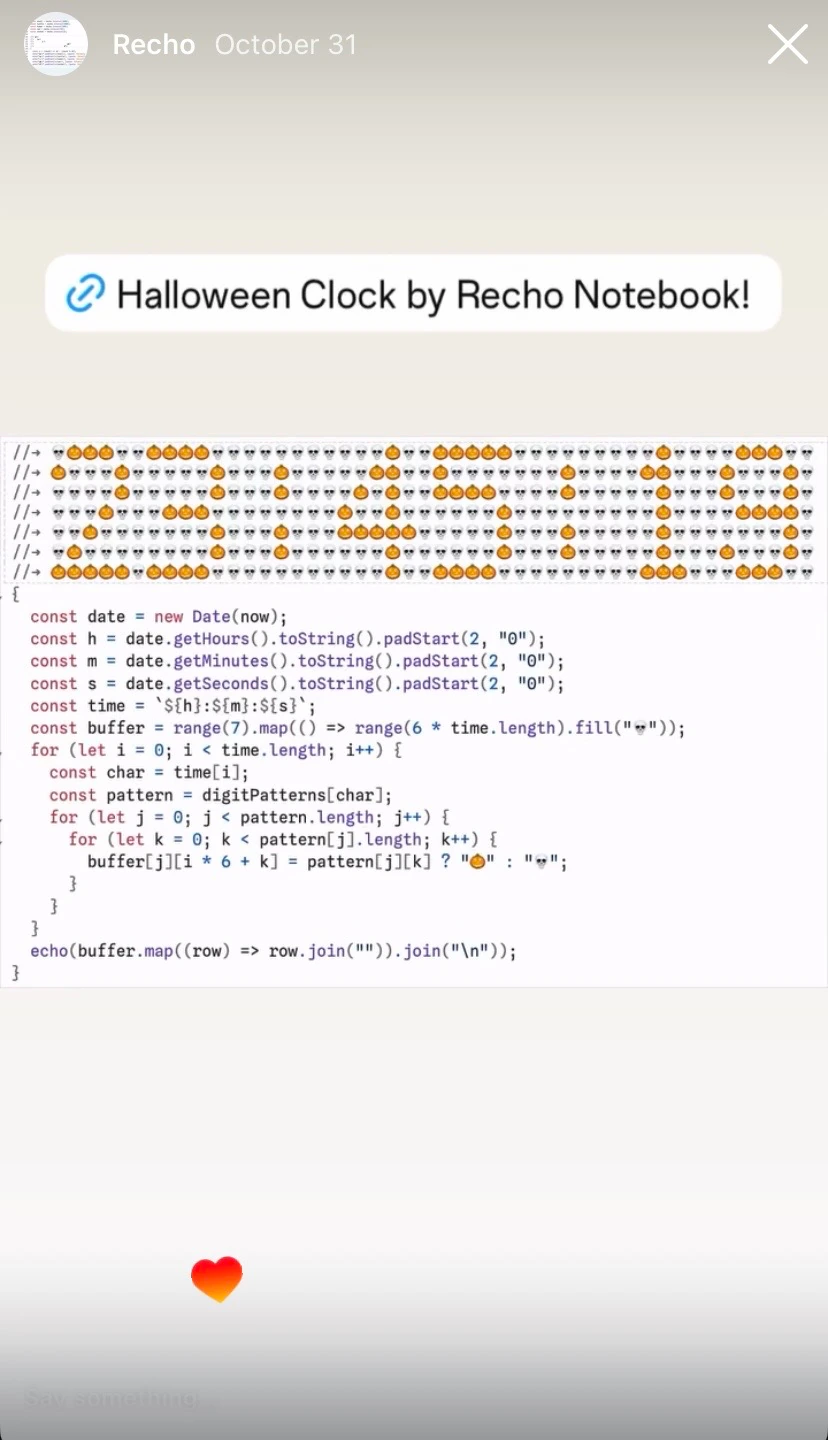
As usual, the whole development was example-driven. I started with developing by writing examples. Then I held a workshop to release Recho Notebook and collect feedback on September 30th, 2025. After that, Jack Bu Du used Recho Notebook to create a series of his daily sketches. I used Instagram stories to share the process of developing Recho Notebook.
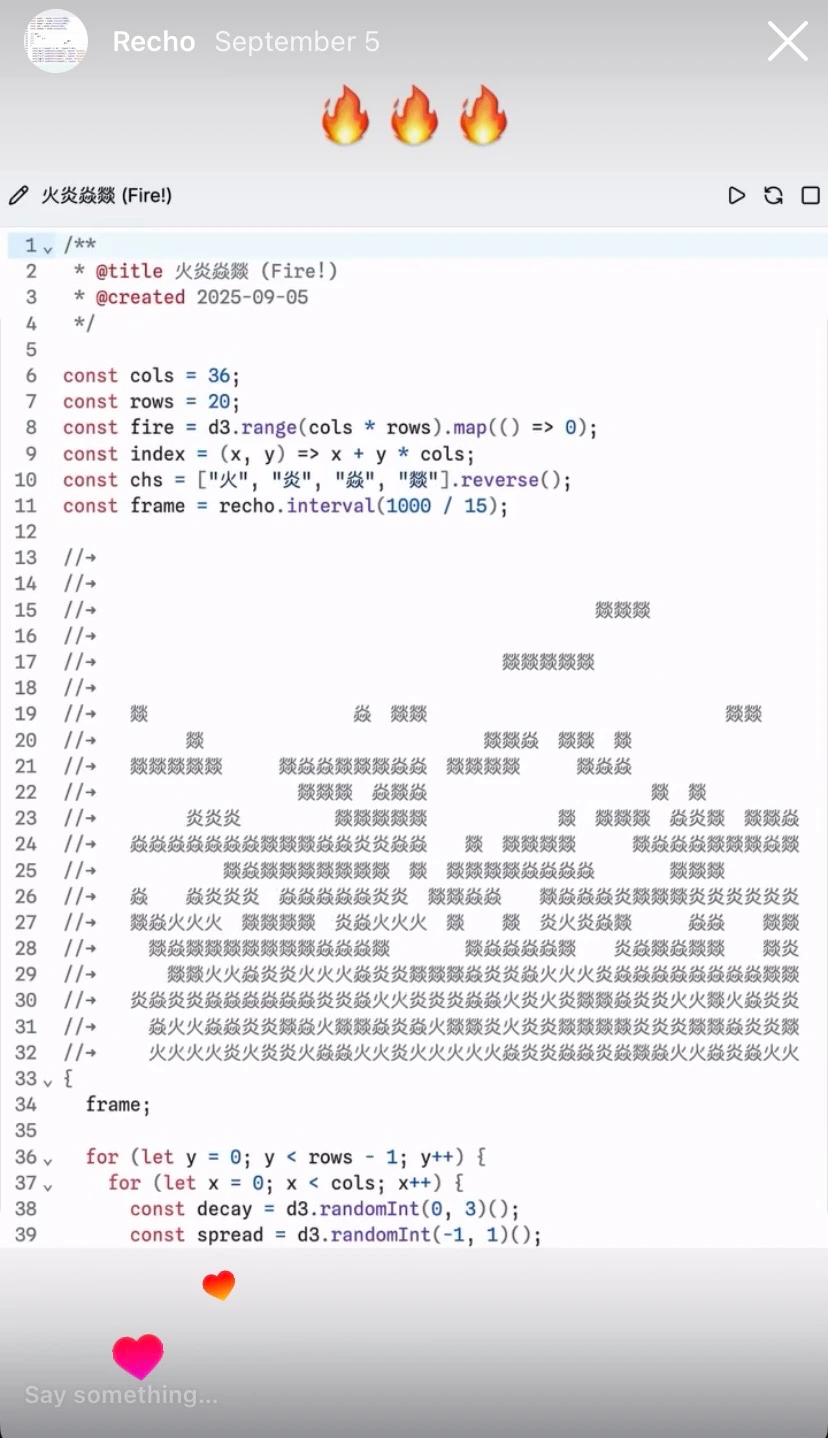
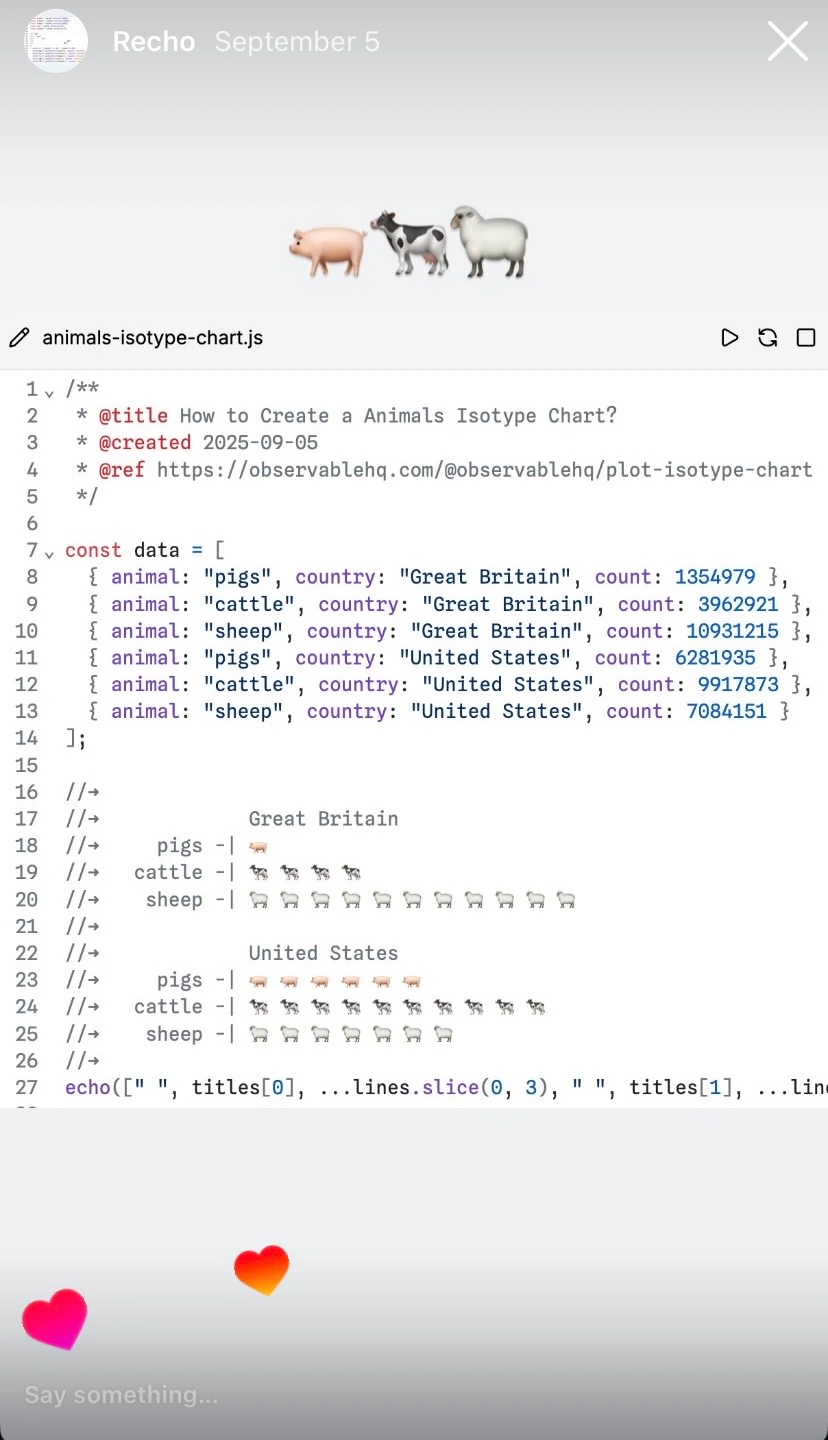
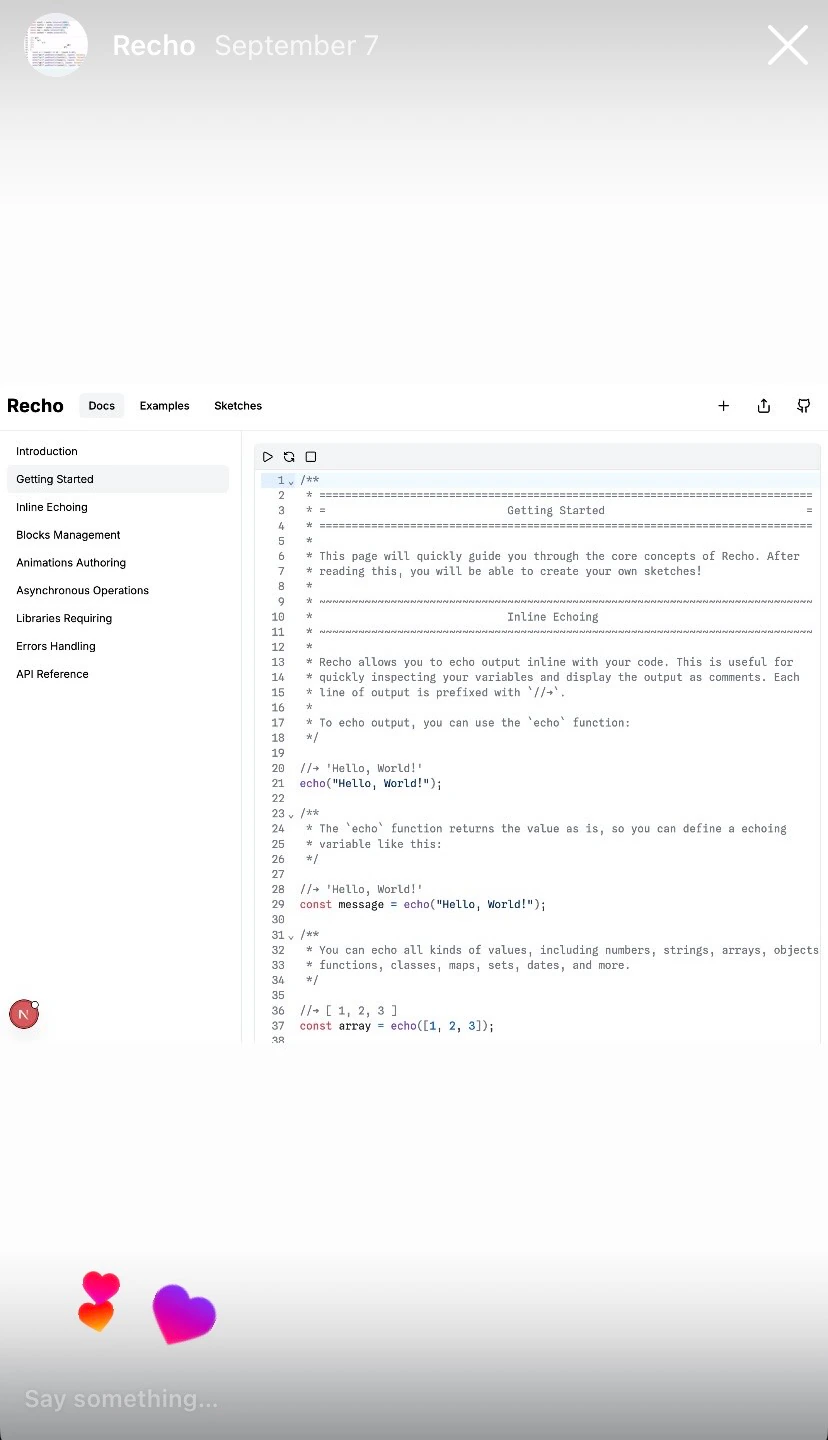
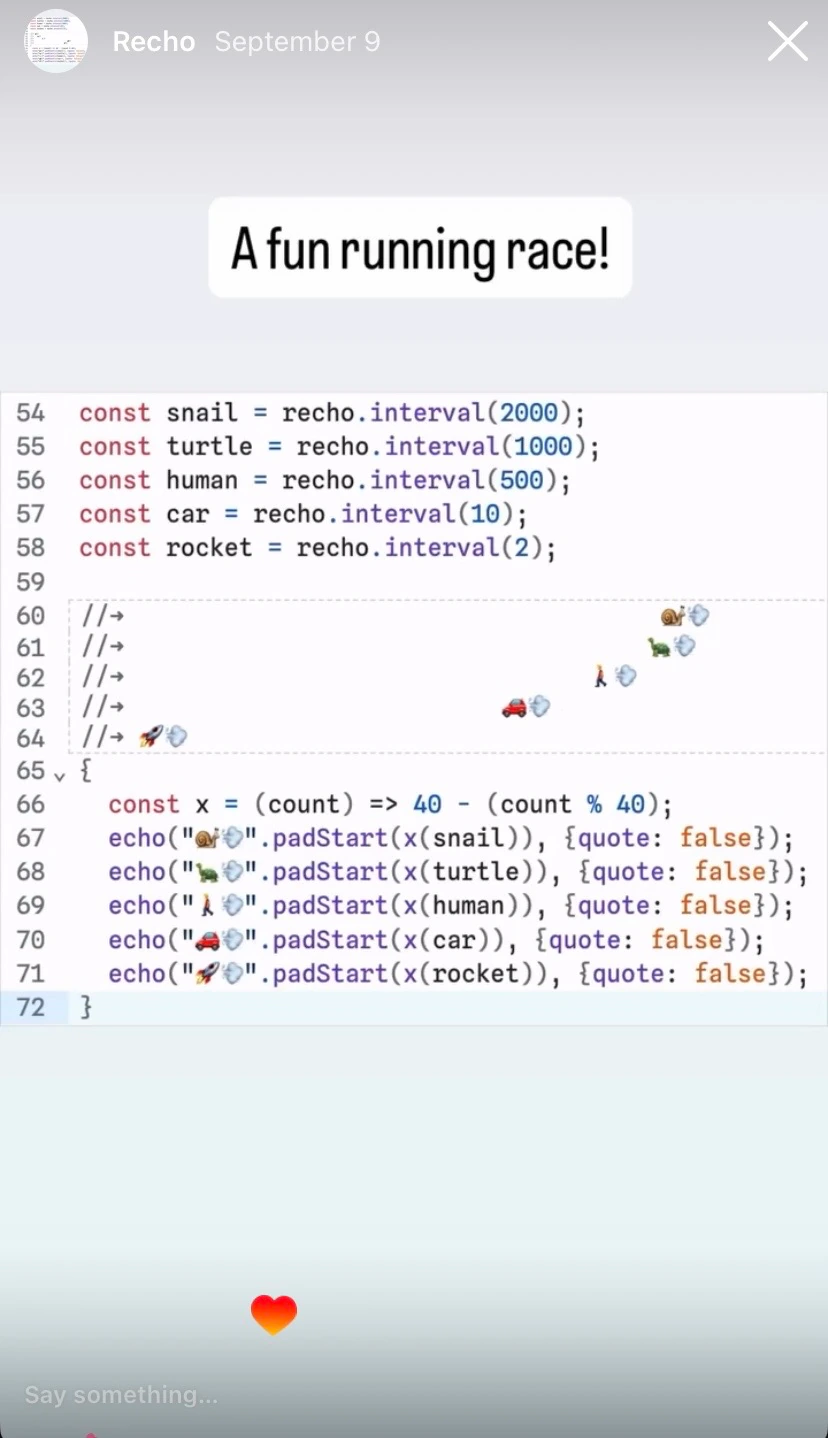
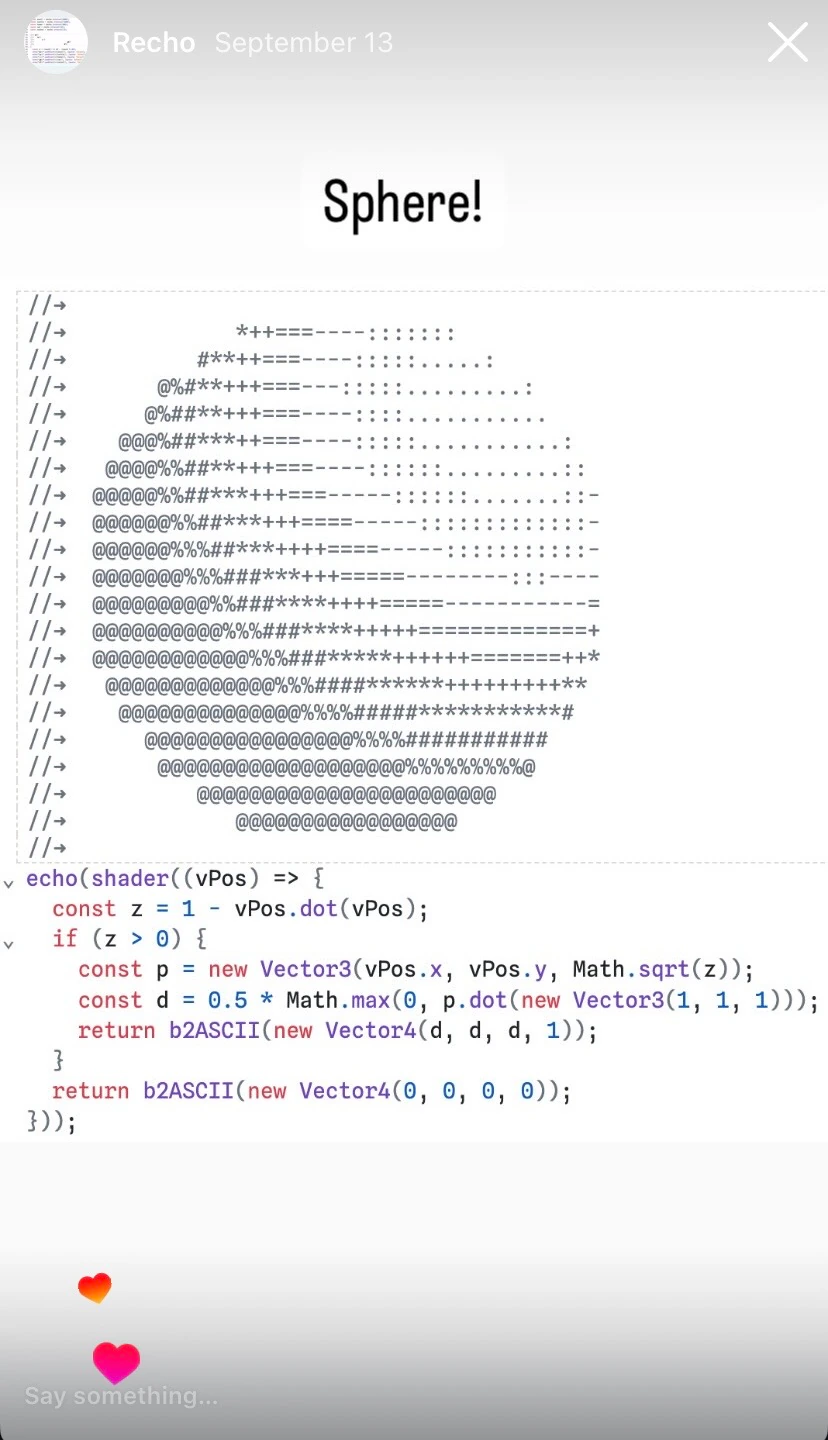
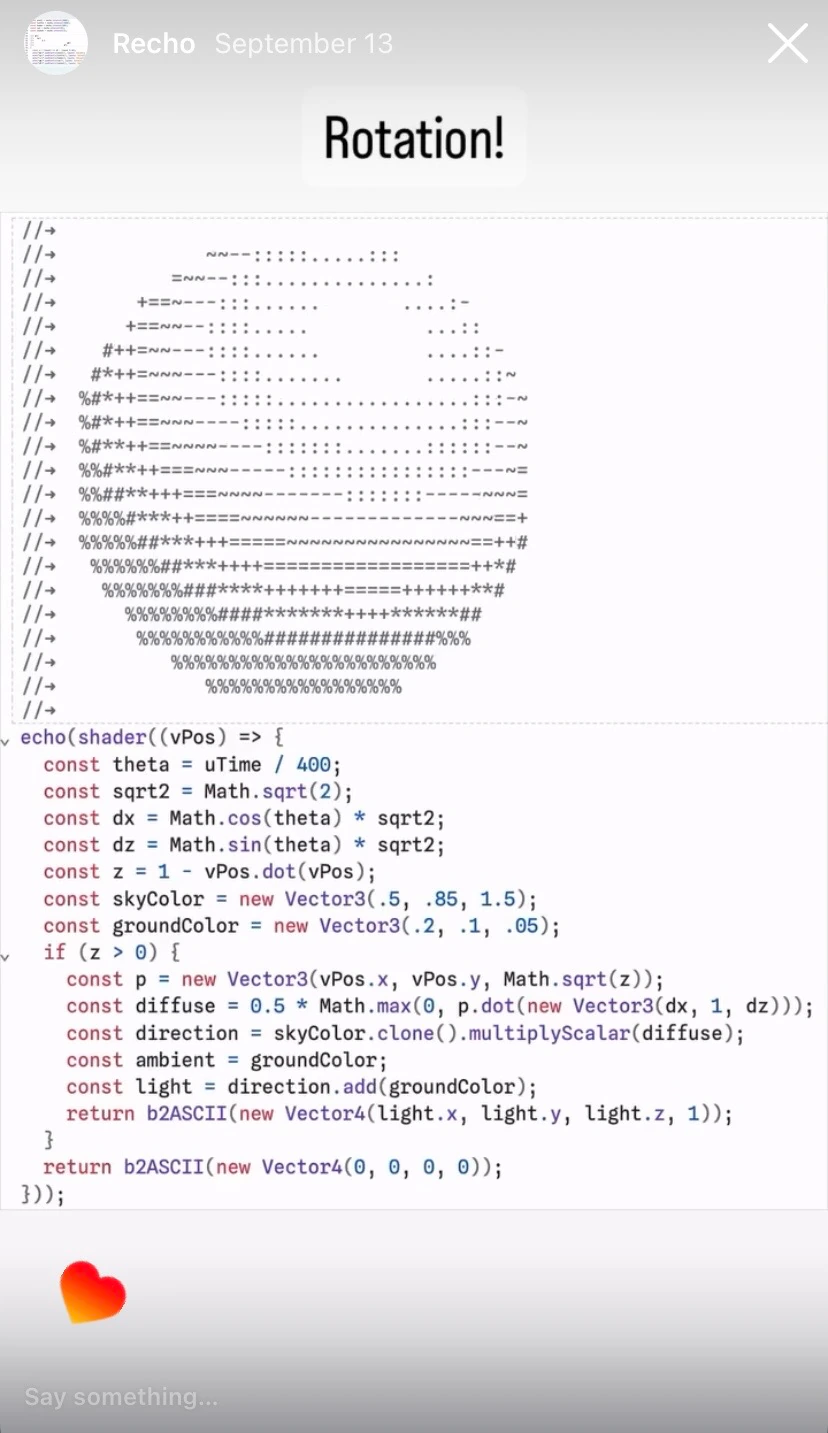
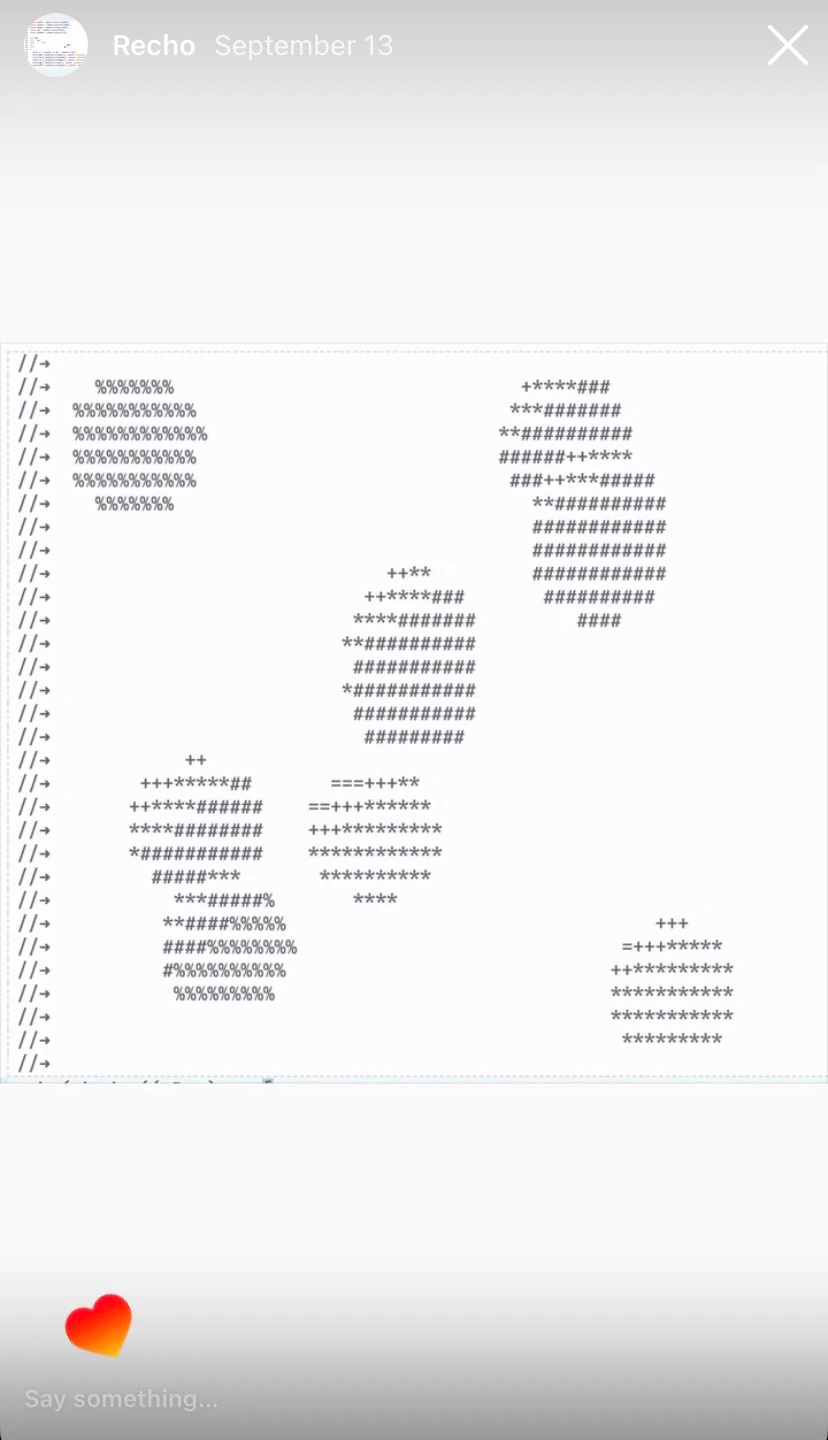
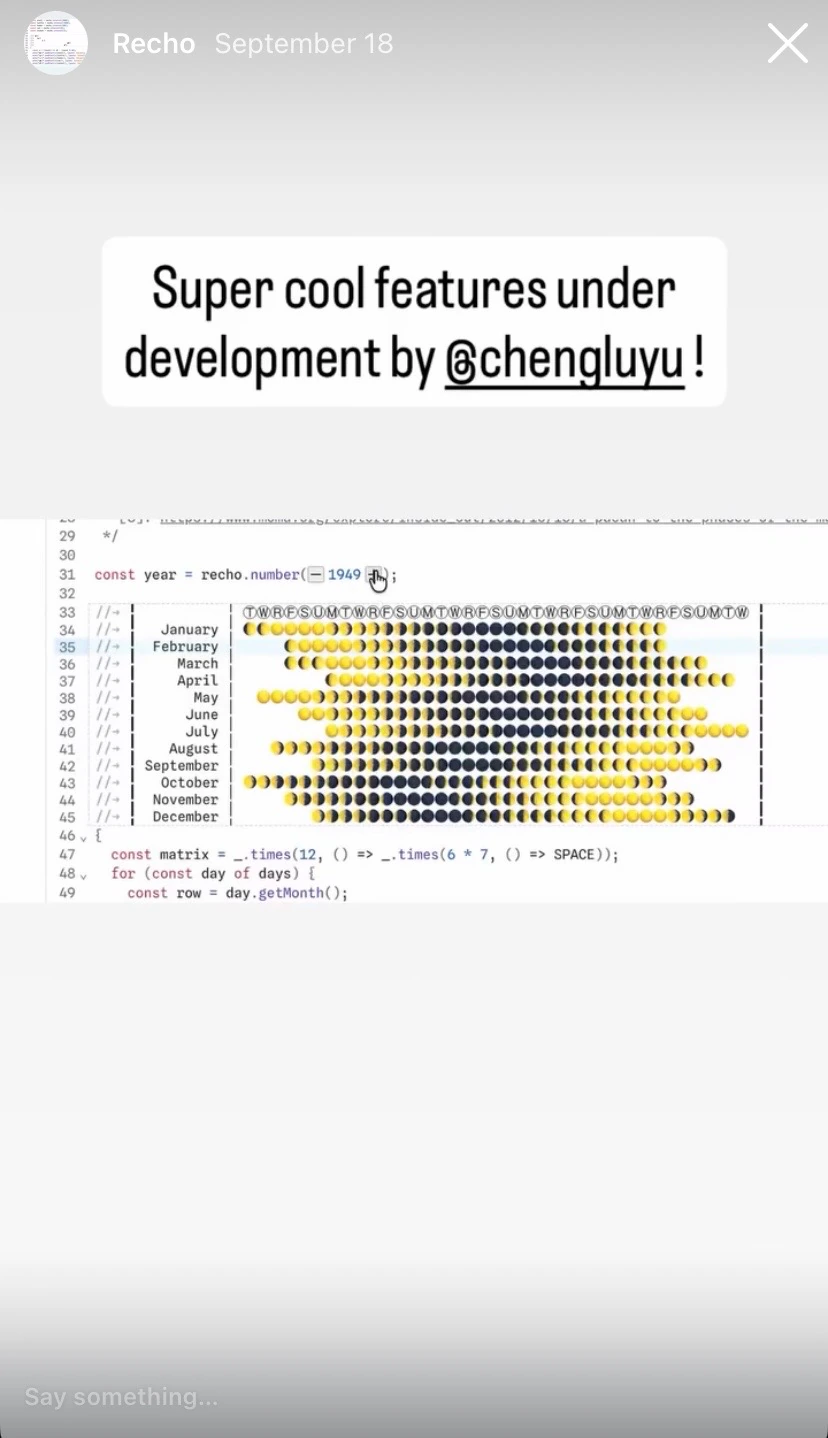
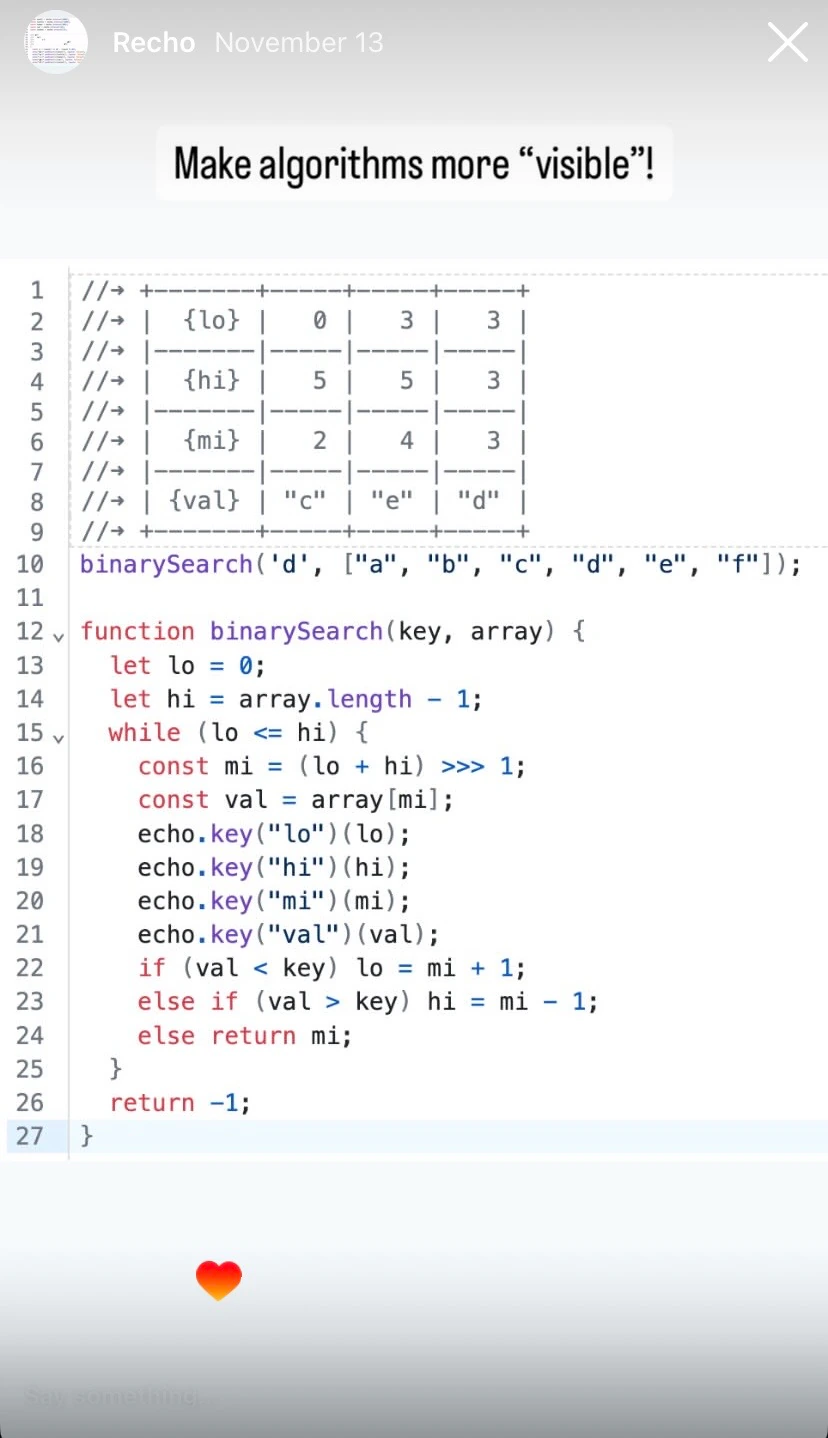
Workshop
I held a workshop hosted by ITP Open Source Club. Thanks Mumu for making this wonderful poster!
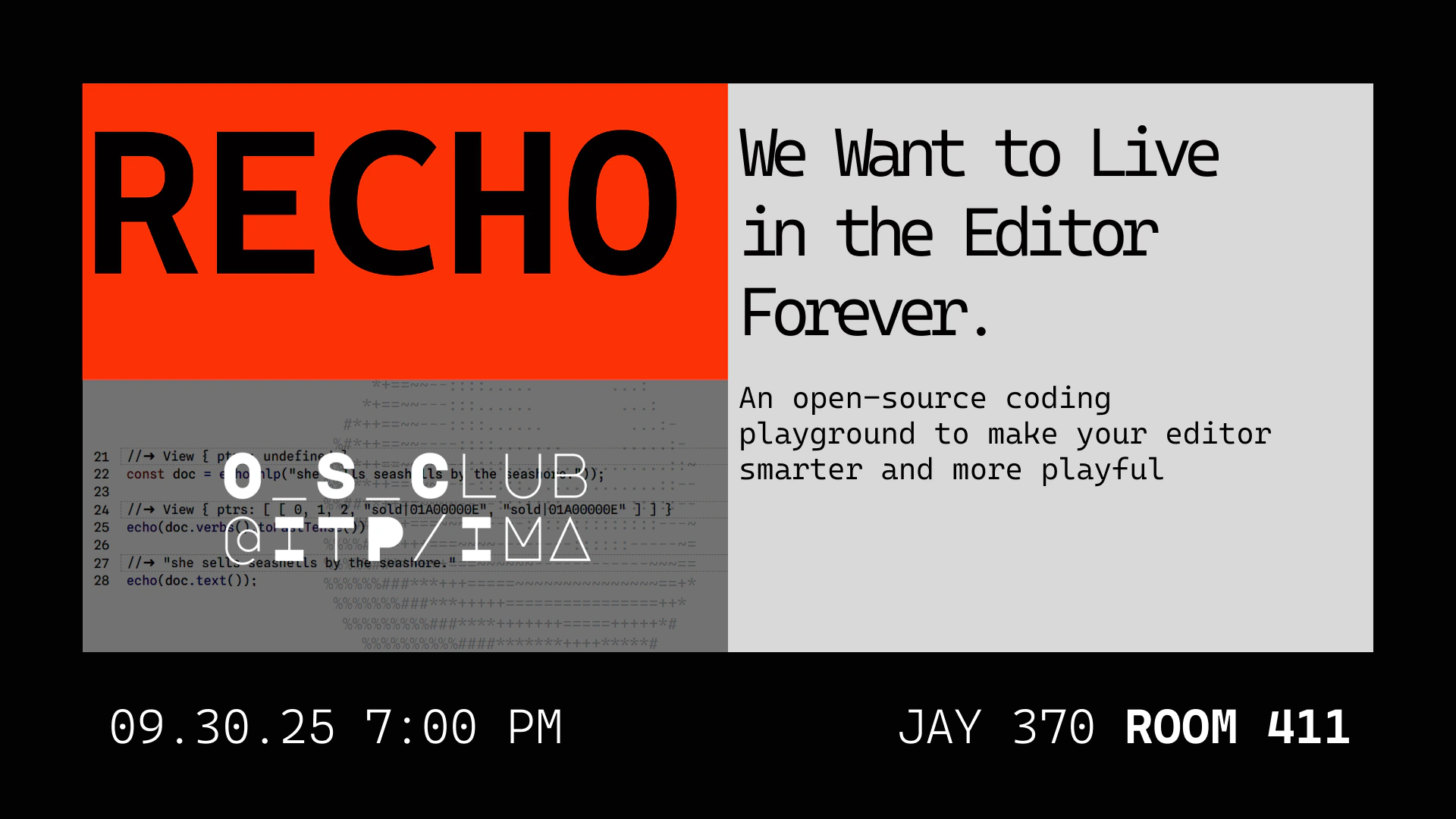 Poster of Recho Workshop
Everything went well during the workshop and we have great discussions afterwards. One interesting thing was that most of them were more interested in the computational aspects of Recho Notebook rather than the creative aspects . This was beyond my expectations, as I initially thought they would be more interested in ASCII art, given that most of them come from an artistic background.
With this valuable feedback, I'm more motivated to work on the computational aspects of Recho Notebook: tutorials about algorithms, data structures, and other computational topics for artists more specifically.
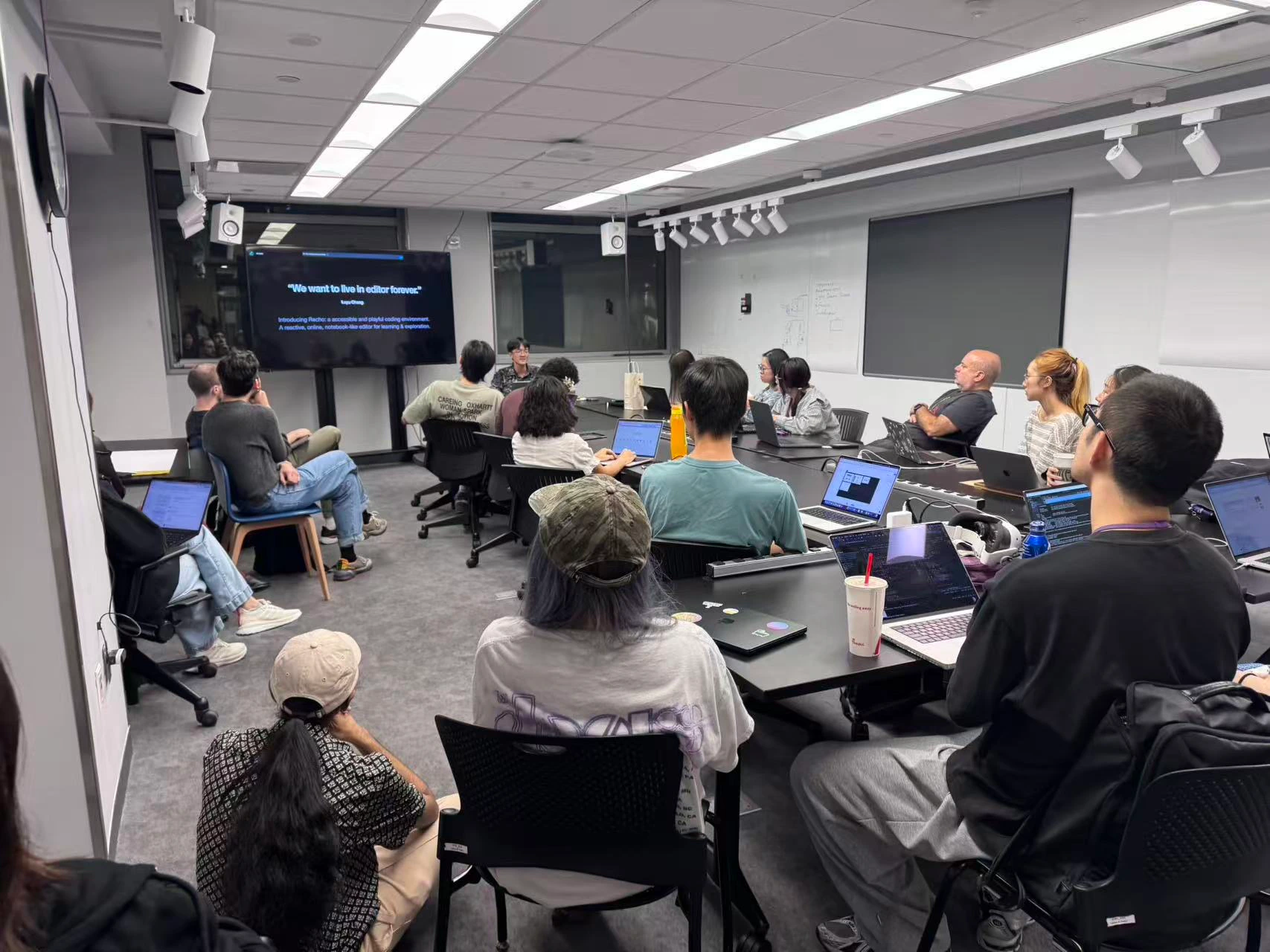 Recho Workshop in ITP Open Source Club
Future Work
While there’s still much work to do, we’re excited to release the beta version and make Recho Notebook open source. For the future work, we’re especially interested in the following areas:
More Examples
Although we've already had some examples, we still need more! Good examples both attract users and shape tools. We’d love to showcase examples across diverse areas (text analysis, data viz, graphics, concrete poetry, algorithms, etc.) and demonstrations working with external libraries (D3, Lodash, ml5, Tone, p5, etc.).
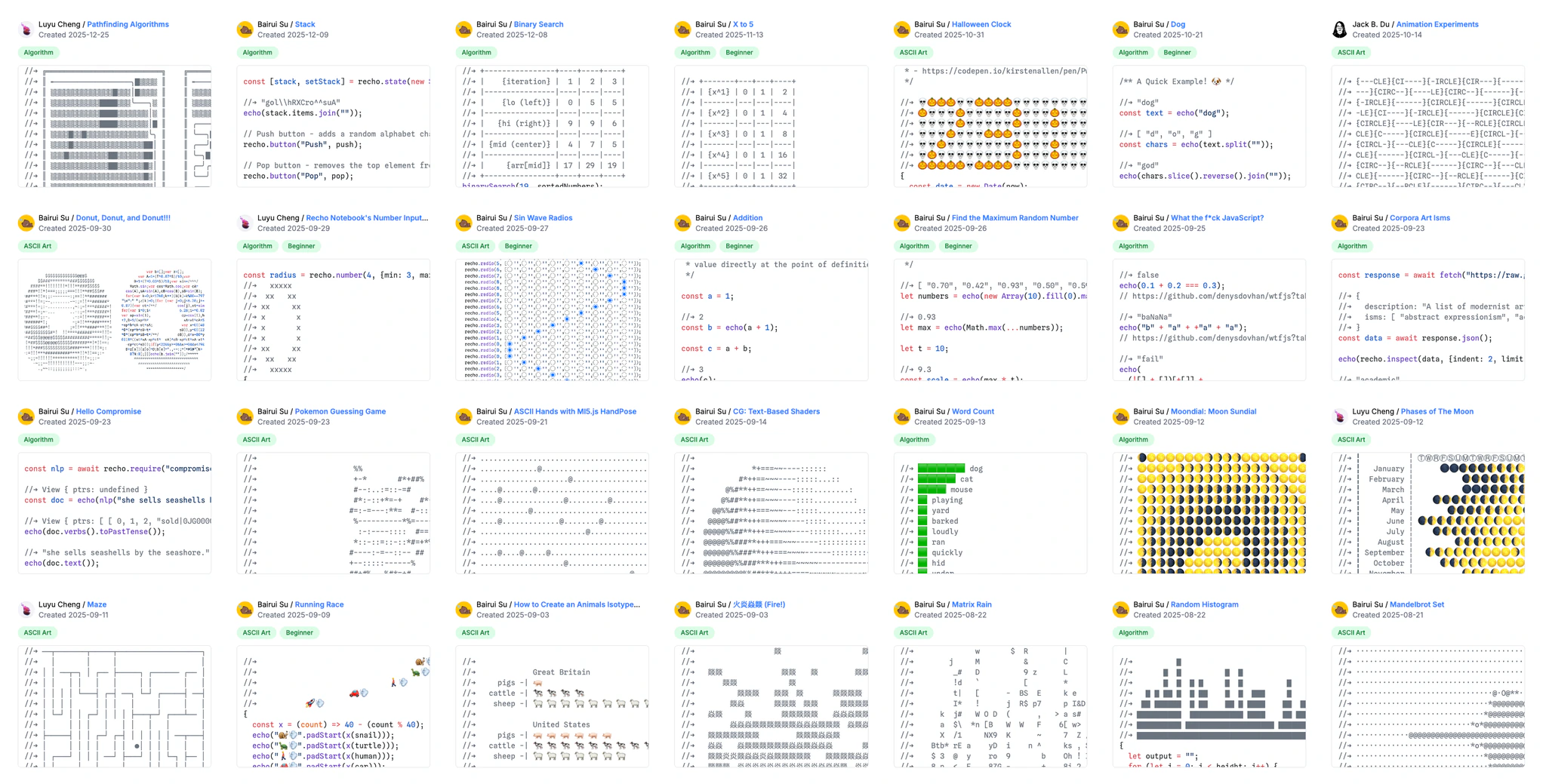 Recho Notebook Examples
Polyglot programming
Recho starts with JavaScript but isn’t limited to it. Any programming language that can be transpiled to JavaScript can be incorporated into Recho. This includes popular languages (e.g., Python, Rust, Java), academic ones (e.g., MLscript by Luyu’s lab), or creative languages (e.g., wenyan‑lang). The best part? These languages don’t need to be production-ready or have practical applications — offering a different approach to coding or thinking also can be valuable, such as a language that uses emojis as keywords to produce emojis.
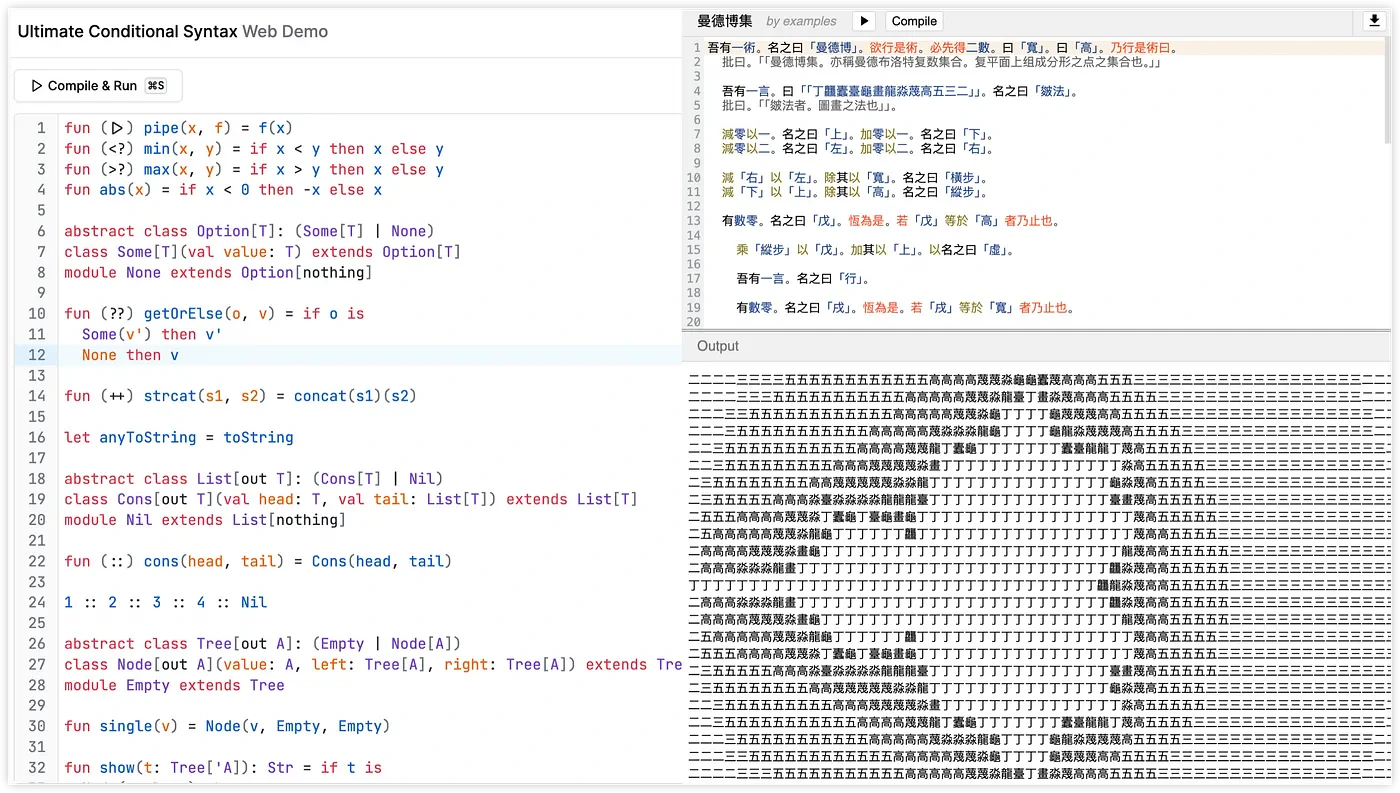 MLScript (Left), Wenyan Language (Right)
LLMs Exploration
Normally LLMs can't see the output of code. But in Recho Notebook, the output is embedded as comments in the code editor, which means LLMs can perform better in terms of code analysis and debugging. This is useful for building an AI-powered learning environment. Now we're discussing this idea with April Yi Wang from Department of Computer Science at ETH Zürich.
Thanks
Thanks to the Observable team for open-sourcing their reactive model Observable Notebook Kit, which made developing Recho much easier. Thanks to Mike Bostock for his article “A Better Way to Code”. As you can tell from the title, this article is a tribute to his. I’ve drawn significant inspiration from his work — in content organization, explaining reactive programming, and communicating ideas. Mike has always been an inspiration to me.
One more thing...Are You Hungry?
If you are, Recho Notebook has a donut for you!
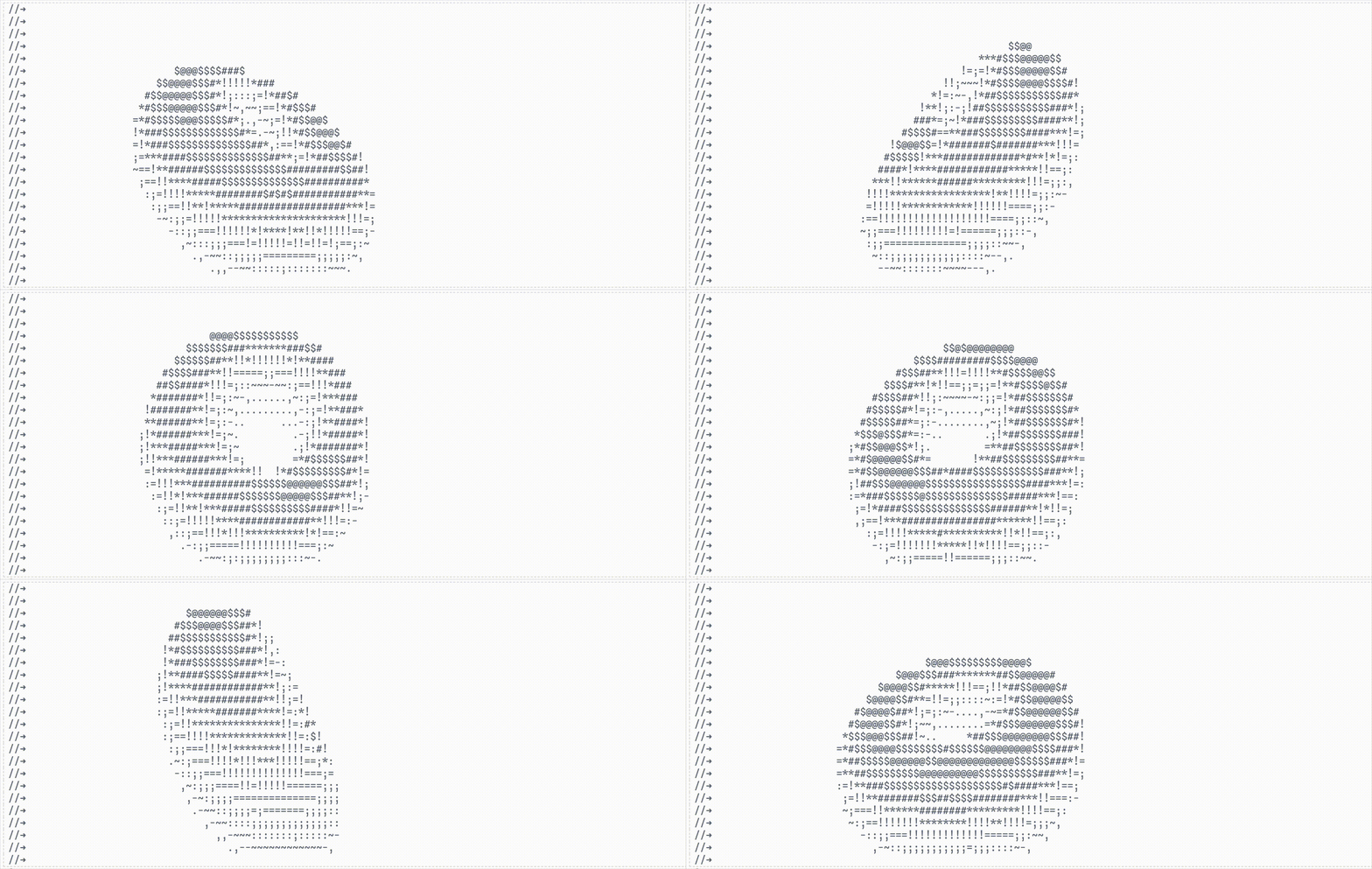 Example: Donut
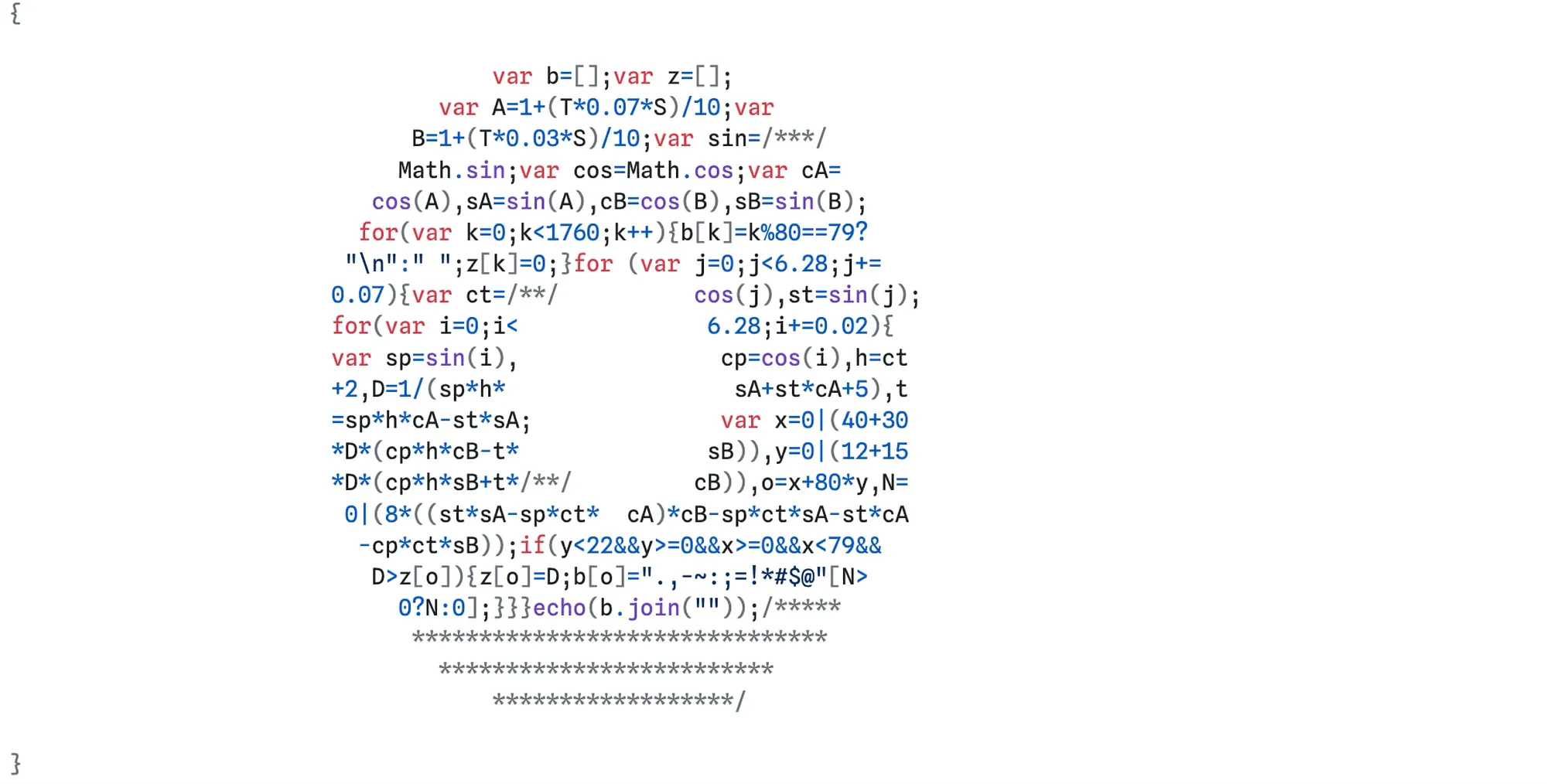
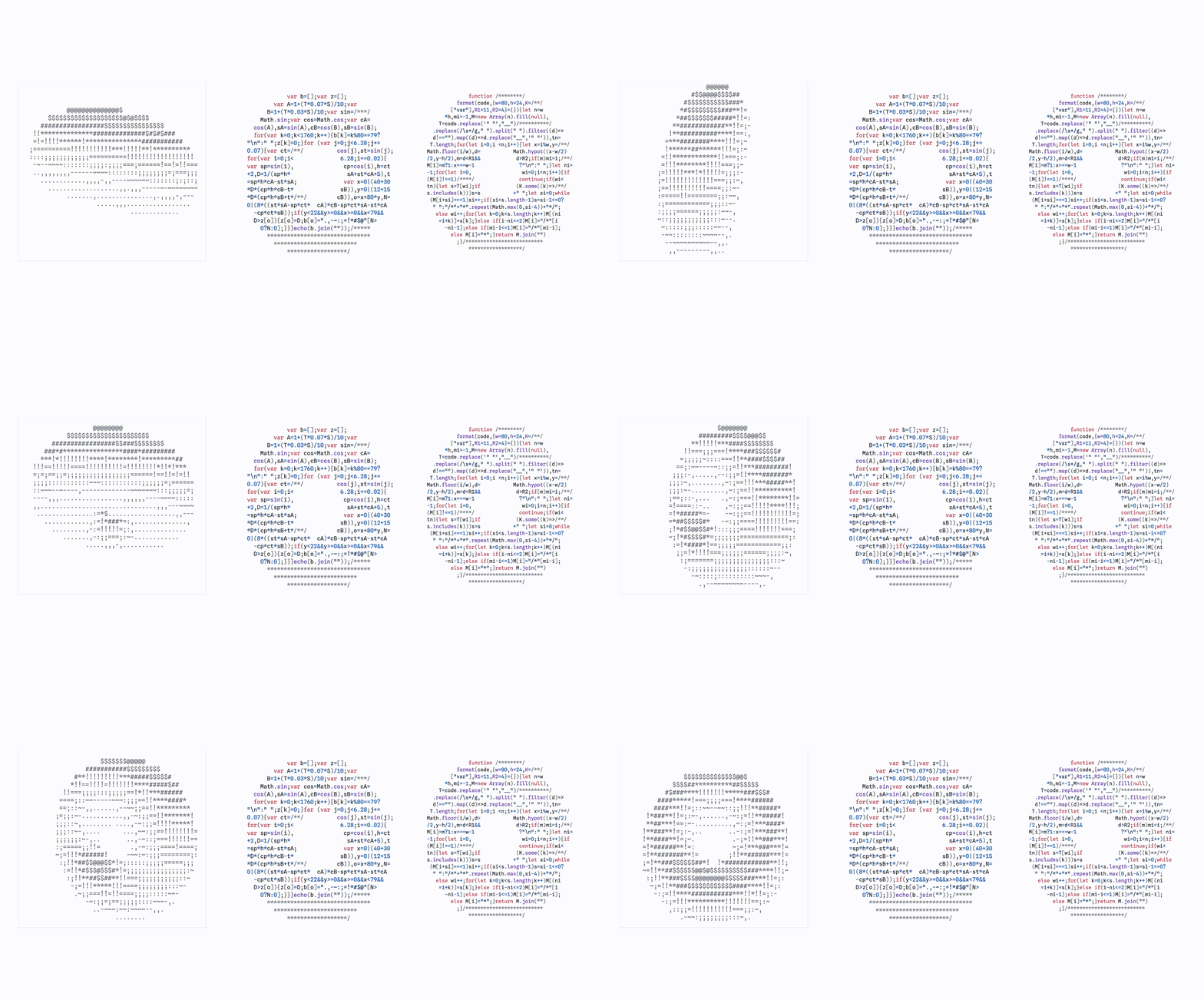
You need more? No problem, the code is also a donut. Press enter or click to view the image in full size.
Curious about how do I format the code? Well, I wrote a format function:
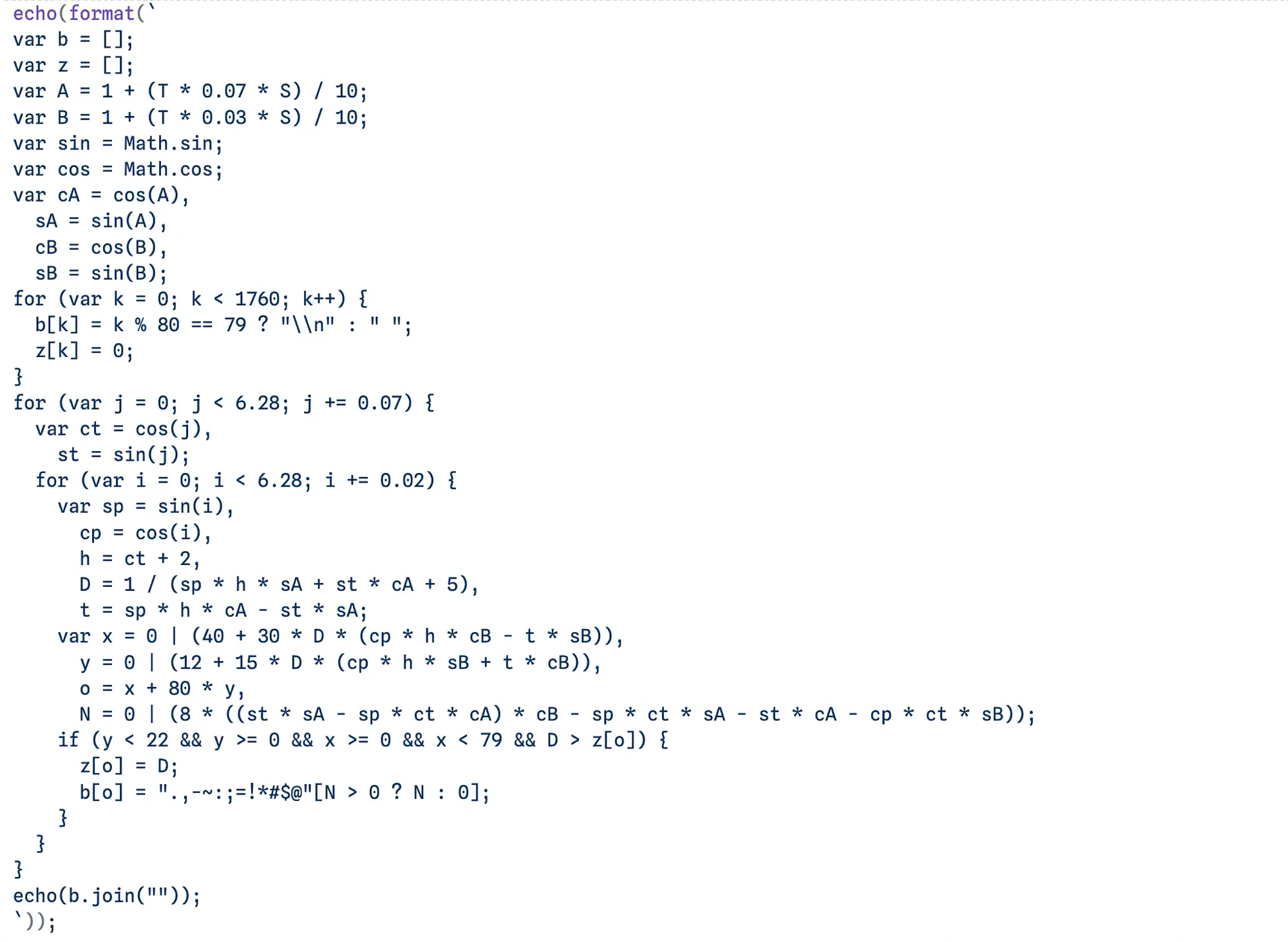
You might have guessed, the format function is also a donut!
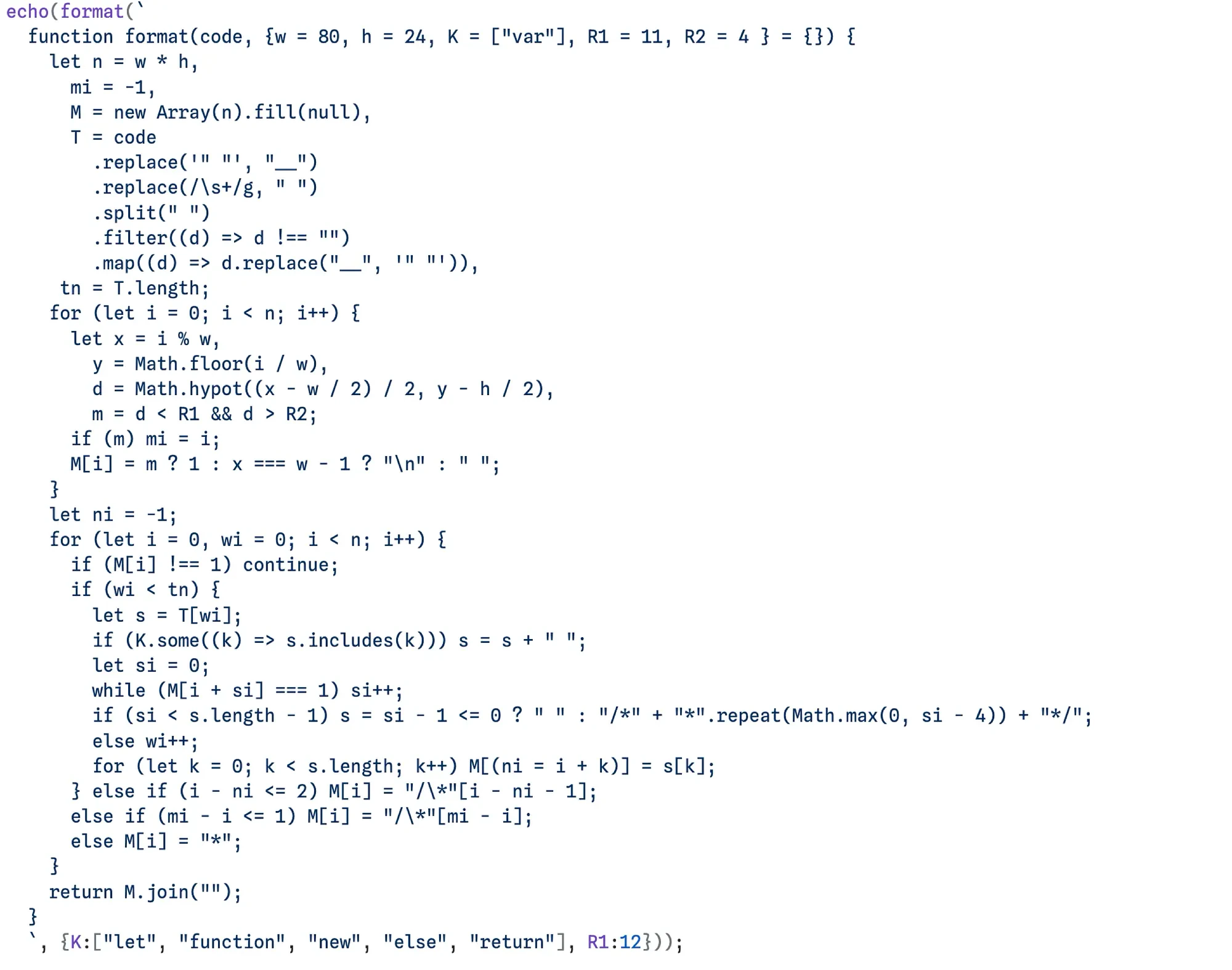
We now have three donuts in total! Hope you enjoy them as well as Recho!
Thanks for reading!