2025-12-05 / Bairui SU
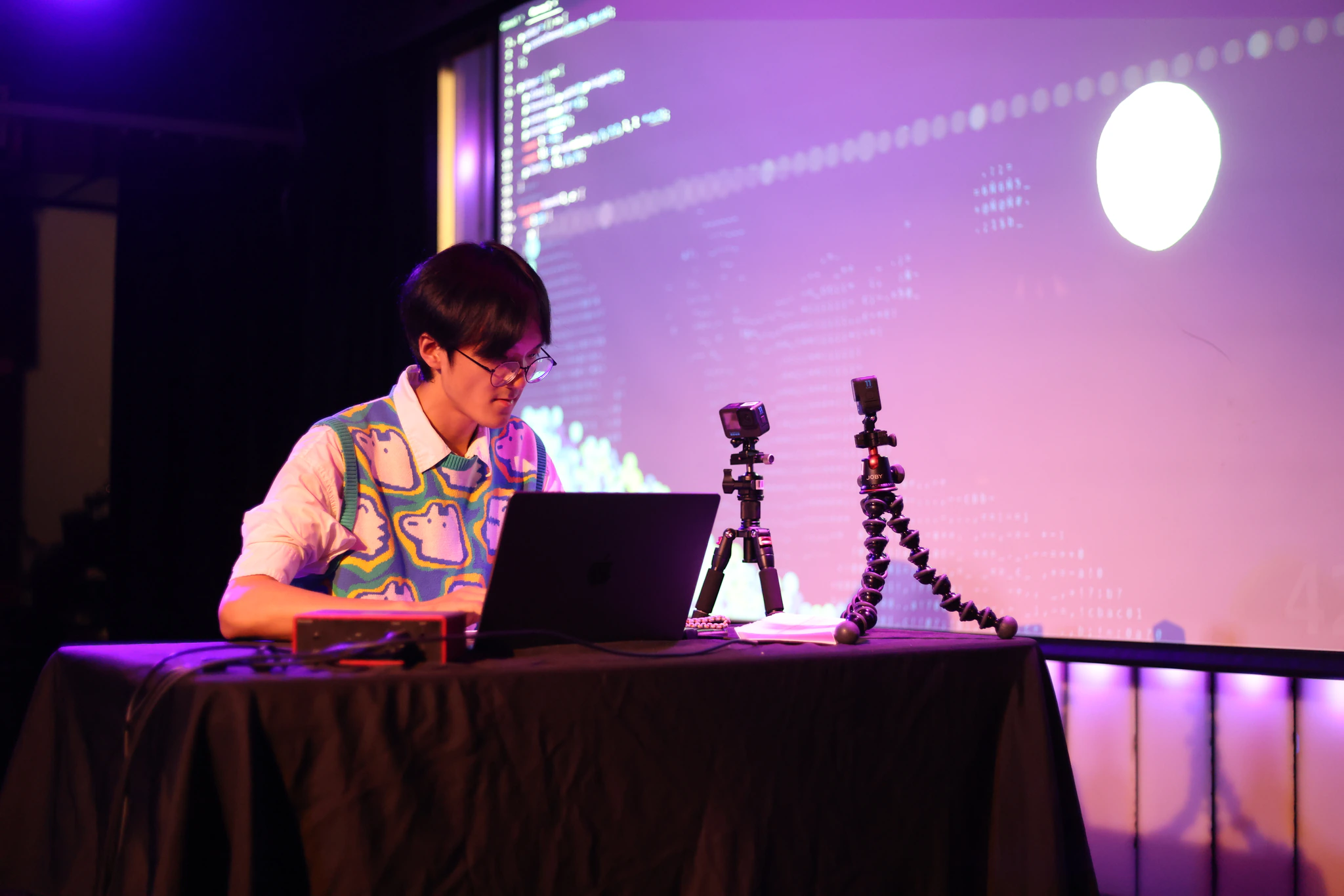
Recho Melody is a piano editor that allows users to play piano pieces while coding. Originally designed for live coding and performance, it is also intended for everyday programming practice.
Its key feature is supporting multiple interconnected layers: code, sound, graphics, and web camera. As users write code, it produces sound and graphics in real time—all happening in one unified space where the creator becomes part of the creation.
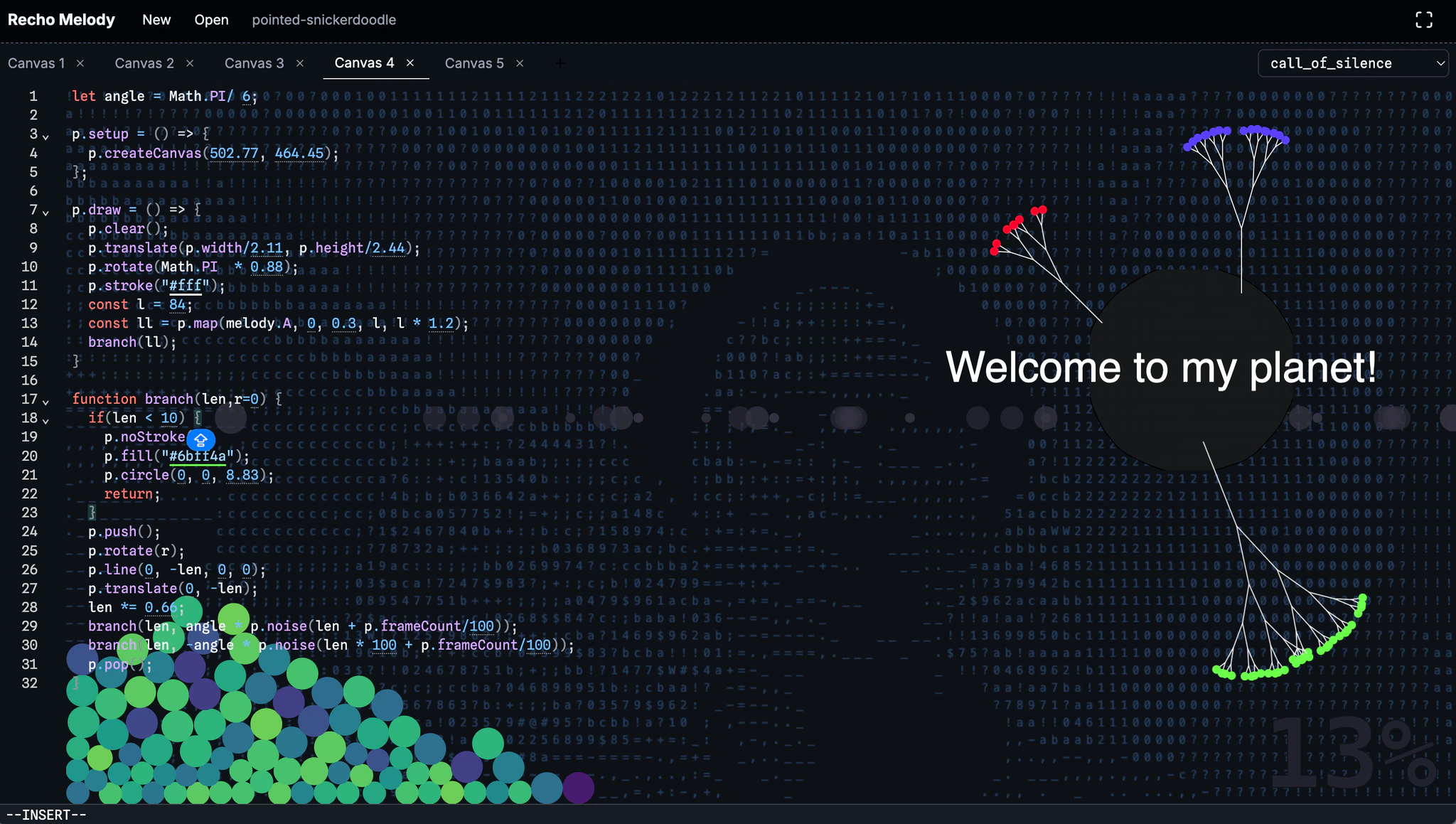 Sound, Graphics, and Web Camera All in One
My hope is that Recho Melody helps every coder realize they can play the piano, think and act like a pianist, and experience coding not just as a personal activity, but as a collective, performative act.
Inspiration
Code and music share something fundamental: graphical music scores guide musical activity through time, just as code executes through time in unique ways. Pianists and coders have something in common too: when they press the keys, things come to life—one creates sound, the other creates visuals. What if both happened together? Let's see—and listen.
ITP NIME Show 2025
I performed with this "instrument" at ITP NIME Show 2025 at Littlefield in NYC. Here is the full video of the performance.
Here are some key moments of the performance. If you want to know why my puffer jacket was missing in the second half, check out the full video above!
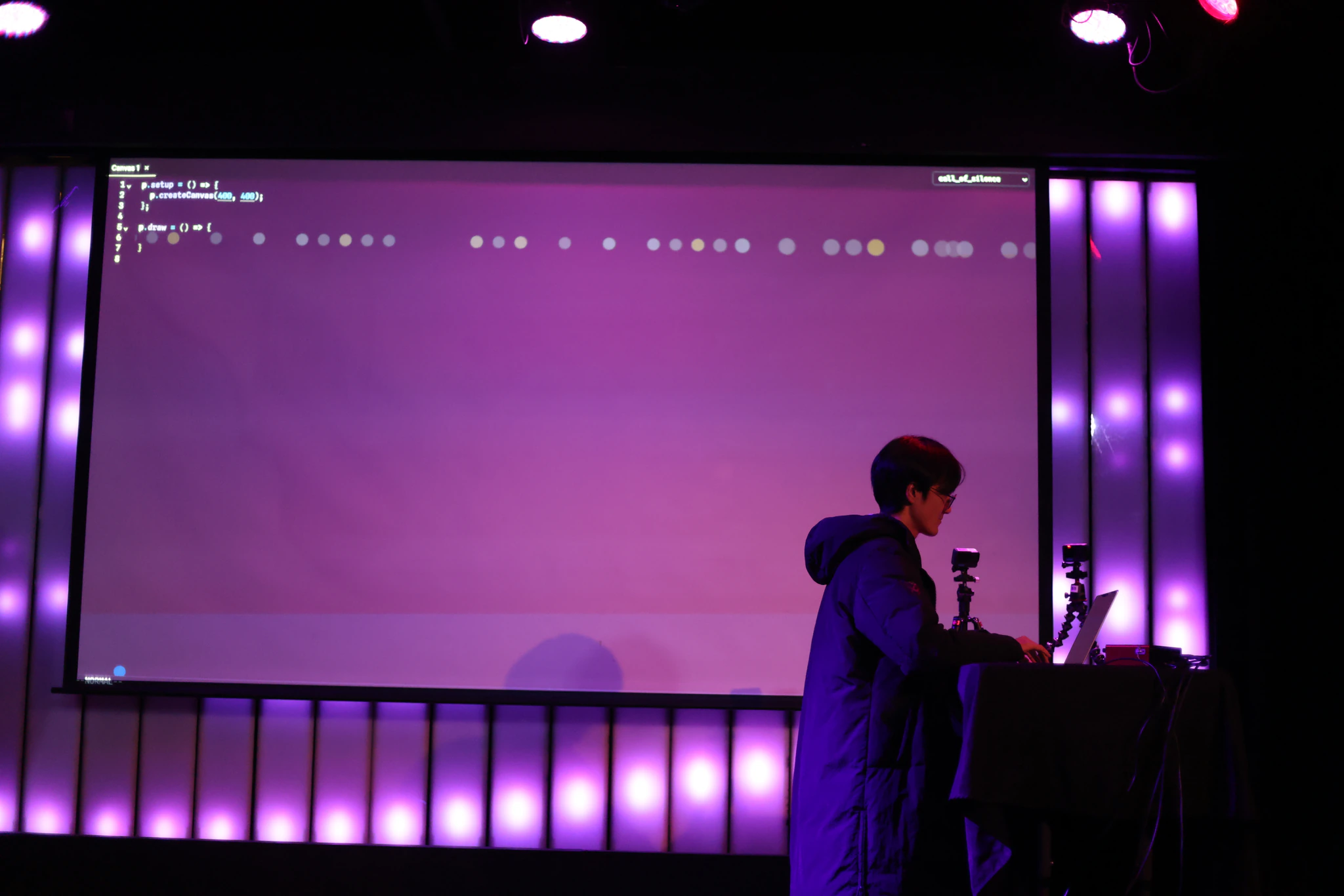
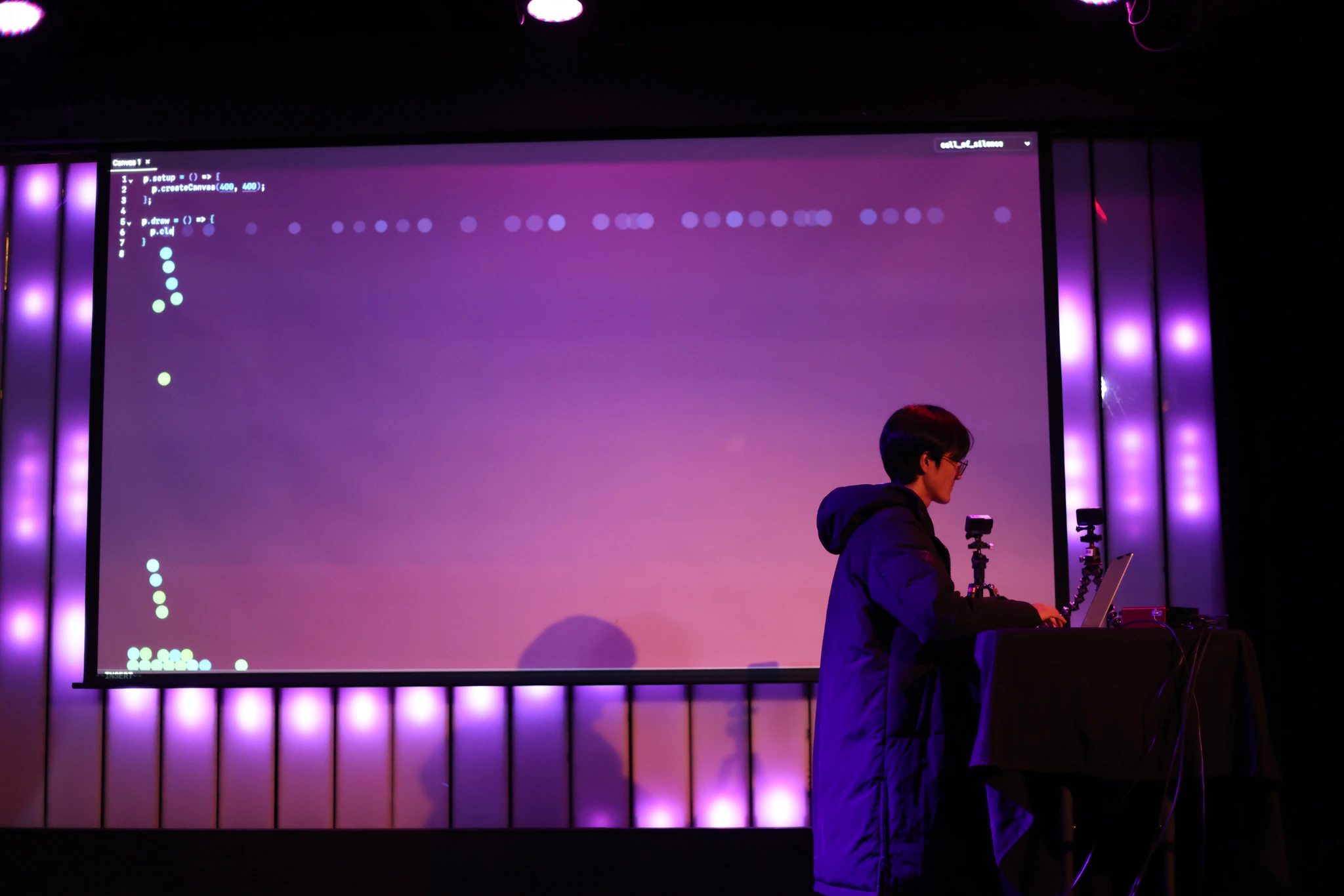
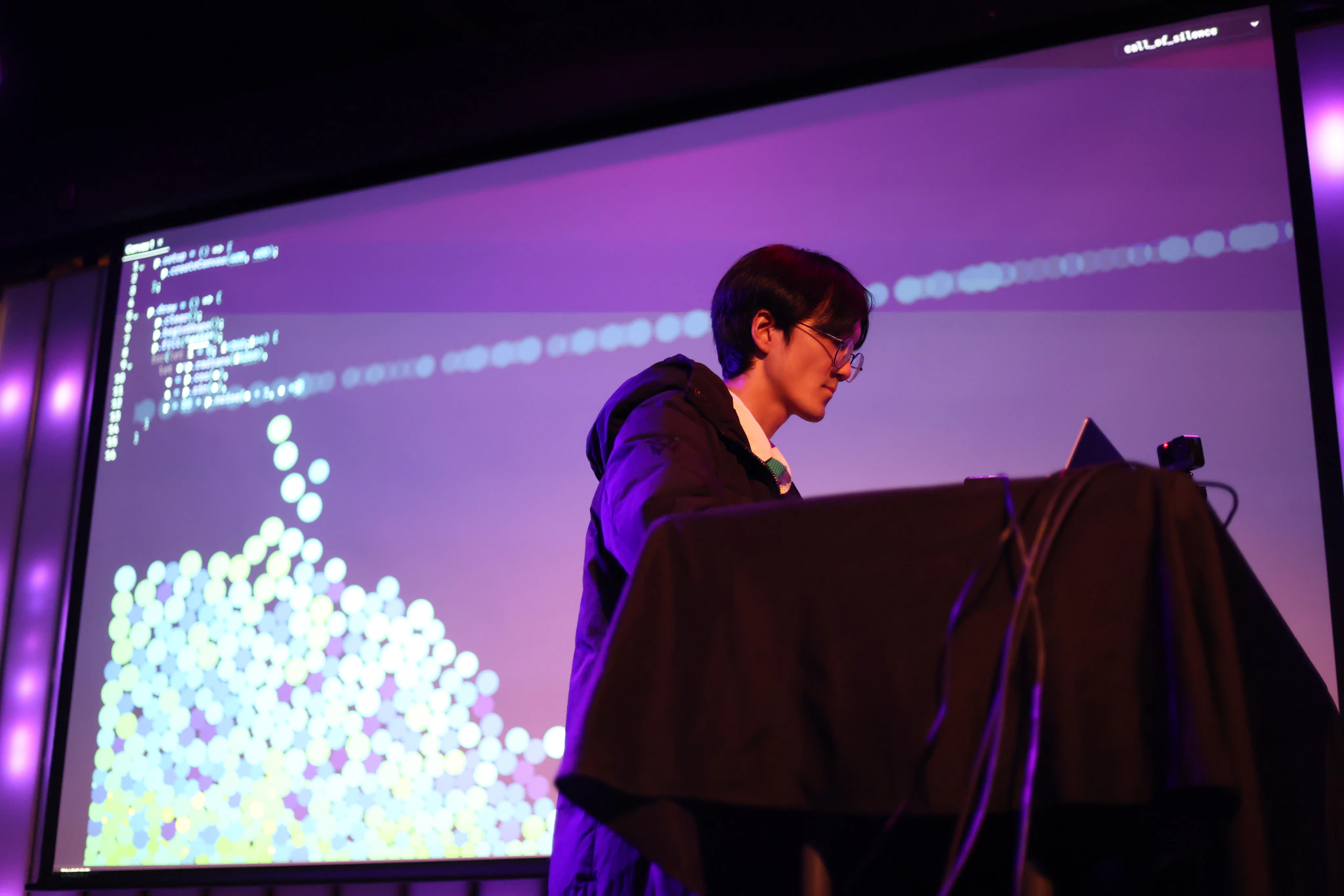
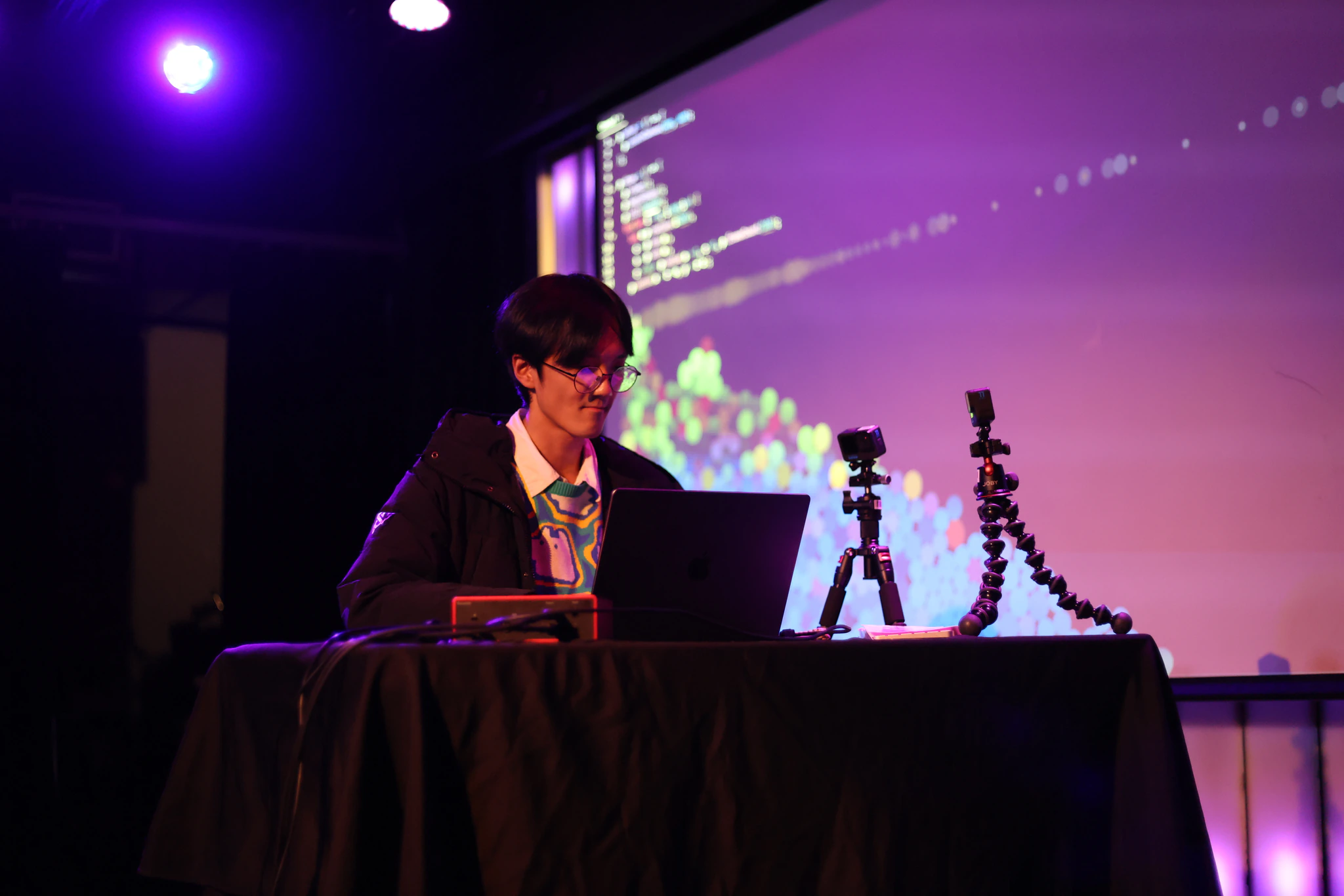
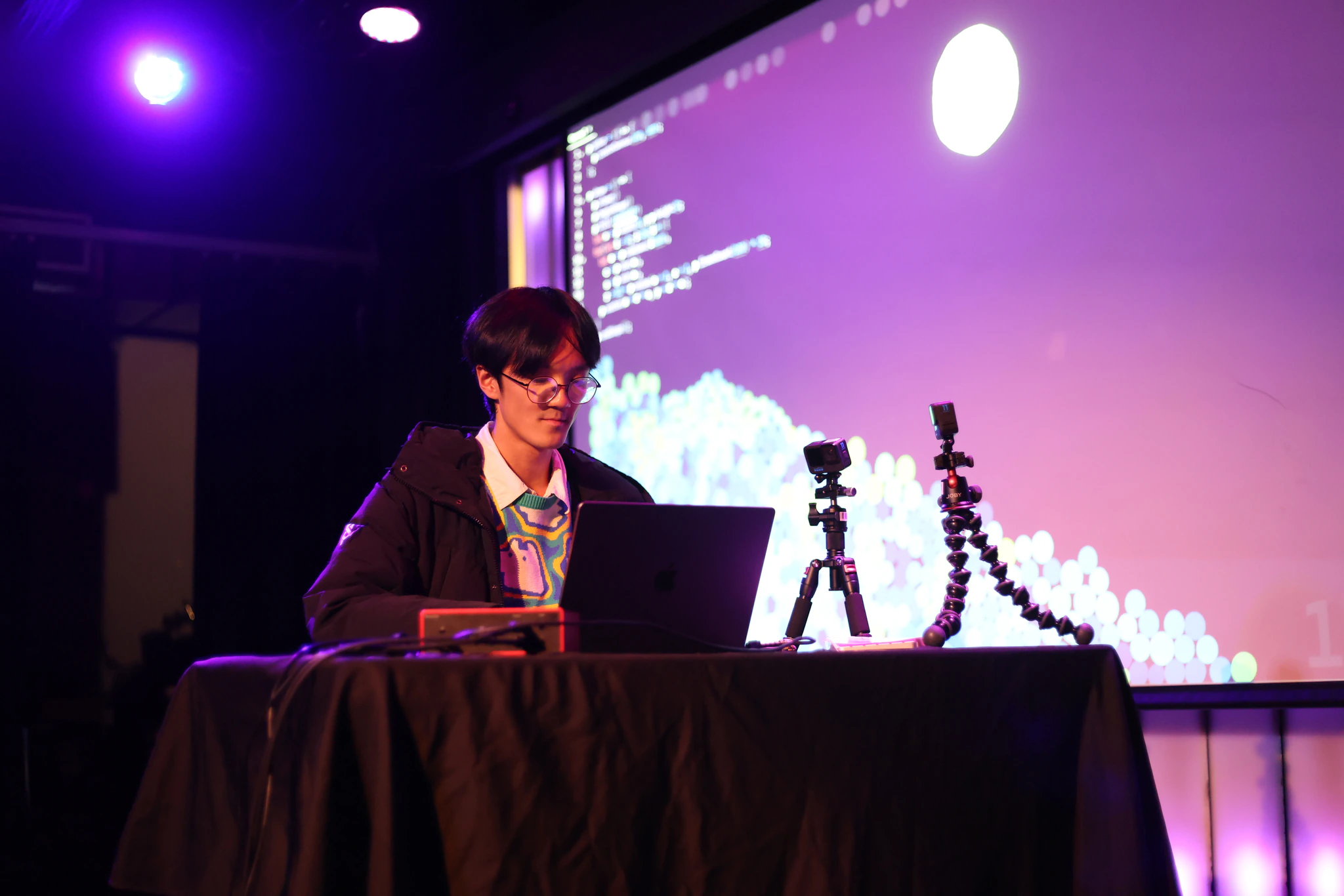
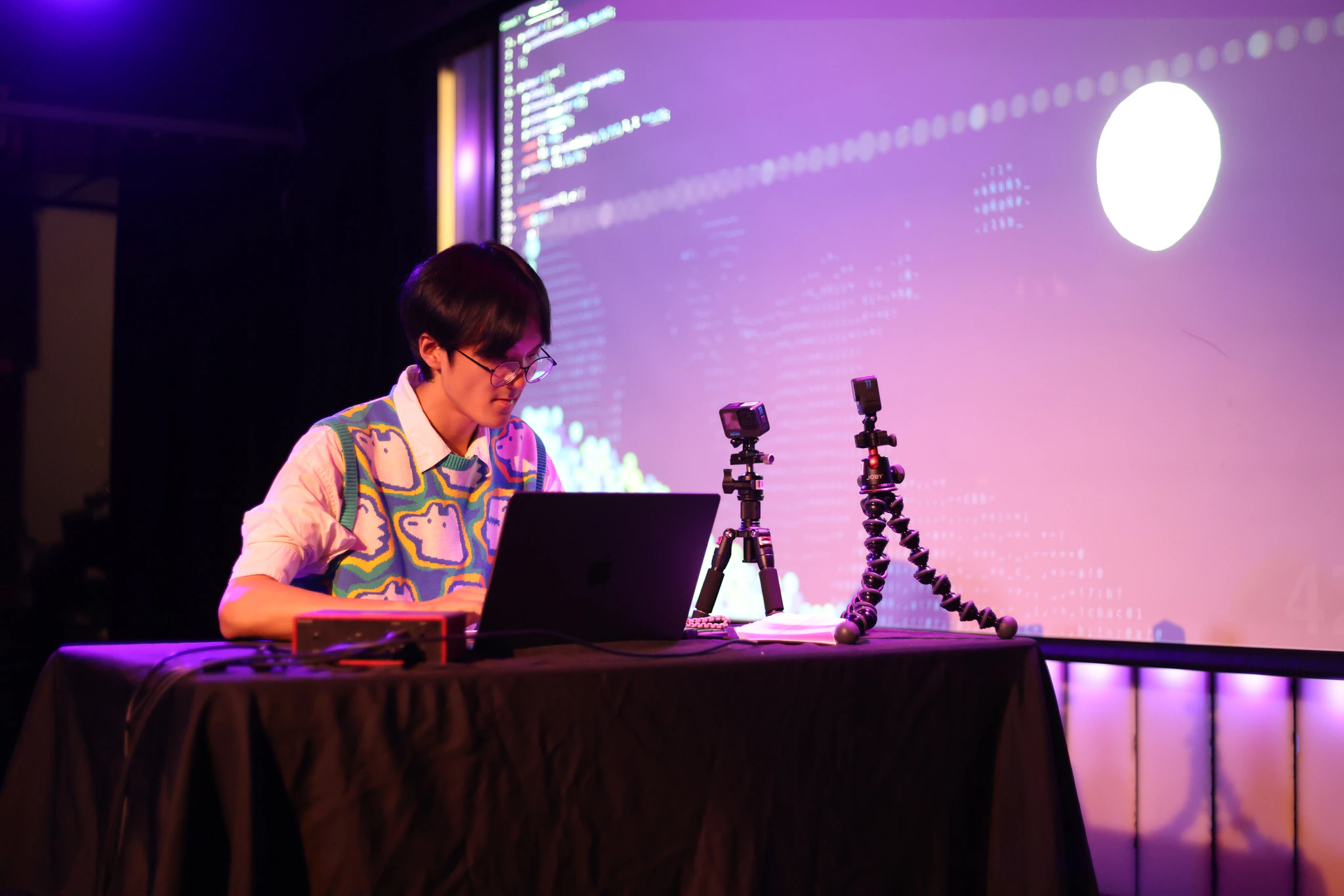
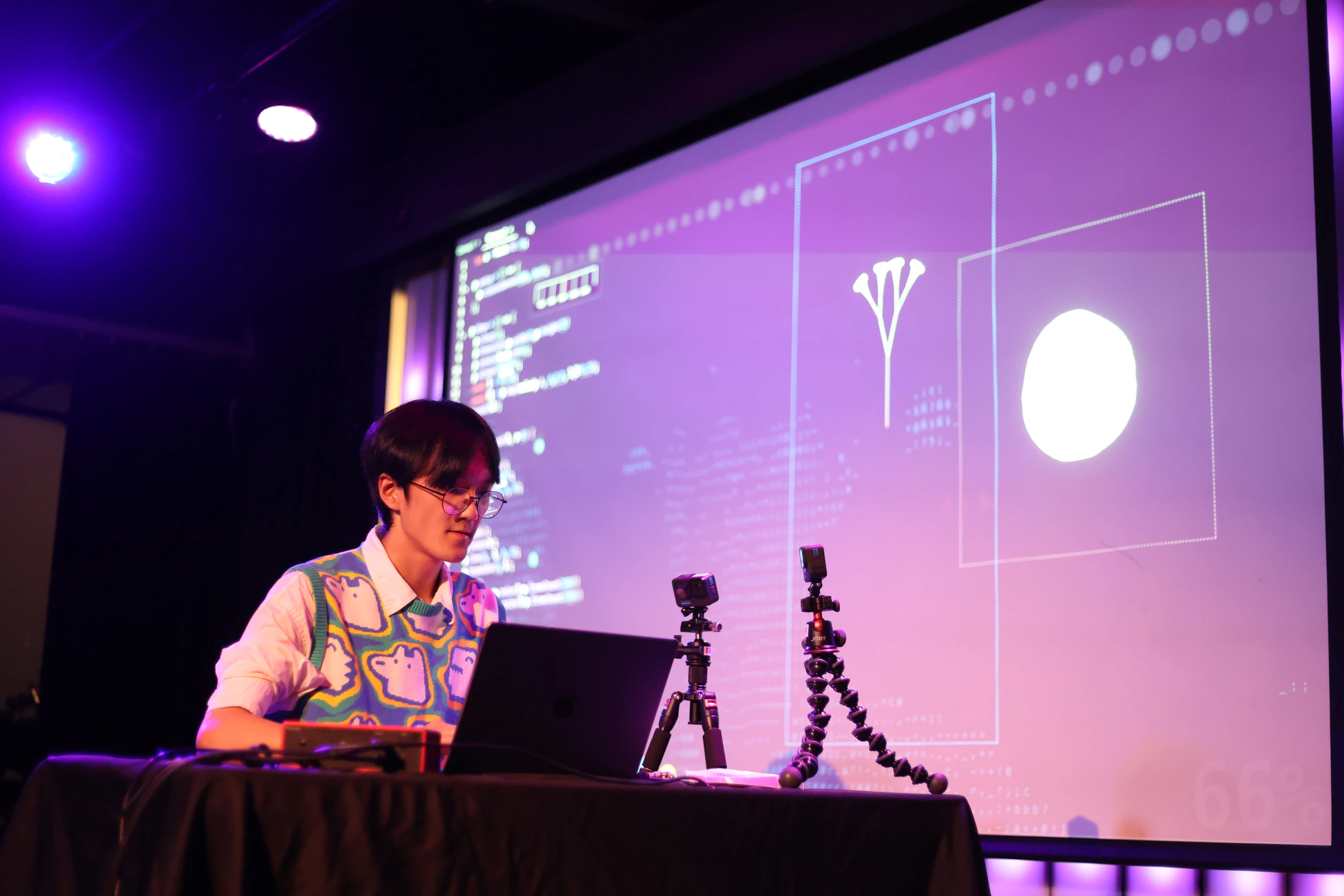
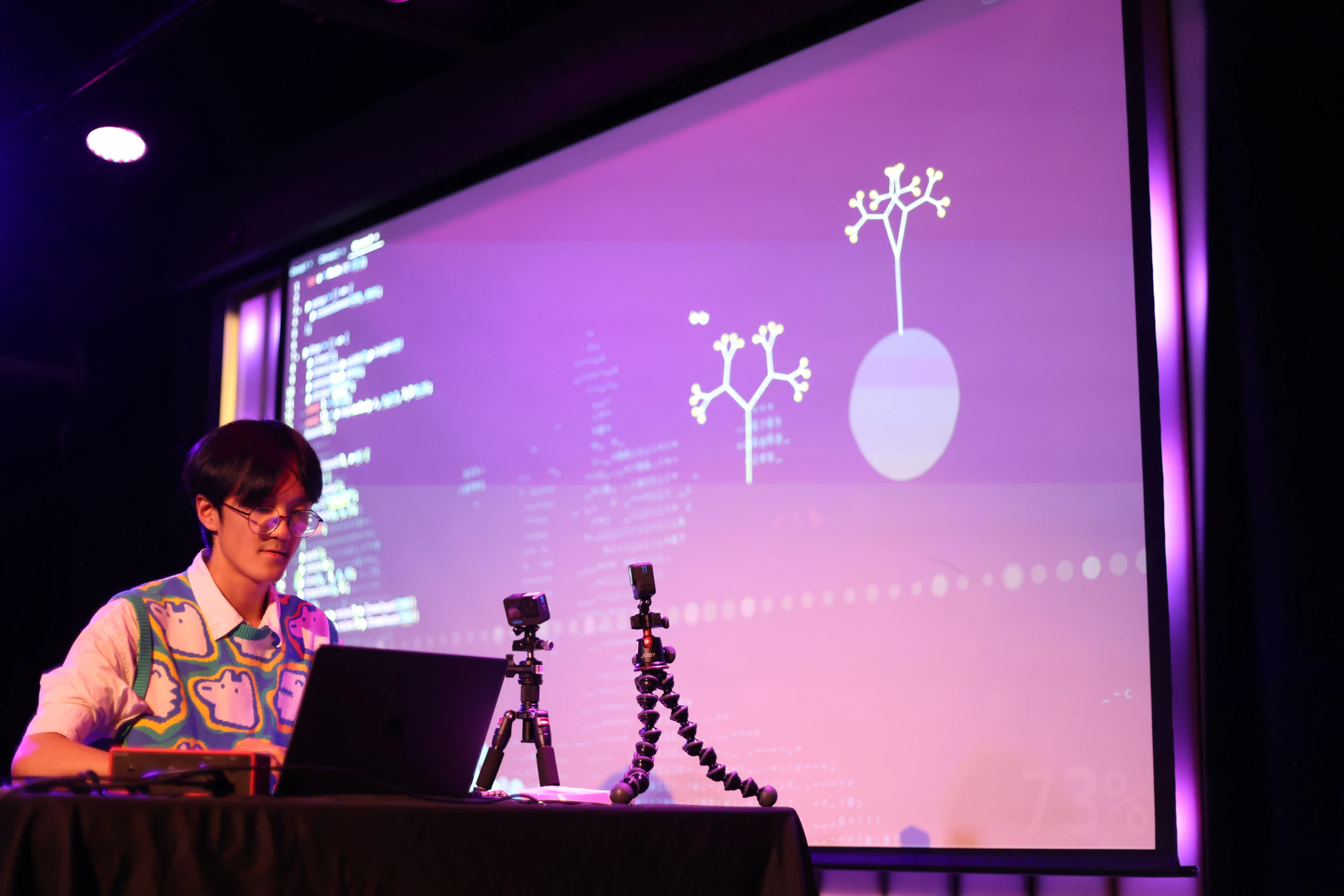
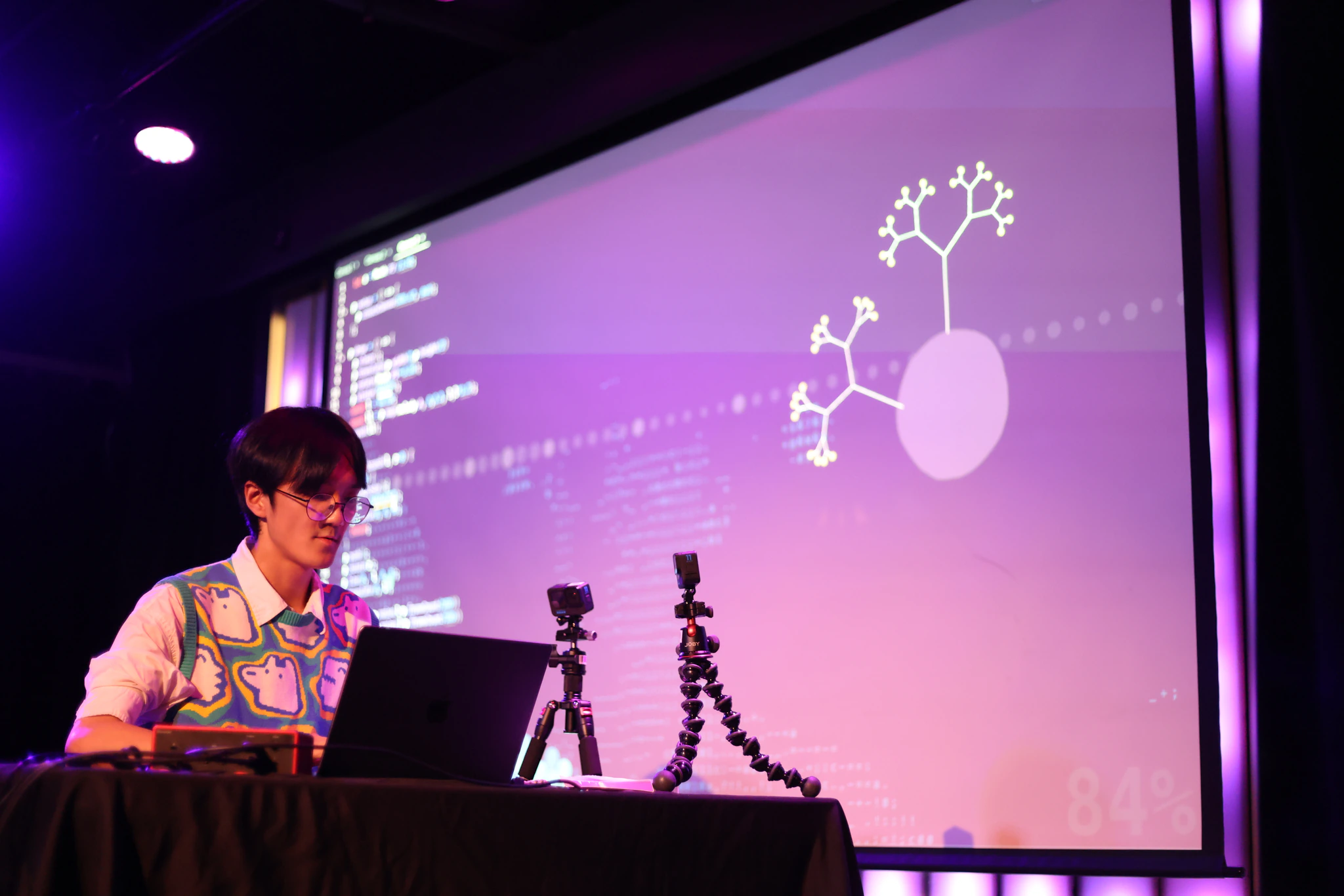
Here is what it all looked like at the end of the performance.
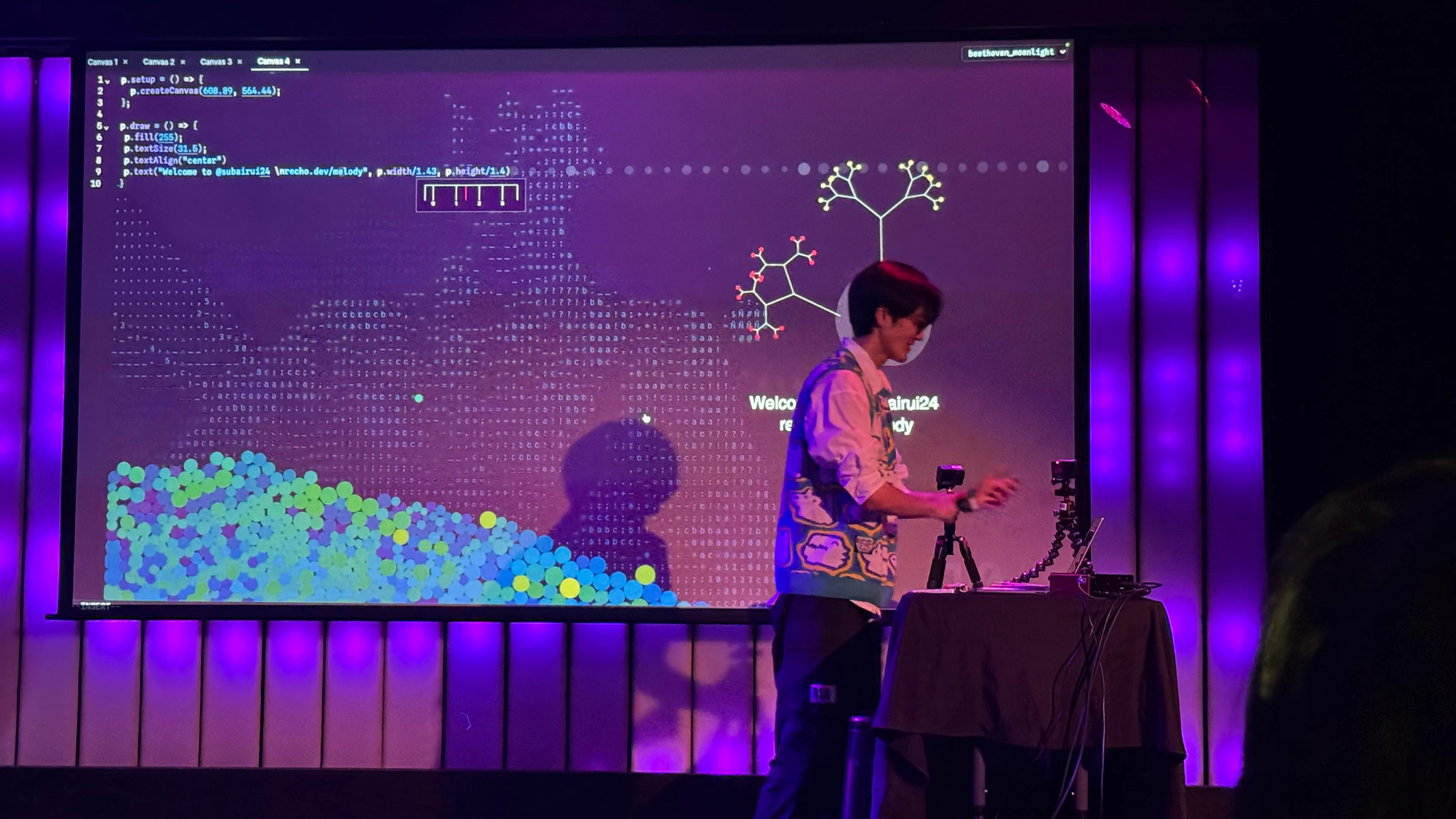
Here are some photos of our lovely audience!



Surprisingly, people really enjoyed my performance. It was a great honor for someone who couldn't play the piano at all and had no prior performance experience. The most rewarding feedback was that people didn’t expect coding could be so expressive—rich in elements, yet playful and harmonious. Someone joked that I was like a magician. They can even tell a sense of humor through my coding performance.
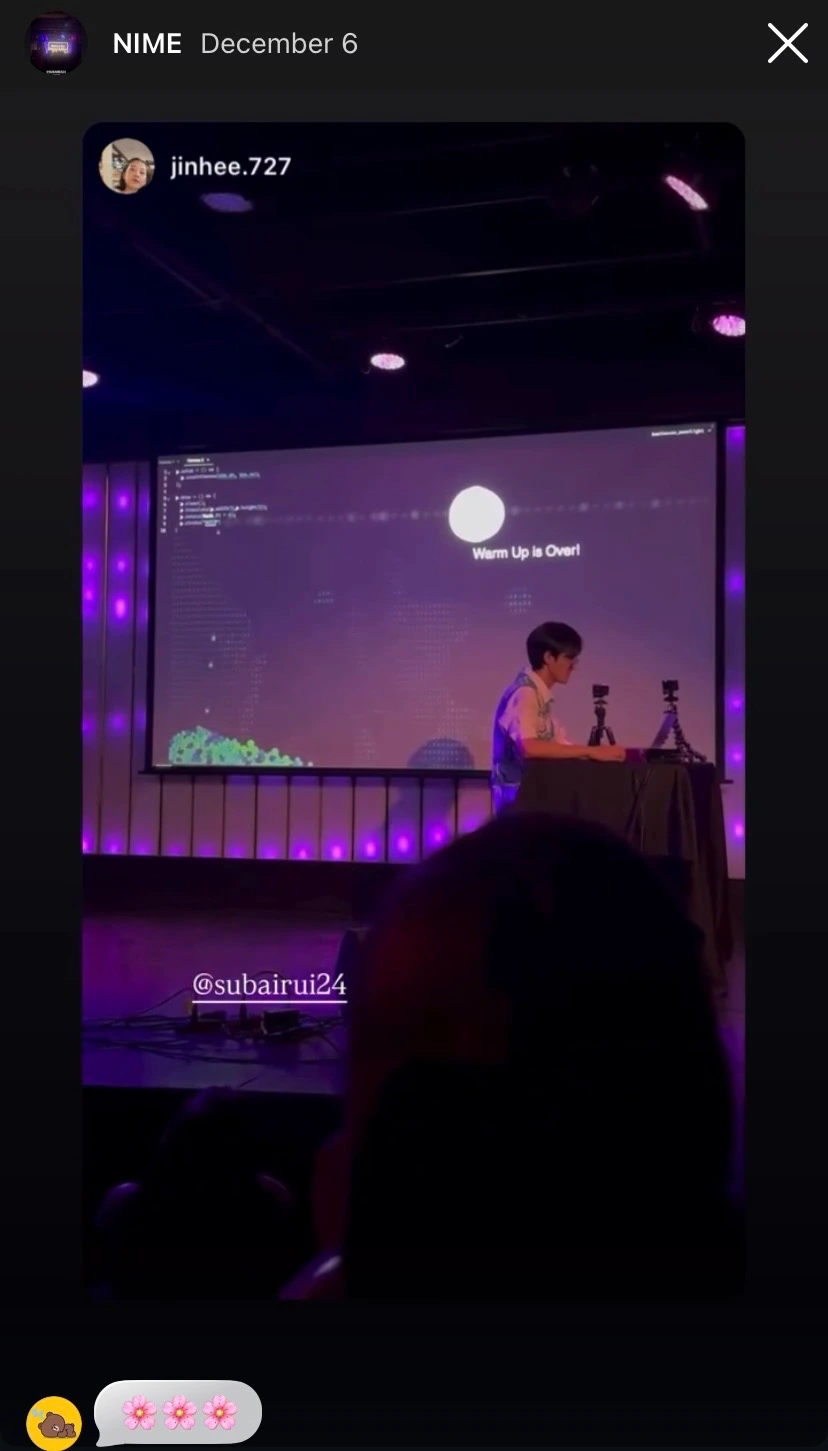
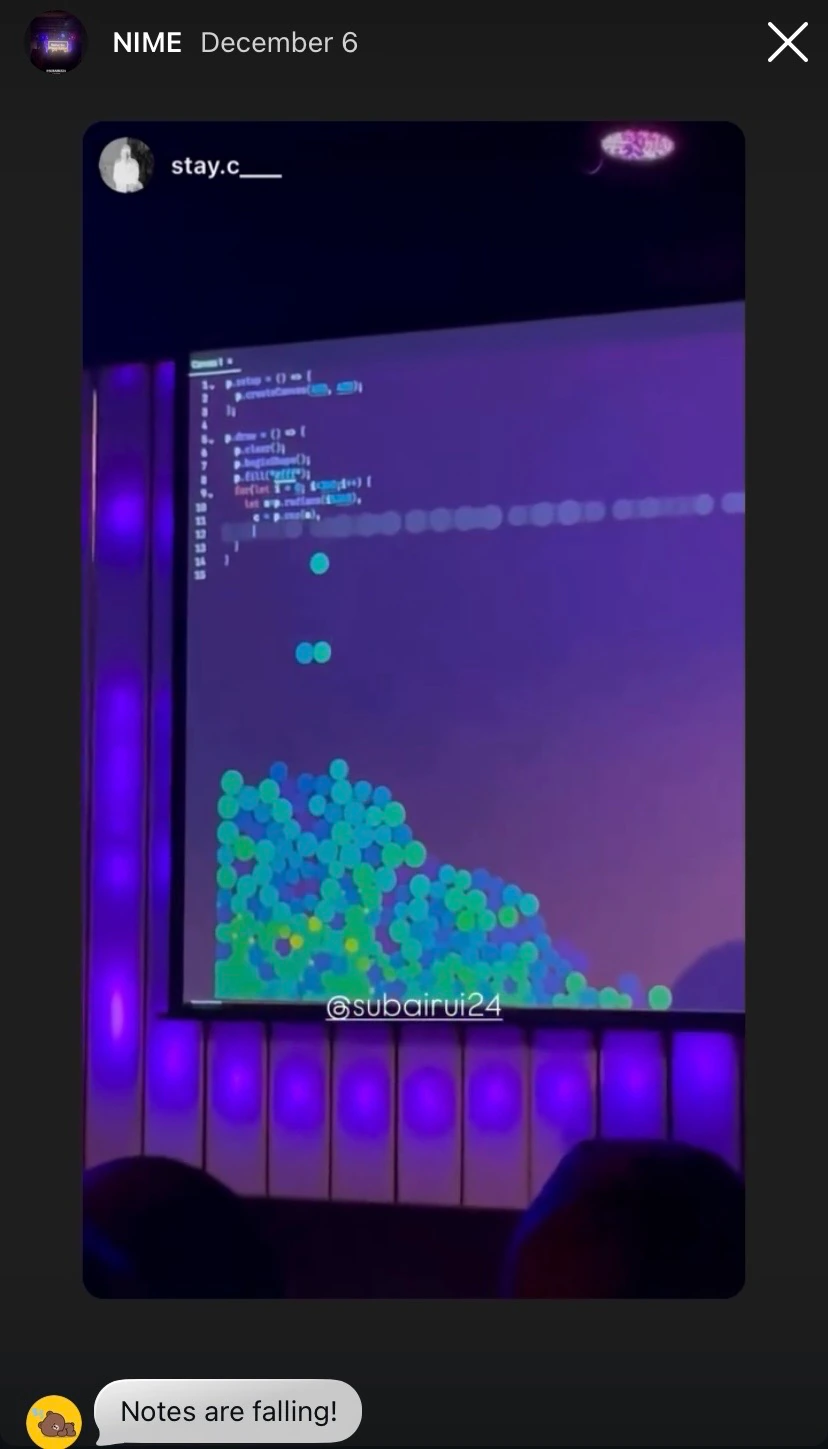
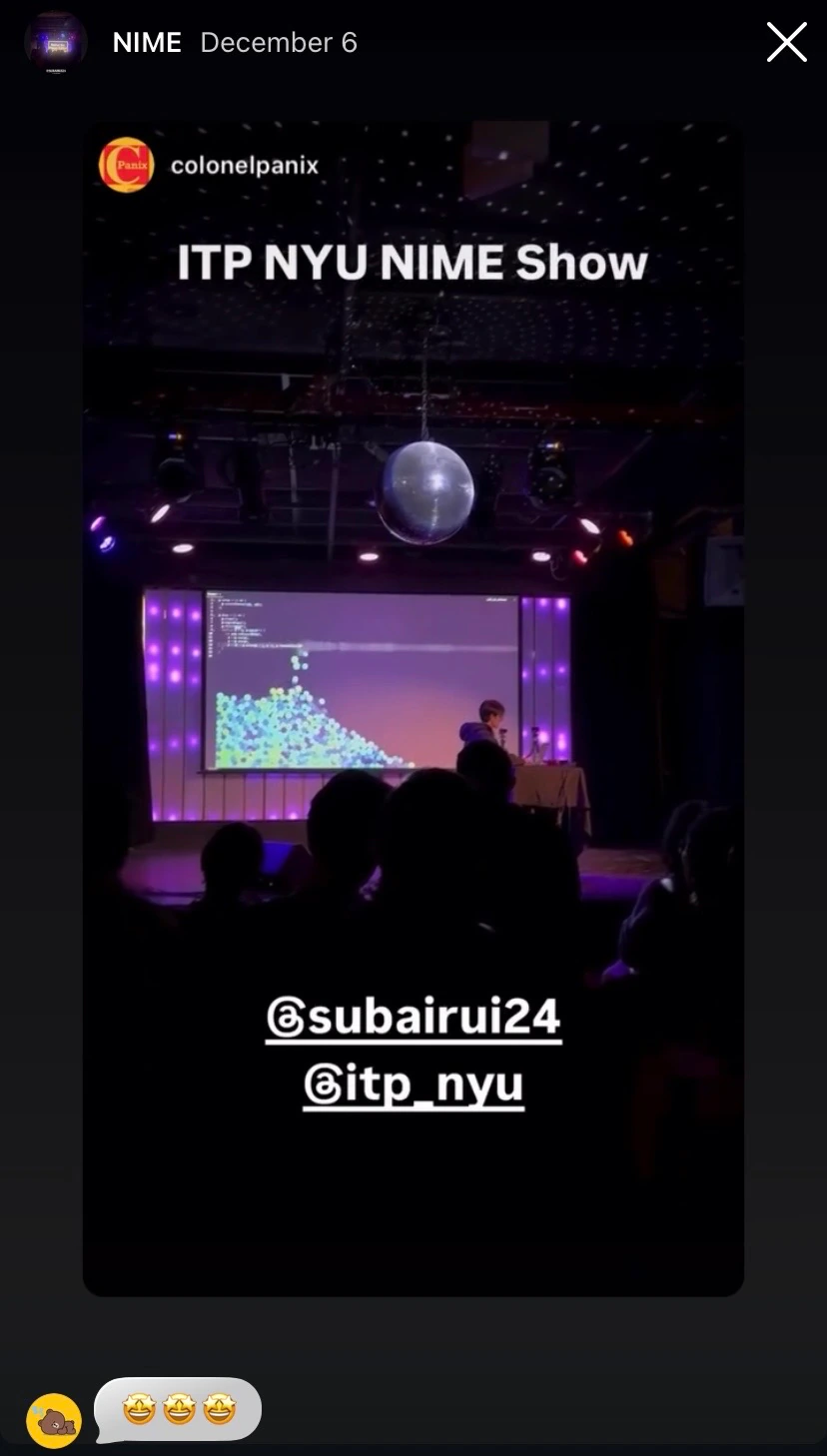
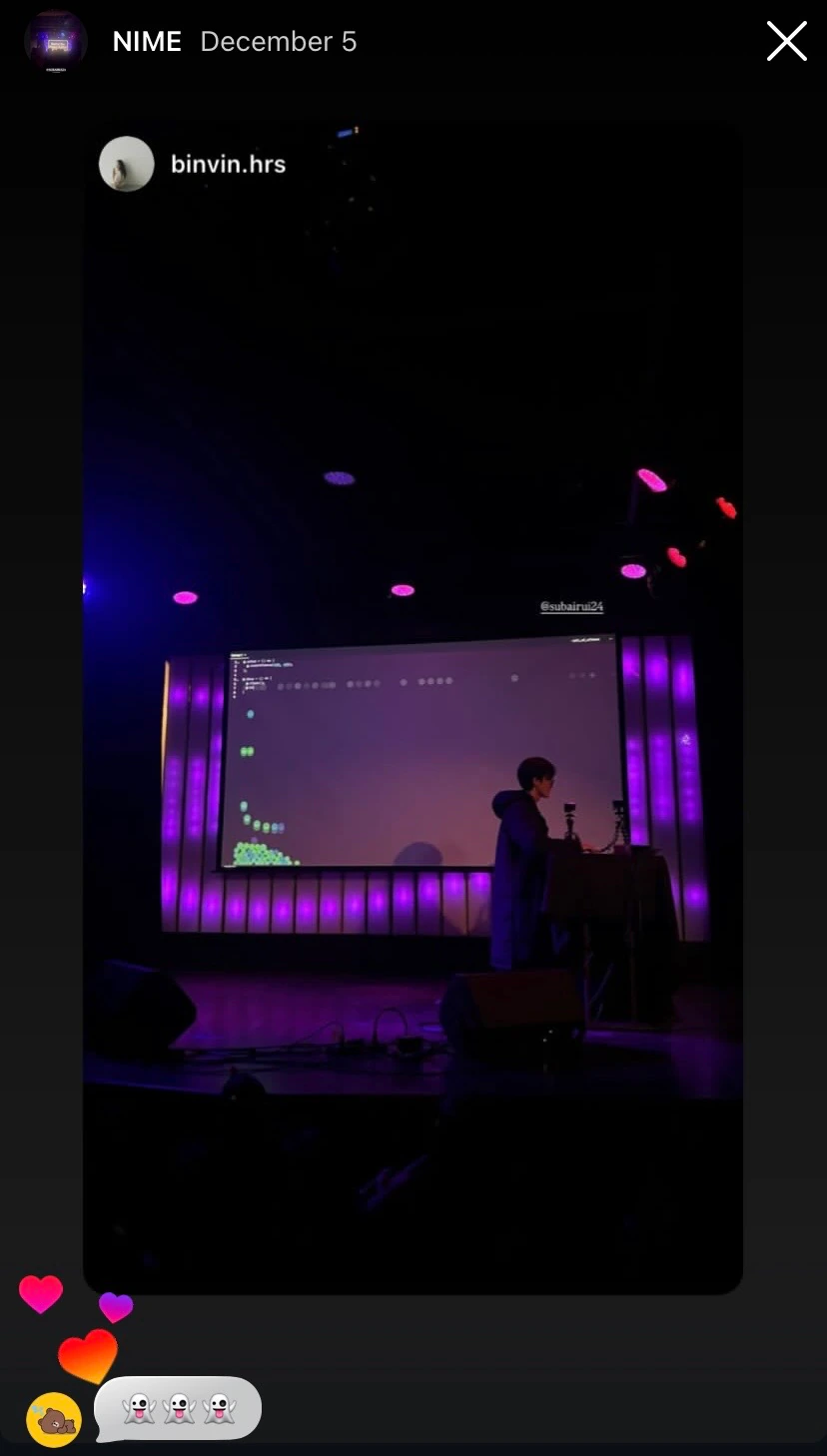
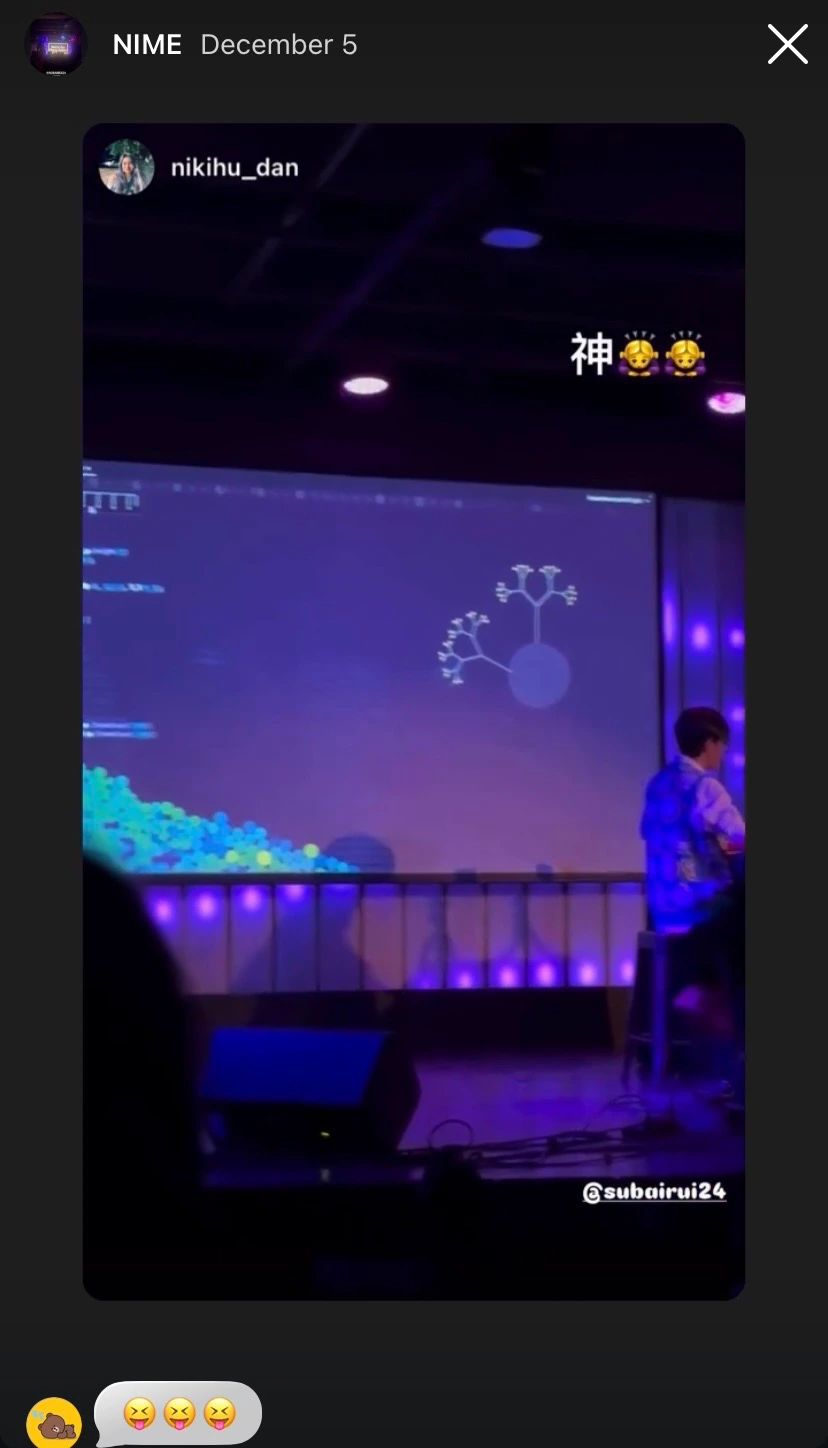
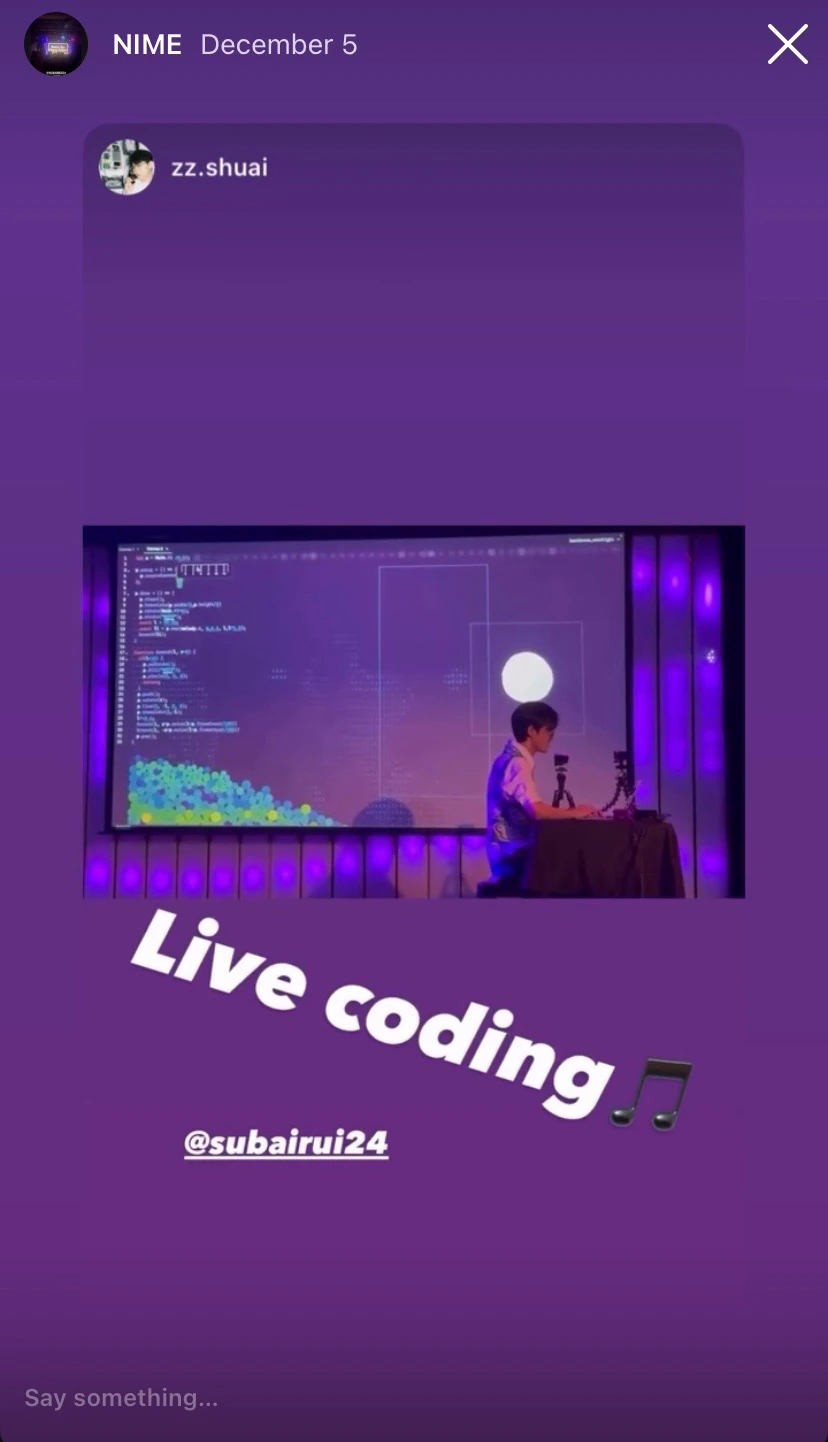
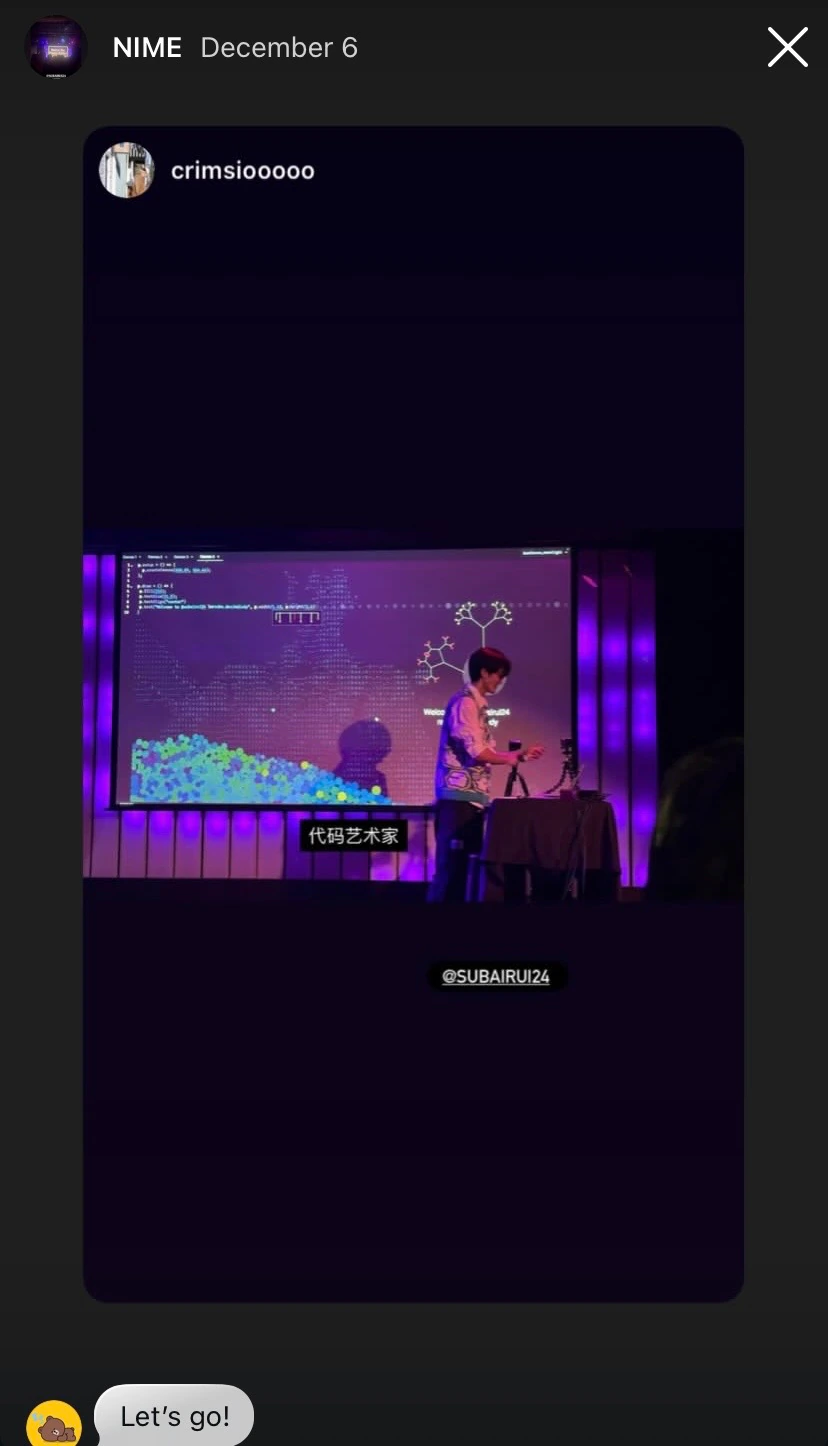
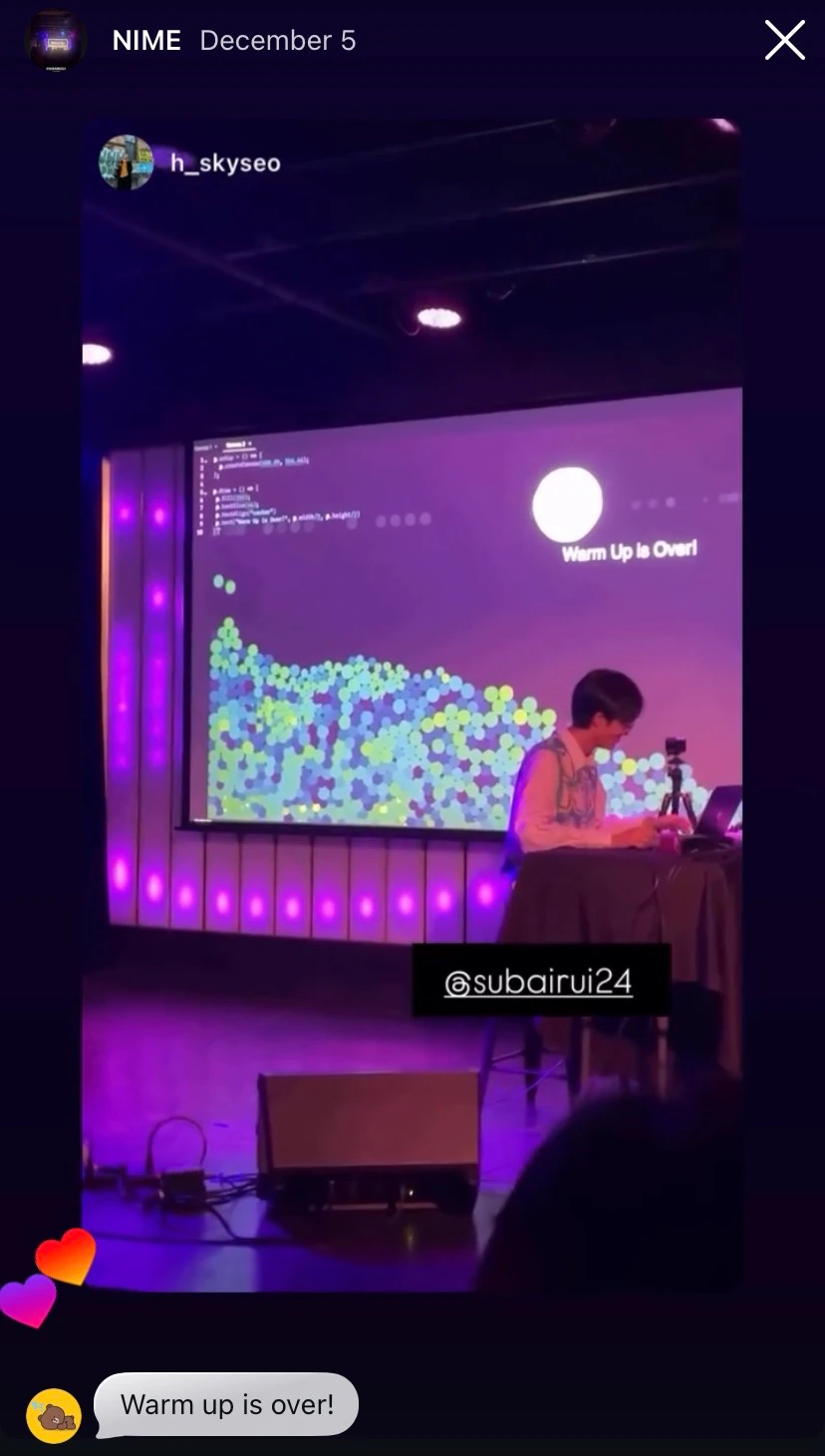
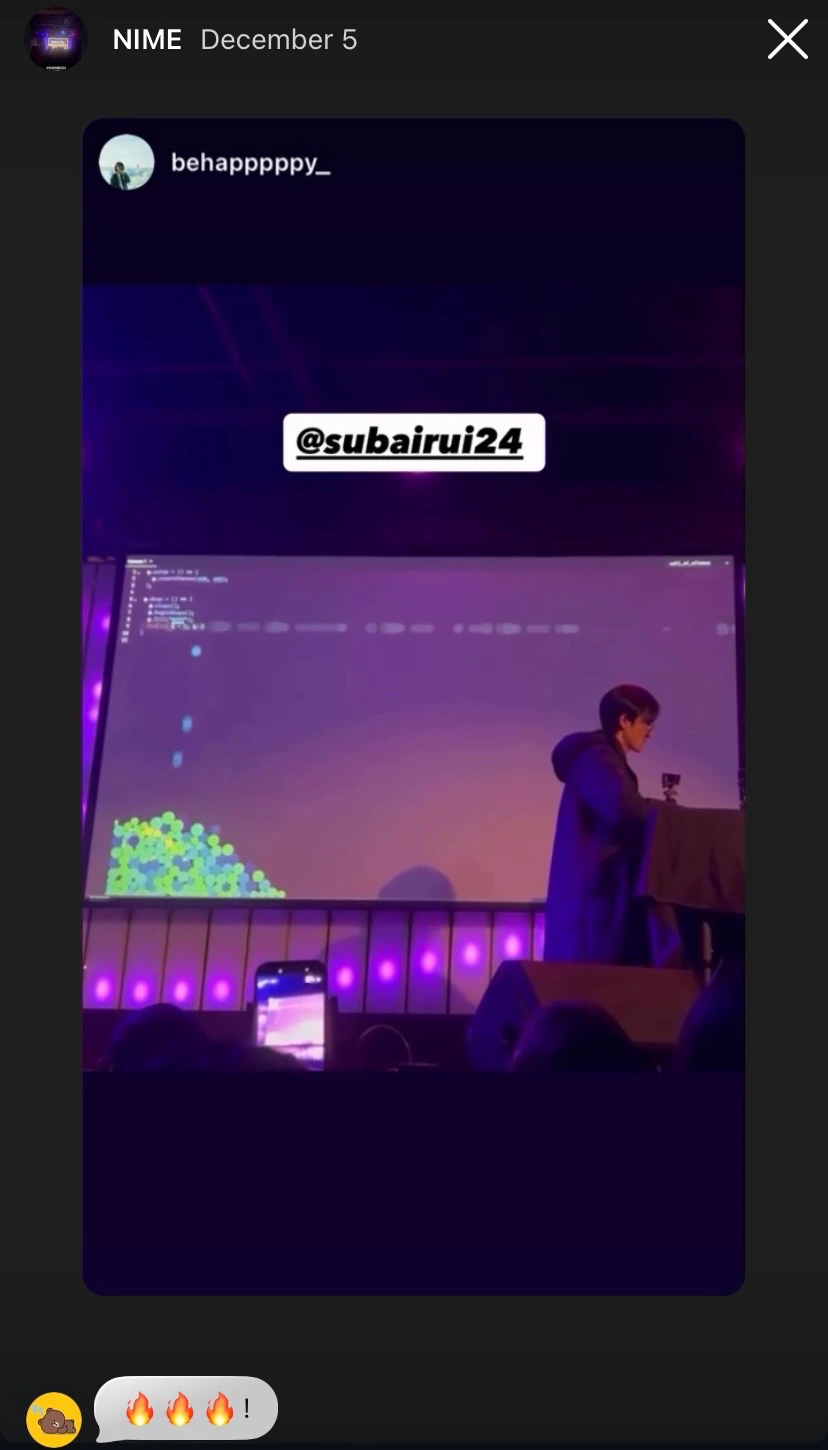
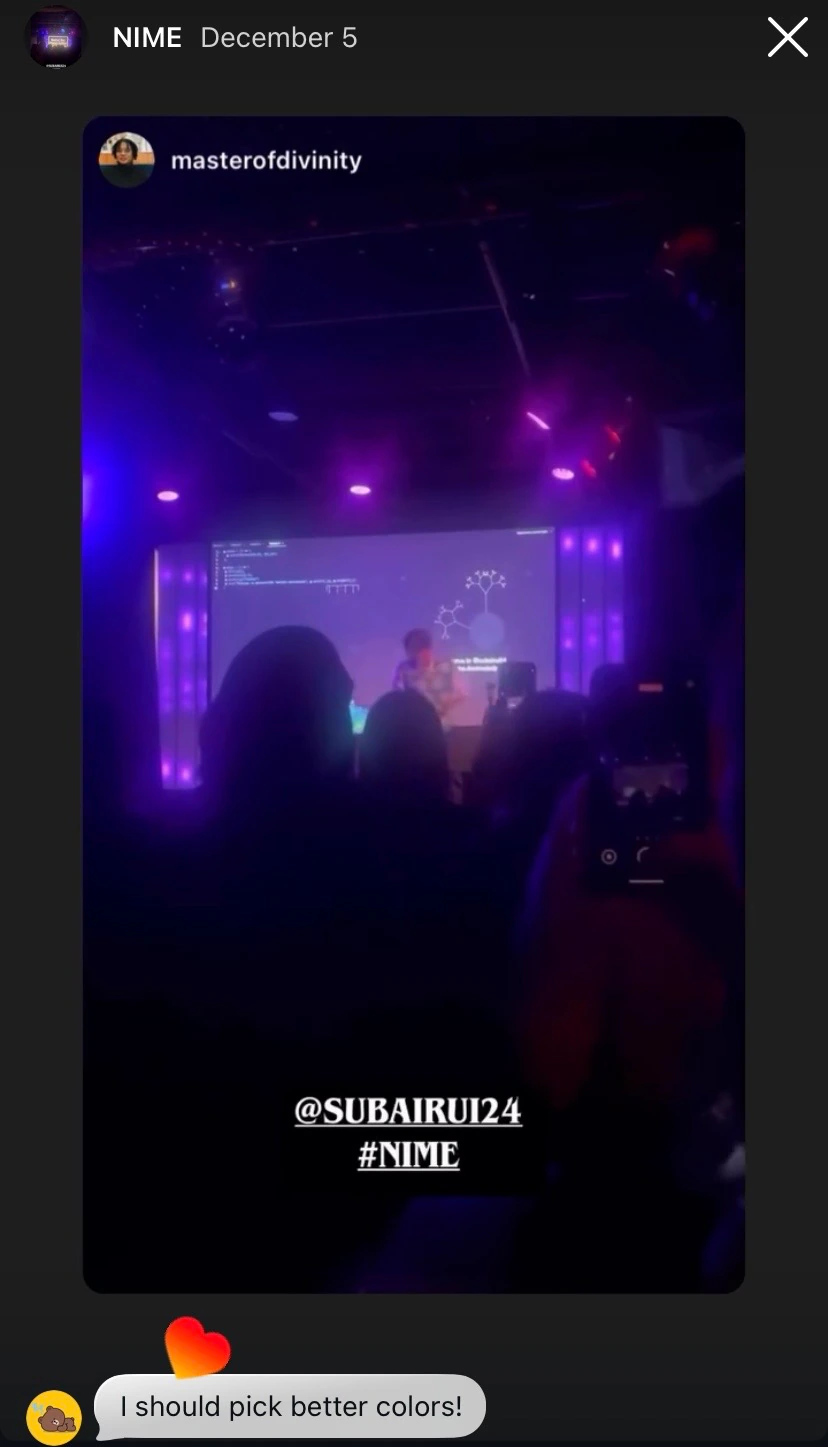
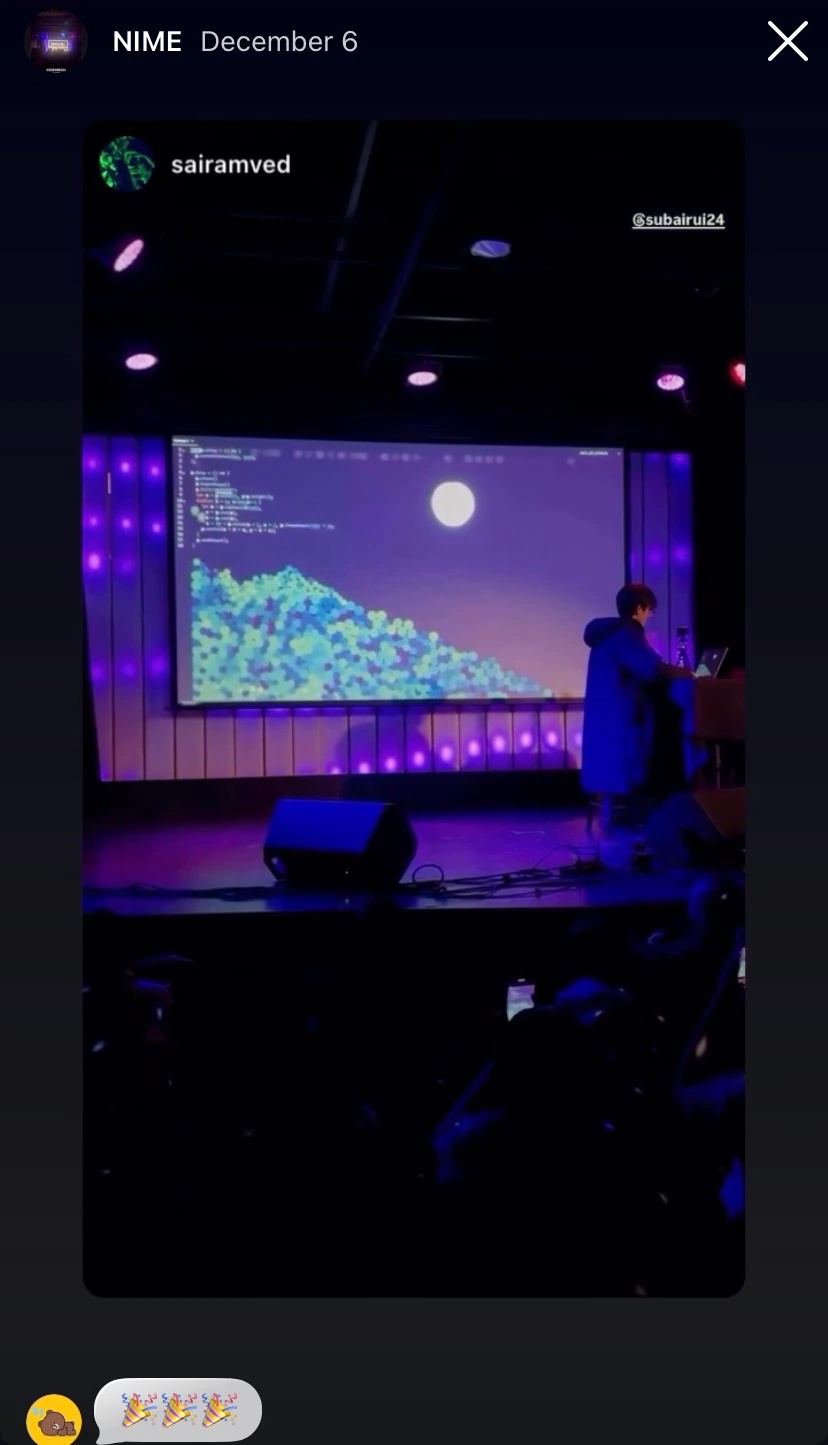
Here are some Instagram stories posted by participants:
Design Principles: Code with Music, not Make Music with Code
Unlike tools like Strudel, which focus on making music with code, Recho Melody is designed for coding with music. The following principles guide its design:
- Easy to play music: focusing more on the musical experience.
- Everything happens in one place: code, music, and graphics.
- Playful coding: see the results immediately.
With these principles in mind, Recho Melody has the following features:
Auto Play Piano Notes
Inspired by Touch Pianist, Recho Melody integrates a sequencer system to play the piano notes automatically when you press the keys. You don't need to learn any piano notes, just press the keys and see what happens. I made this design decision because I want to make the sonic part of this project more accessible to everyone. So they can focus on the visual part and enjoy the performance. Following is a video showing how to draw a circle with the piano playing.
Layered Graphics
Recho Melody also supports layering multiple layers of graphics to create a more complex and dynamic visual experience. The following layers are supported:
- Falling Notes: Notes are falling as circles from the position of current cursor.
- Piece Progress: Displaying the progress of the piece.
- Canvas: Drawing custom graphics.
- WebCam: Displaying the webcam feed.
The following is a video showing how to use different canvas layers to draw a scene with the WebCam layer.
Number Sliders and Color Pickers
Inspired by Bret Victor's Inventing on Principle, number sliders and color pickers are introduced to offer a smoother coding experience for better playing around with the parameters. The following is a video showing how to use number sliders and color pickers to "grow" a tree.
Global Amplitude
A subtle but interesting feature is that Recho Melody exposes the amplitude of the audio as a global variable, so you can use it to animate the graphics with the sound. The following is a video showing how to use the amplitude to animate a circle.
Process
I created Recho Melody in David Rios' NIME (New Interfaces for Musical Expression) class at ITP. I first just created a simple editor to play the piano notes automatically when you press the keys. Then I added more visual features and interactive features to make it more interesting. After that, I thought it would be cool if we blend the canvas with the editor, so I added the canvas layer to the editor. Then it was natural to add more layers! Here are some iterations of the editor.
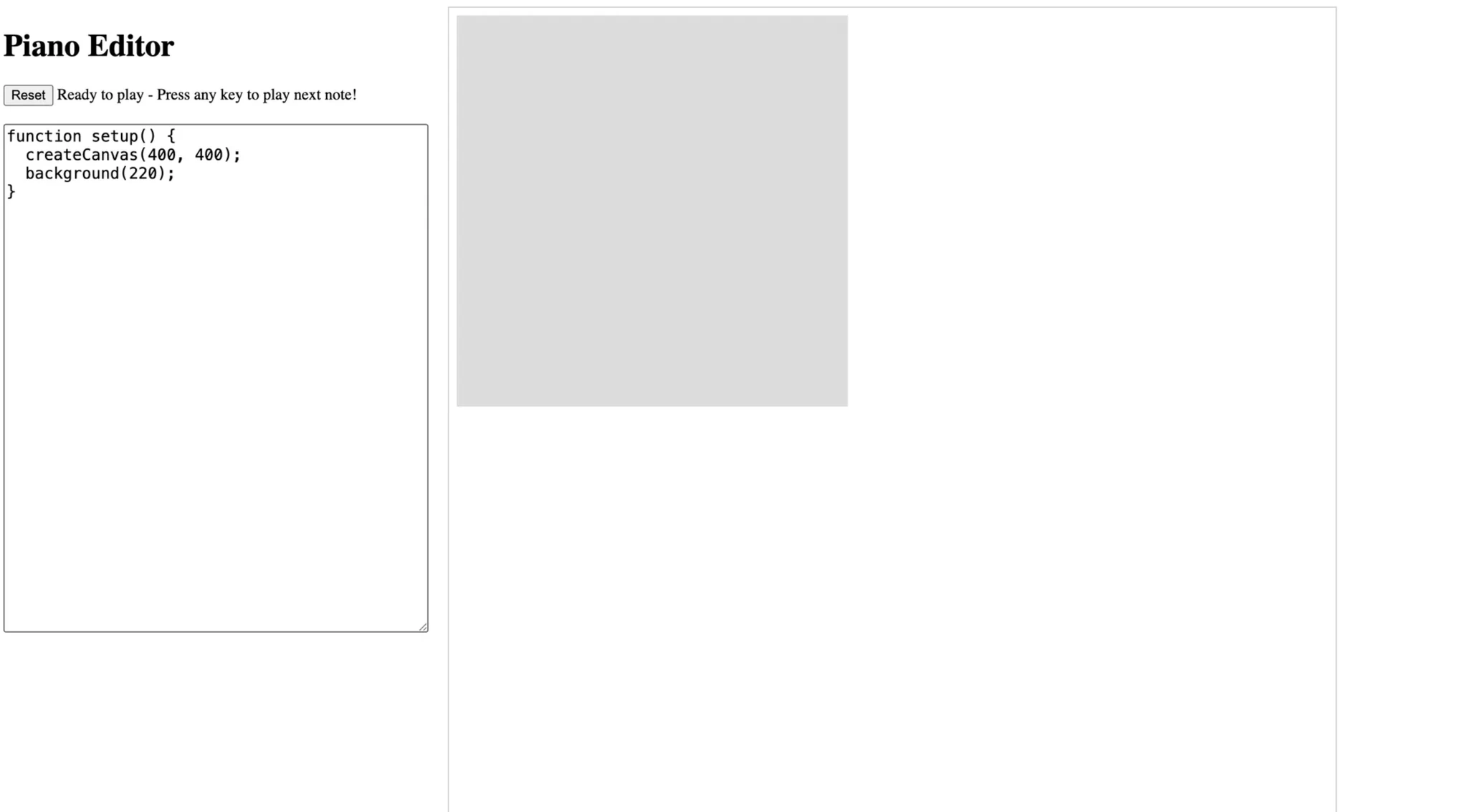 Proof of Concept
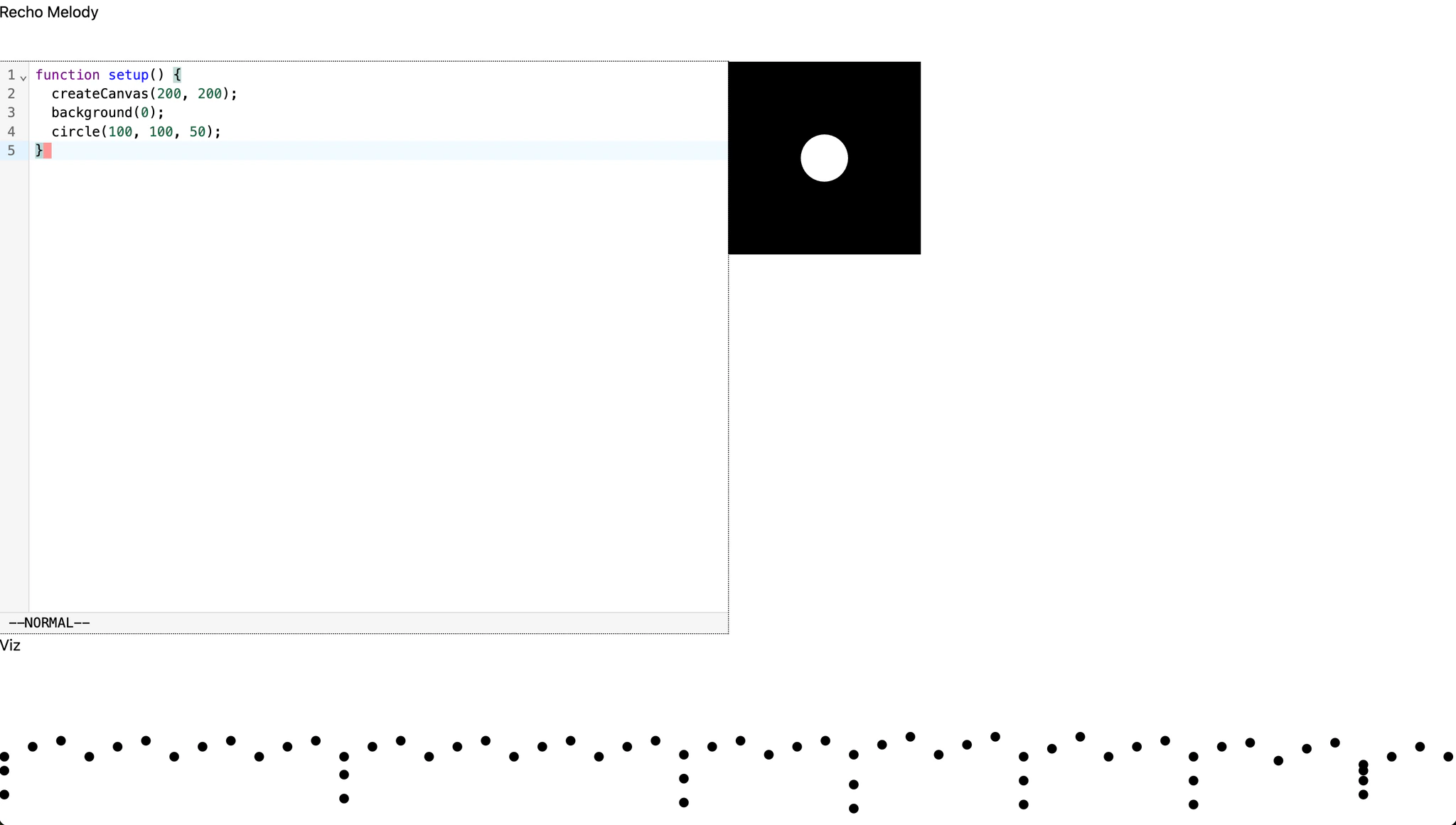 Add Notes Dots
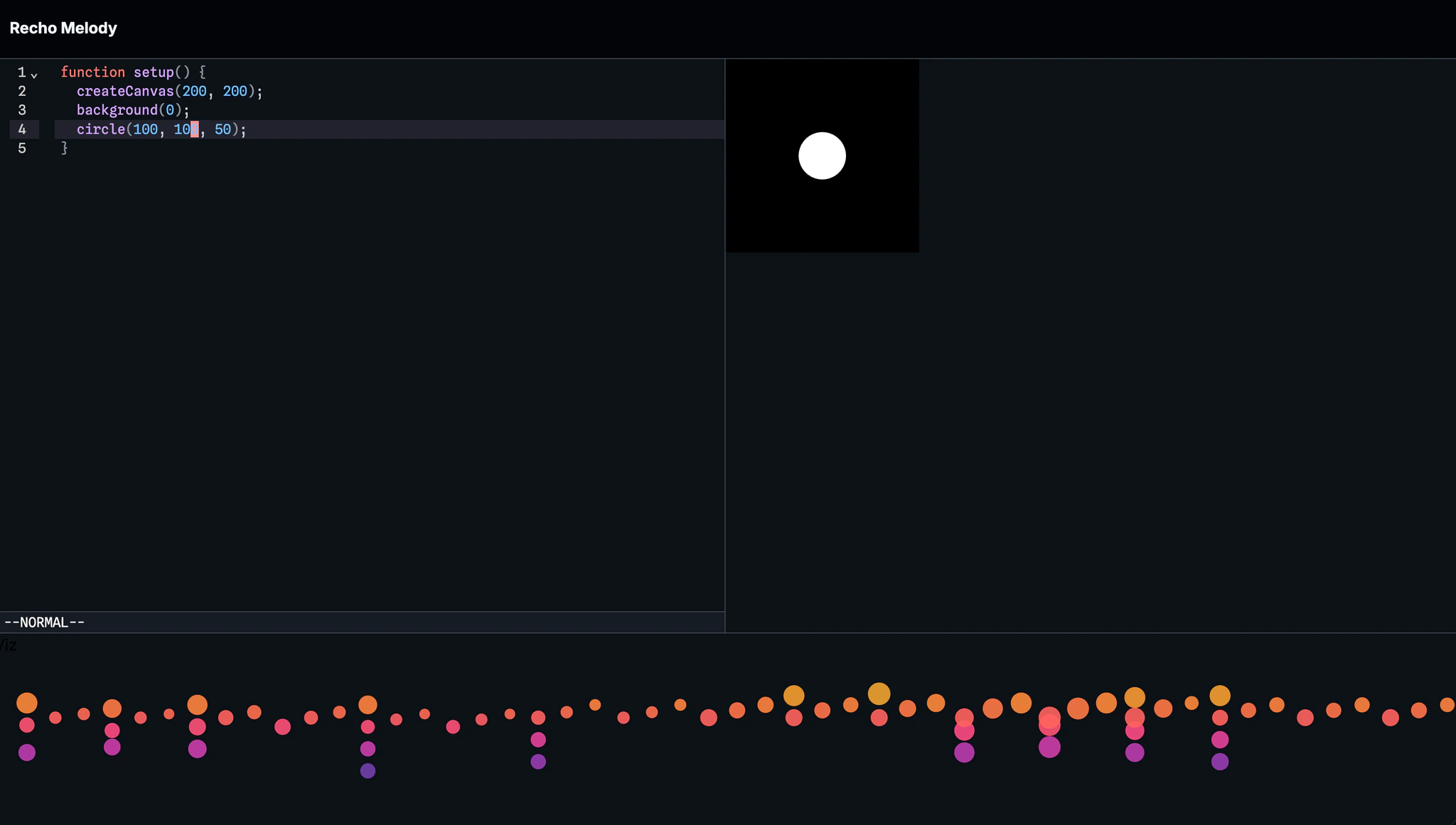 Optimize VisualStyles
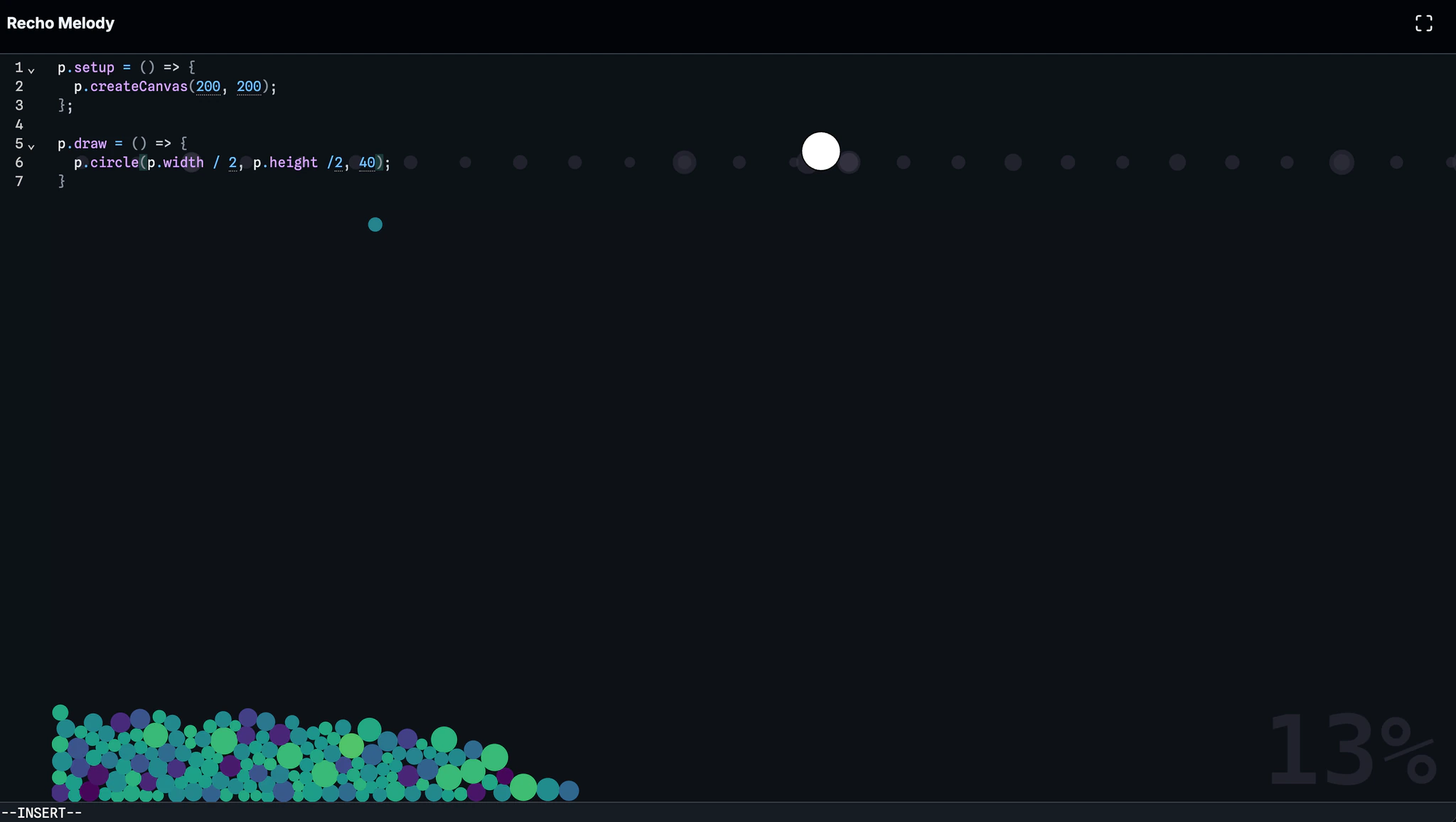 Pivot to Falling Notes
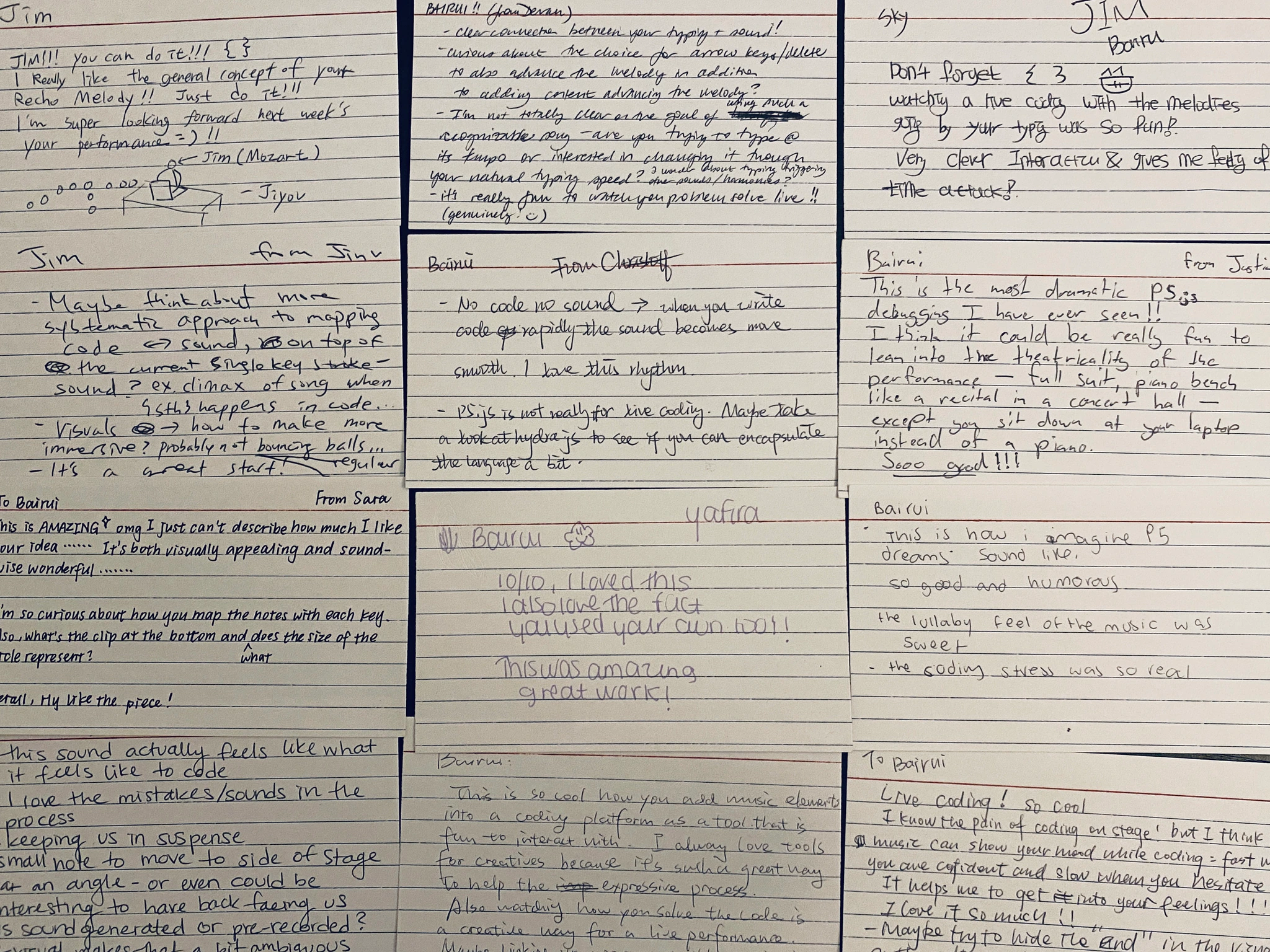
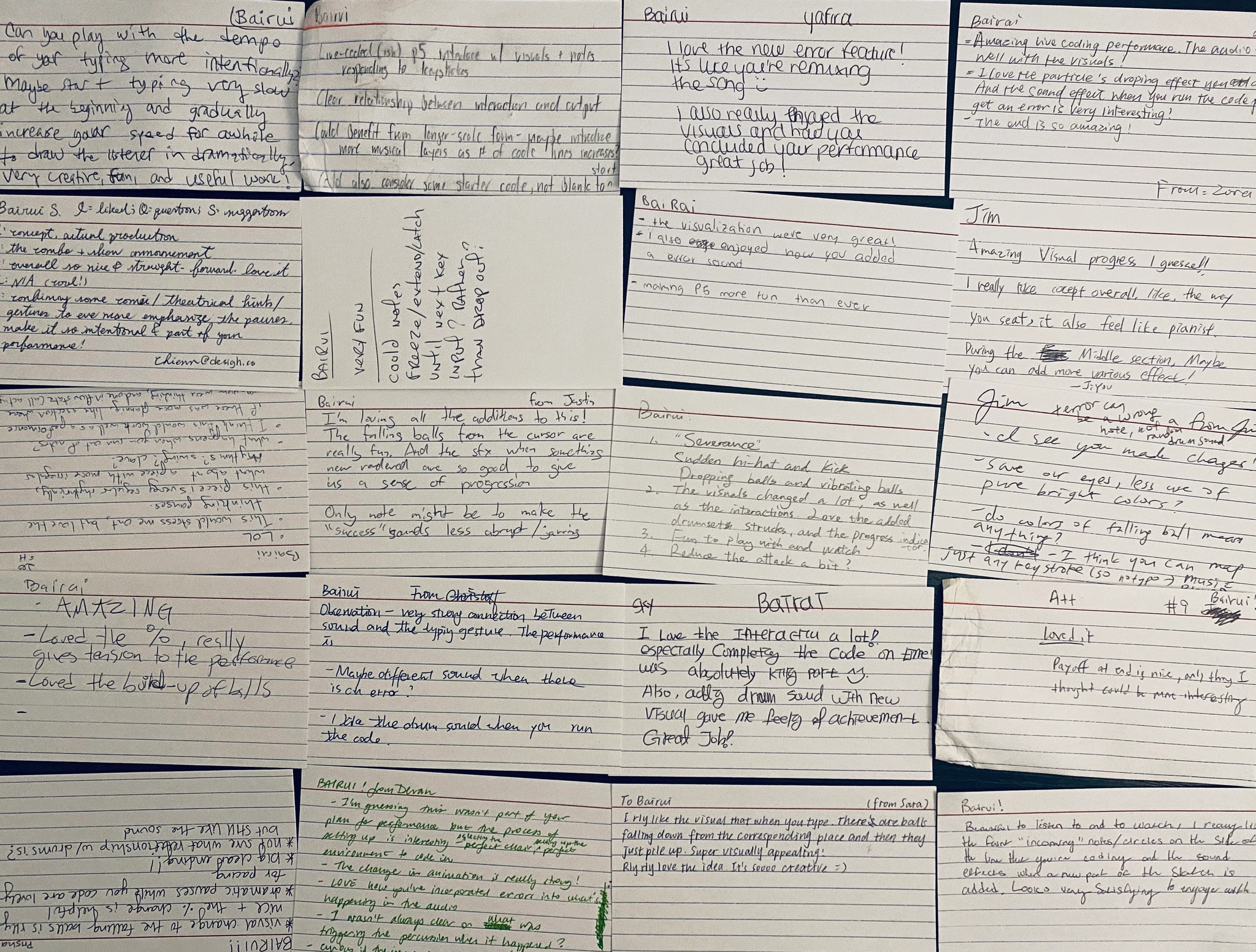
The most helpful thing during the whole process was the feedback from my classmates. We performed from time to time. Each time, we needed to write feedback on cards and share with each other. This really made a big difference! Thanks to all of them!
Future Work
After talking with the p5.js project leader Kit Kuksenok, I'm thinking about making Recho Melody a game for learning creative coding. The basic idea is that we give users some creative coding challenges and they can use Recho Melody to solve them in a playful way.
Reflection
Recho Melody gives me a lot of surprises.
As a person who knows nothing about music and is even bad at singing, I'm surprised that I can perform in front of a crowd and people really enjoy it. Code makes all of these things possible. This deepens my belief that code is not only a tool for programming, but also a tool for expressing myself and communicating with others.
Another thing is that I'm really grateful to David Rios and all of my classmates. To be honest, I was too nervous to even see the code clearly while performing. But they gave me a lot of confidence and support through their cards. It made me feel I was not performing alone and didn't create Recho Melody alone.
This is indeed a collective performance!